Installation
Requires Python 3.9 or later.
pip install respan-tracing
RespanTelemetry.
export RESPAN_API_KEY="your-api-key"
export RESPAN_BASE_URL="https://api.respan.ai/api"  # optional, this is the default
Trace a workflow
from respan_tracing import RespanTelemetry, workflow, task

telemetry = RespanTelemetry(api_key="your-api-key")

@task(name="compute")
def compute(x: int, y: int):
    return x + y

@workflow(name="math_workflow")
def math_workflow():
    result = compute(2, 3)
    return result

print(math_workflow())  # 5
@workflow decorator creates a root trace, and @task creates a child span nested inside it.
Trace an LLM call
Auto-instrumentation captures OpenAI (and other LLM provider) calls automatically.
from respan_tracing import RespanTelemetry, workflow, task
from openai import OpenAI

telemetry = RespanTelemetry(api_key="your-api-key")
client = OpenAI()

@task(name="generate_joke")
def generate_joke():
    response = client.chat.completions.create(
        model="gpt-4o-mini",
        messages=[{"role": "user", "content": "Tell me a joke about tracing"}],
    )
    return response.choices[0].message.content

@workflow(name="joke_workflow")
def joke_workflow():
    return generate_joke()

print(joke_workflow())
Class-based workflows
Use the method_name parameter to decorate a class and specify the entry point method.
from respan_tracing import RespanTelemetry, workflow, task
from openai import OpenAI

telemetry = RespanTelemetry(api_key="your-api-key")
client = OpenAI()

@workflow(name="joke_agent", method_name="run")
class JokeAgent:
    @task(name="joke_creation")
    def create_joke(self):
        completion = client.chat.completions.create(
            model="gpt-4o-mini",
            messages=[{"role": "user", "content": "Tell me a joke about AI"}],
        )
        return completion.choices[0].message.content

    def run(self):
        return self.create_joke()

print(JokeAgent().run())
get_client() to attach customer identifiers, metadata, and other Respan-specific attributes.
from respan_tracing import RespanTelemetry, workflow, get_client

telemetry = RespanTelemetry(api_key="your-api-key")

@workflow(name="user_workflow")
def user_workflow(user_id: str):
    client = get_client()
    client.update_current_span(
        respan_params={
            "customer_identifier": user_id,
            "metadata": {"source": "quickstart"},
        }
    )
    return "done"

user_workflow("user-123")
View your traces
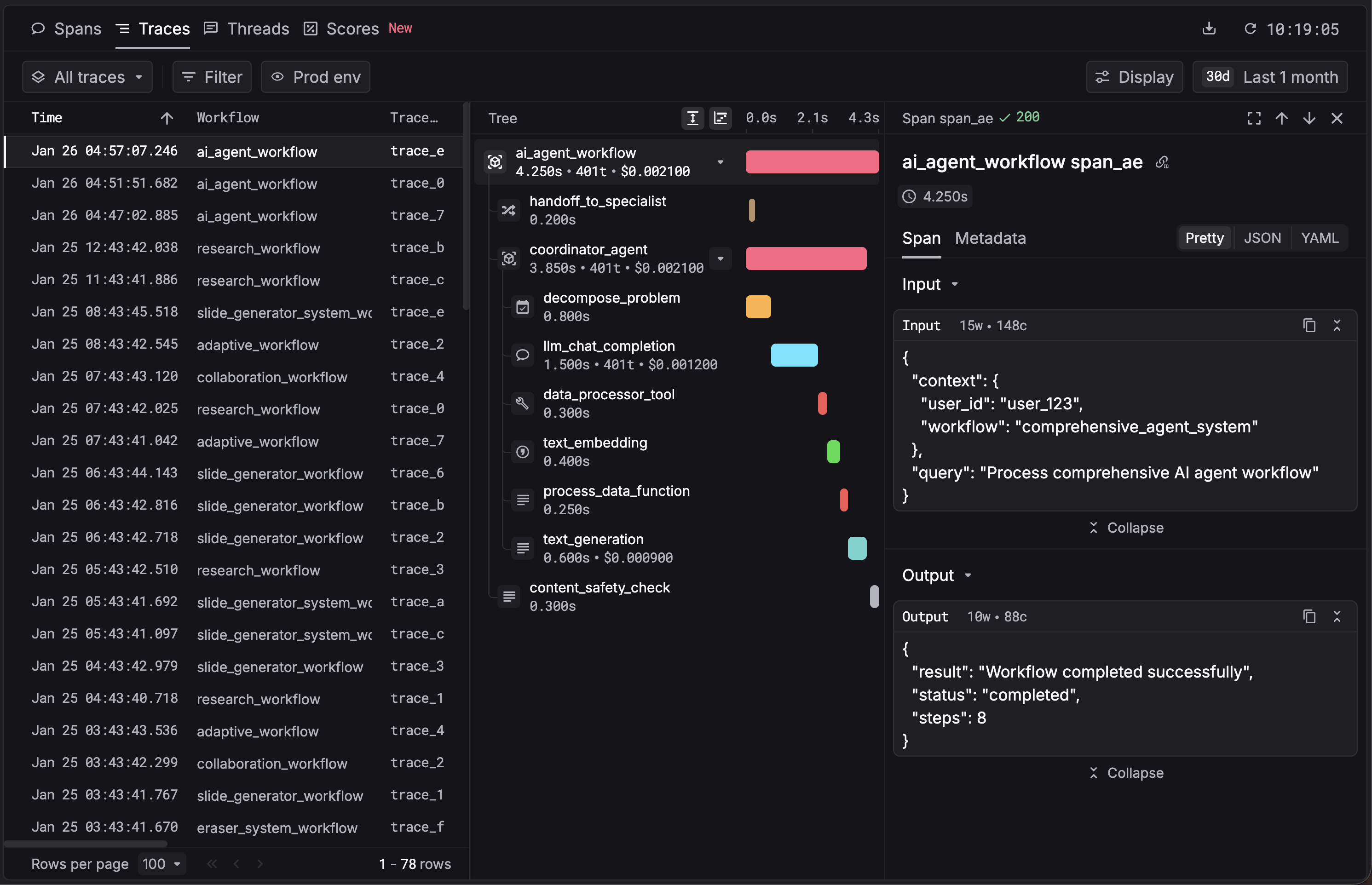
Open the Traces page in the Respan dashboard to see your trace tree.
Next steps