Add the Docs MCP to your AI coding tool to get help building with Respan. No API key needed.
1{2 "mcpServers": {3 "respan-docs": {4 "url": "https://mcp.respan.ai/mcp/docs"5 }6 }7}
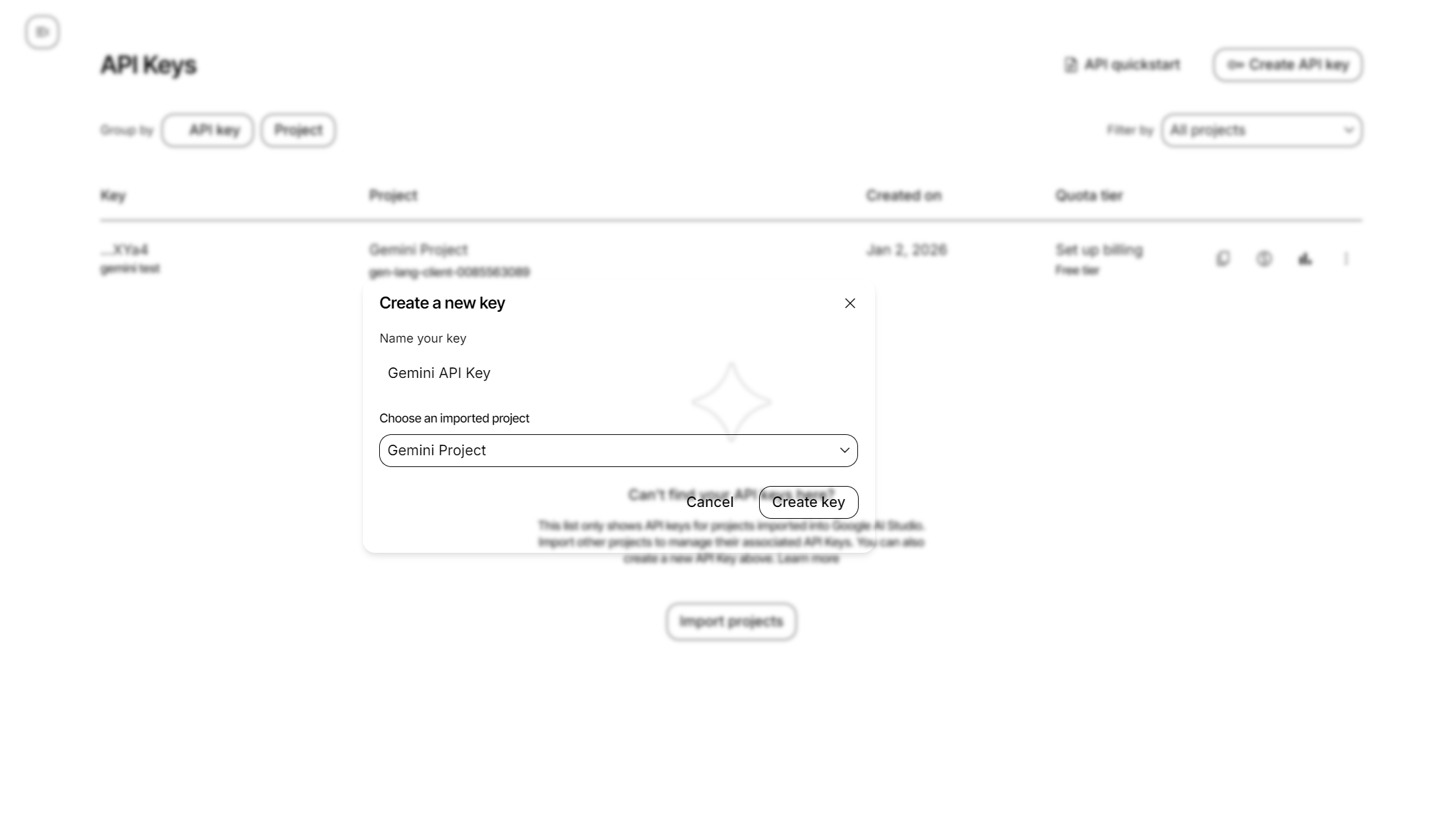
Get your Google Gemini API key from Google AI Studio to start using Gemini models through Respan.
There are 2 ways to add your Google Gemini credentials to your requests:
Go to Providers page