

Select the spans you want to export
There are 2 ways to select the spans you want to export:1. Select exact spans
You can select exact spans by clicking on the checkboxes on the left of the span table.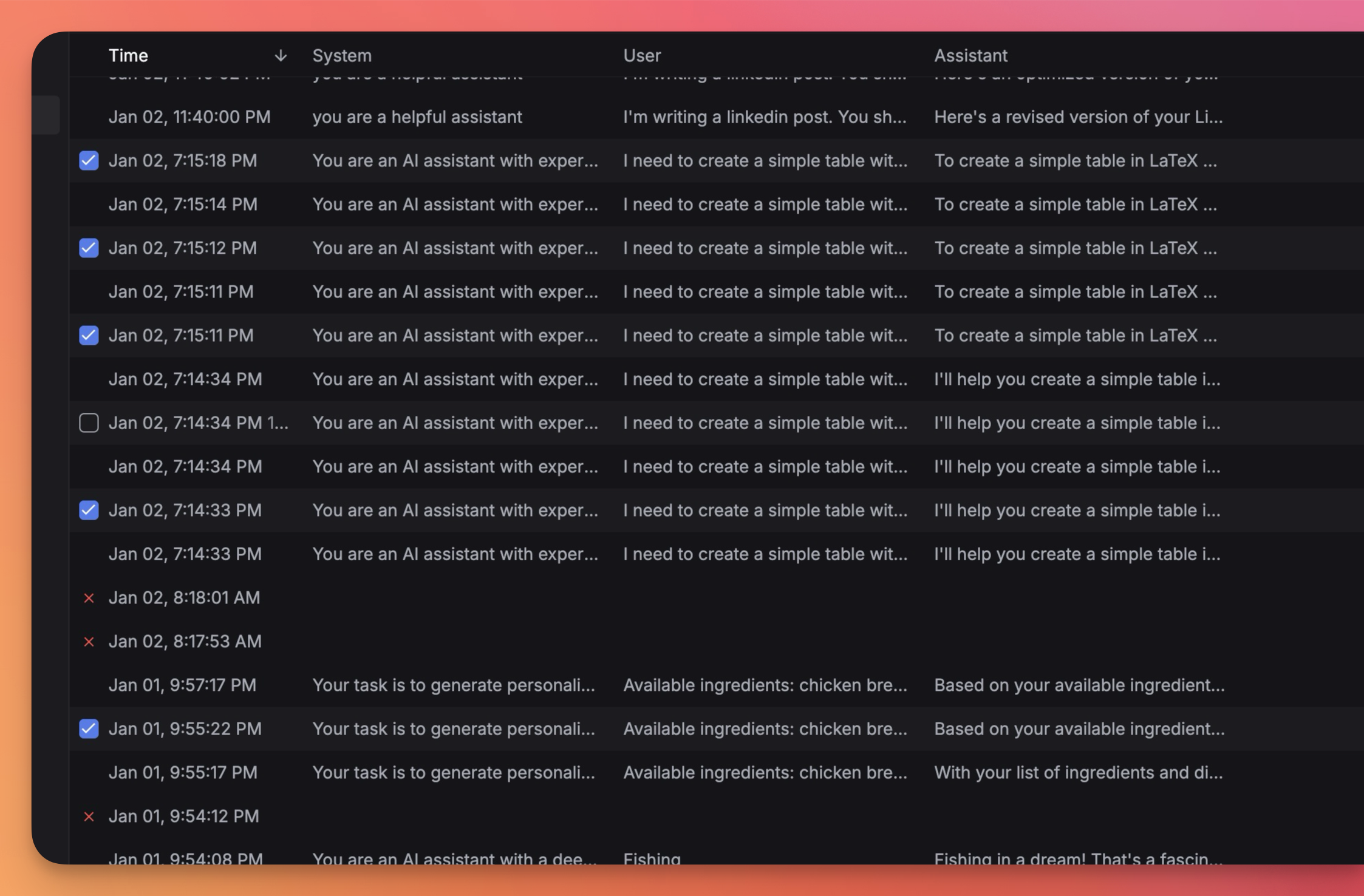
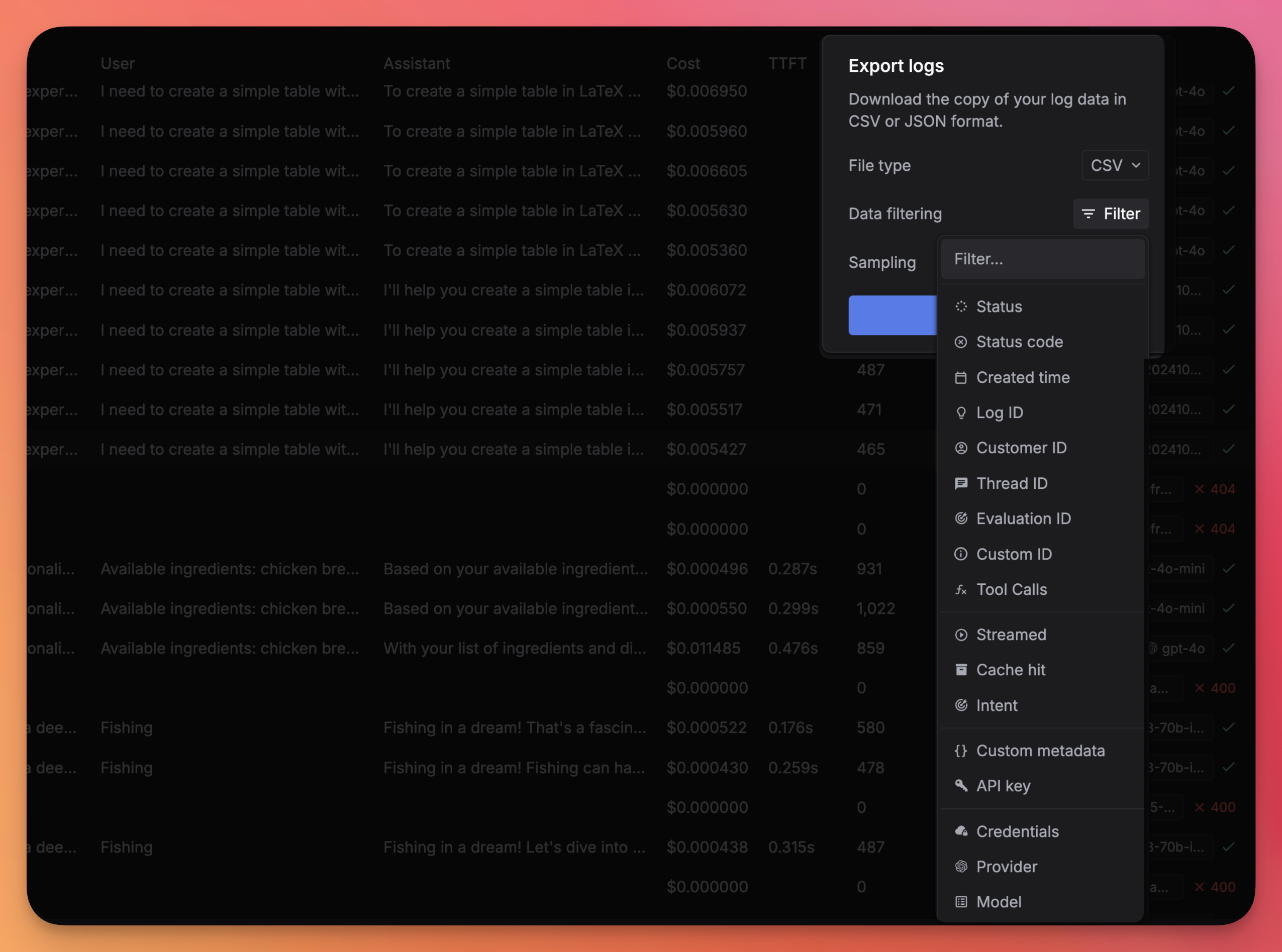
2. Filter spans by applying filters
You can select multiple spans by applying filters such asstatus, model, user, timestamp, and more.
Export format
You can export your spans in either CSV or JSON format.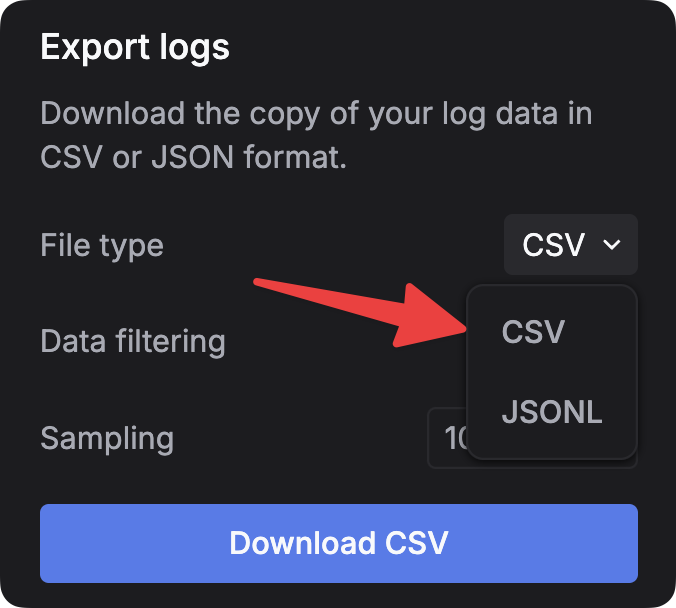
Sampling spans
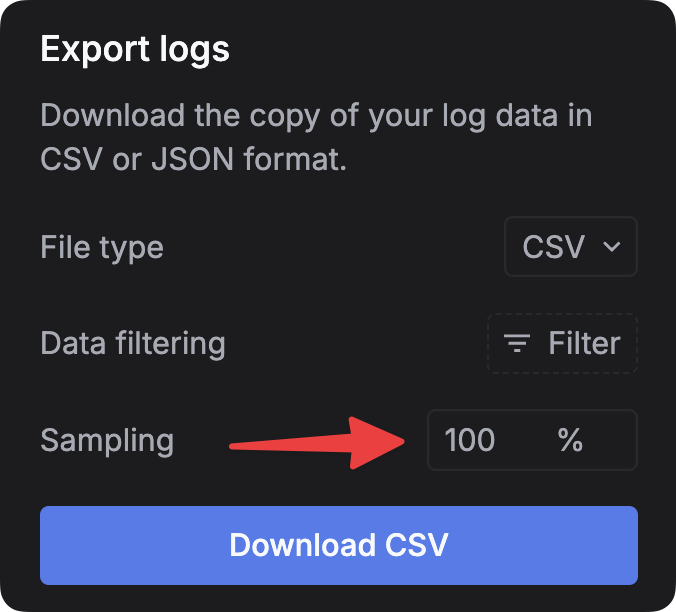
In the Export tab, you can select a sample of spans by entering the percentage of spans you want to export in theSampling field. This will select a random sample from your selected spans.
 After selecting the spans you want to export and choosing the format, click the
 Download file button to export the spans to your chosen format.