Every span has fields for content (input/output), metrics (latency, cost, usage), configuration (temperature, tools), and status (status_code, error_message). These are automatically populated when using the LLM Gateway, or set manually via the logging endpoint.
This page covers the most important fields you’ll configure. For the complete list, see the Span fields reference.
How to setup
Add fields to any span by including them in the logging API payload or passing them through your SDK:
Logging API
OpenAI Python SDK
OpenAI TypeScript SDK
import requests

url = "https://api.respan.ai/api/request-logs/"
payload = {
    "model": "gpt-4o-mini",
    "input": [{"role": "user", "content": "Hi"}],
    "output": {"role": "assistant", "content": "Hello!"},
    "customer_identifier": "user_123",
    "metadata": {"env": "production"},
    "thread_identifier": "thread_001",
    "group_identifier": "group_123"
}
headers = {
    "Authorization": "Bearer YOUR_RESPAN_API_KEY",
    "Content-Type": "application/json"
}
response = requests.post(url, headers=headers, json=payload)
response = client.chat.completions.create(
    model="gpt-4o-mini",
    messages=[{"role": "user", "content": "Hi"}],
    extra_body={
        "customer_identifier": "user_123",
        "metadata": {"env": "production"},
        "thread_identifier": "thread_001",
        "group_identifier": "group_123"
    }
)
const response = await client.chat.completions.create({
    messages: [{ role: "user", content: "Hi" }],
    model: "gpt-4o-mini",
    // @ts-expect-error
    customer_identifier: "user_123",
    metadata: { env: "production" },
    thread_identifier: "thread_001",
    group_identifier: "group_123"
});
Key fields
customer_identifier
string — Unique user or customer ID. Use this to track per-user metrics, set budgets, and apply rate limits.
Logging API
OpenAI Python SDK
OpenAI TypeScript SDK
payload = {
    # ...input/output...
    "customer_identifier": "user_123"
}
customer_params for richer customer info:"customer_params": {
"customer_identifier": "user_123",
"name": "John Doe",
"email": "john@example.com"
}
response = client.chat.completions.create(
    model="gpt-4o-mini",
    messages=[{"role": "user", "content": "Hi"}],
    extra_body={
        "customer_params": {
            "customer_identifier": "user_123",
            "name": "John Doe"
        }
    }
)
const response = await client.chat.completions.create({
    messages: [{ role: "user", content: "Hi" }],
    model: "gpt-4o-mini",
    // @ts-expect-error
    customer_params: {
        customer_identifier: "user_123",
        name: "John Doe"
    }
});
object — Custom key-value pairs for tagging, analytics, and filtering.
Logging API
OpenAI Python SDK
OpenAI TypeScript SDK
payload = {
    # ...input/output...
    "metadata": {
        "env": "production",
        "language": "en"
    }
}
response = client.chat.completions.create(
    model="gpt-4o-mini",
    messages=[{"role": "user", "content": "Hi"}],
    extra_body={
        "metadata": {
            "env": "production",
            "language": "en"
        }
    }
)
const response = await client.chat.completions.create({
    messages: [{ role: "user", content: "Hi" }],
    model: "gpt-4o-mini",
    // @ts-expect-error
    metadata: {
        "env": "production",
        "language": "en"
    }
});
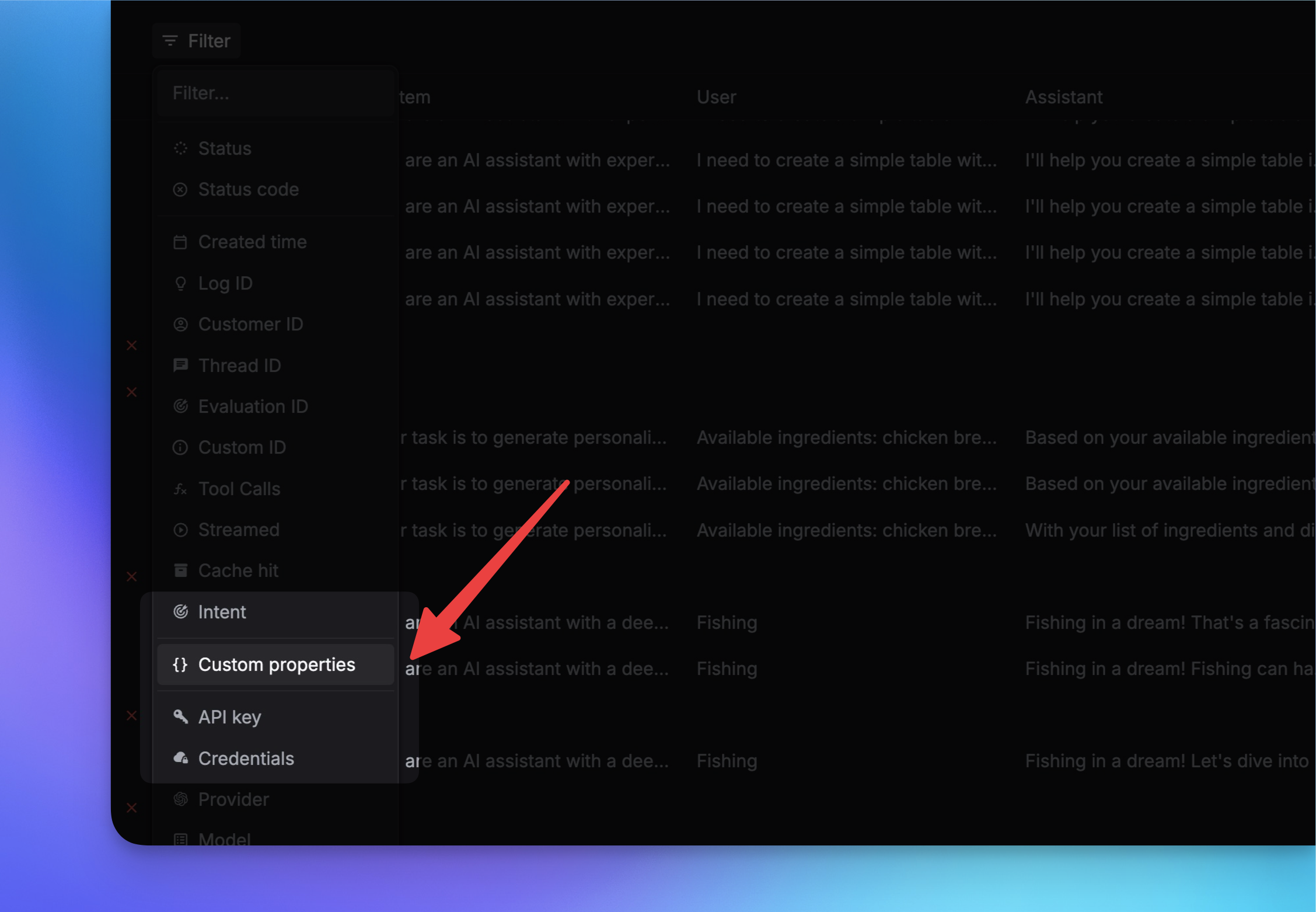
Filtering by custom properties in the dashboard is only available for Team plan and Enterprise plan users.
import requests

url = "https://api.respan.ai/api/request-logs/batch-update/"
data = {
    "logs": [
        {
            "unique_id": "xxxxxx",
            "metadata": {"env": "production", "language": "en"},
            "note": "updated note"
        }
    ]
}
headers = {
    "Authorization": "Bearer YOUR_RESPAN_API_KEY",
    "Content-Type": "application/json"
}
response = requests.patch(url, headers=headers, json=data)
thread_identifier
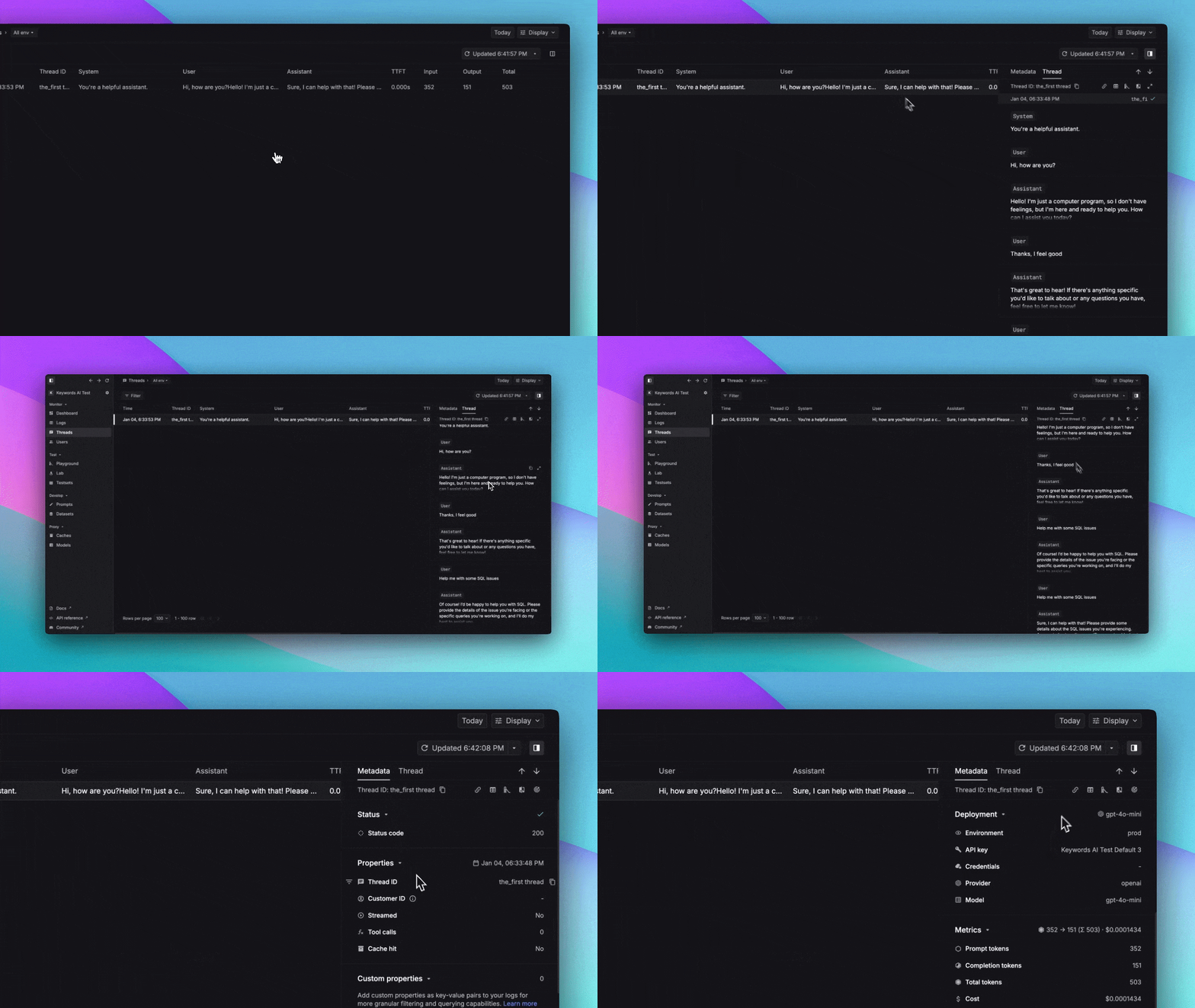
string — Conversation thread identifier. Every span with the same thread_identifier is grouped into the same thread.
Logging API
OpenAI Python SDK
OpenAI TypeScript SDK
payload = {
    # ...input/output...
    "thread_identifier": "thread_001"
}
response = client.chat.completions.create(
    model="gpt-4o-mini",
    messages=[{"role": "user", "content": "Hi"}],
    extra_body={
        "thread_identifier": "thread_001"
    }
)
const response = await client.chat.completions.create({
    messages: [{ role: "user", content: "Hi" }],
    model: "gpt-4o-mini",
    // @ts-expect-error
    thread_identifier: "thread_001"
});
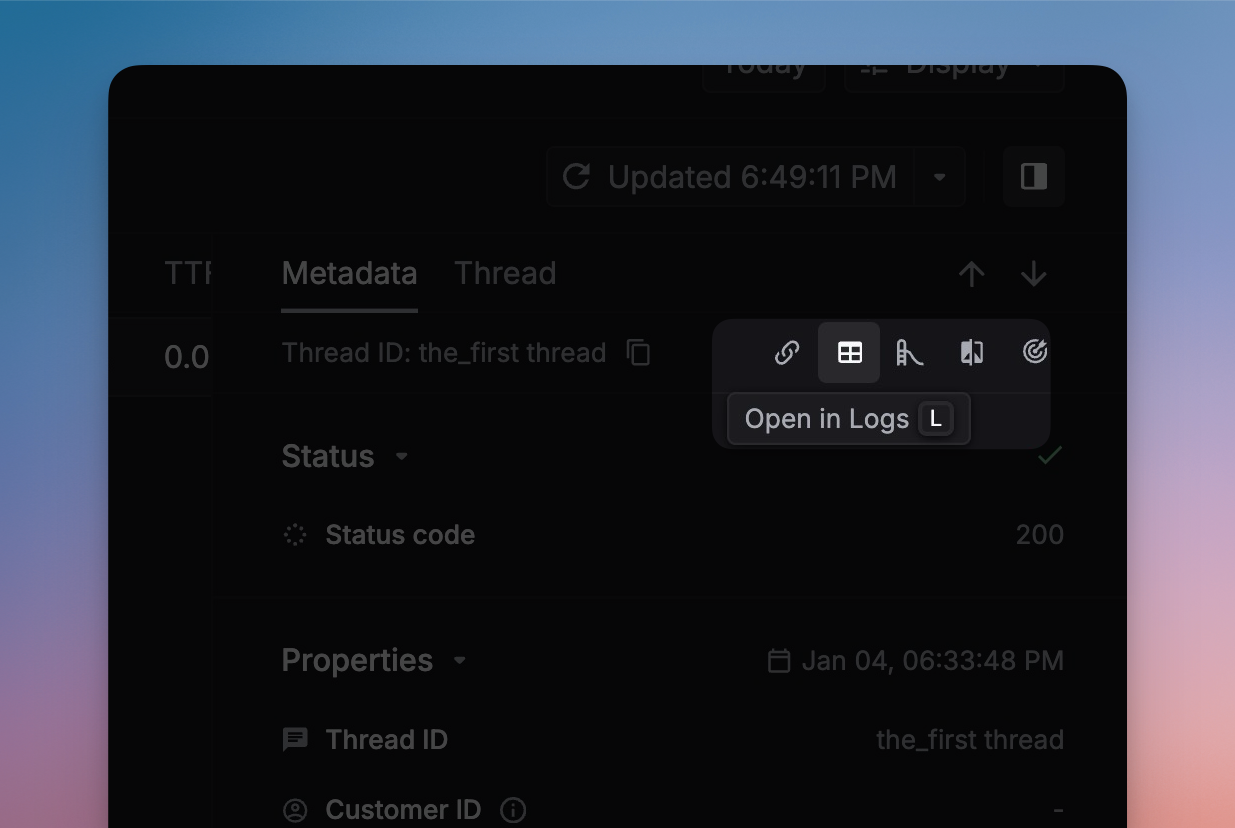
Open in Spans in the side panel to see all spans in a thread:
group_identifier
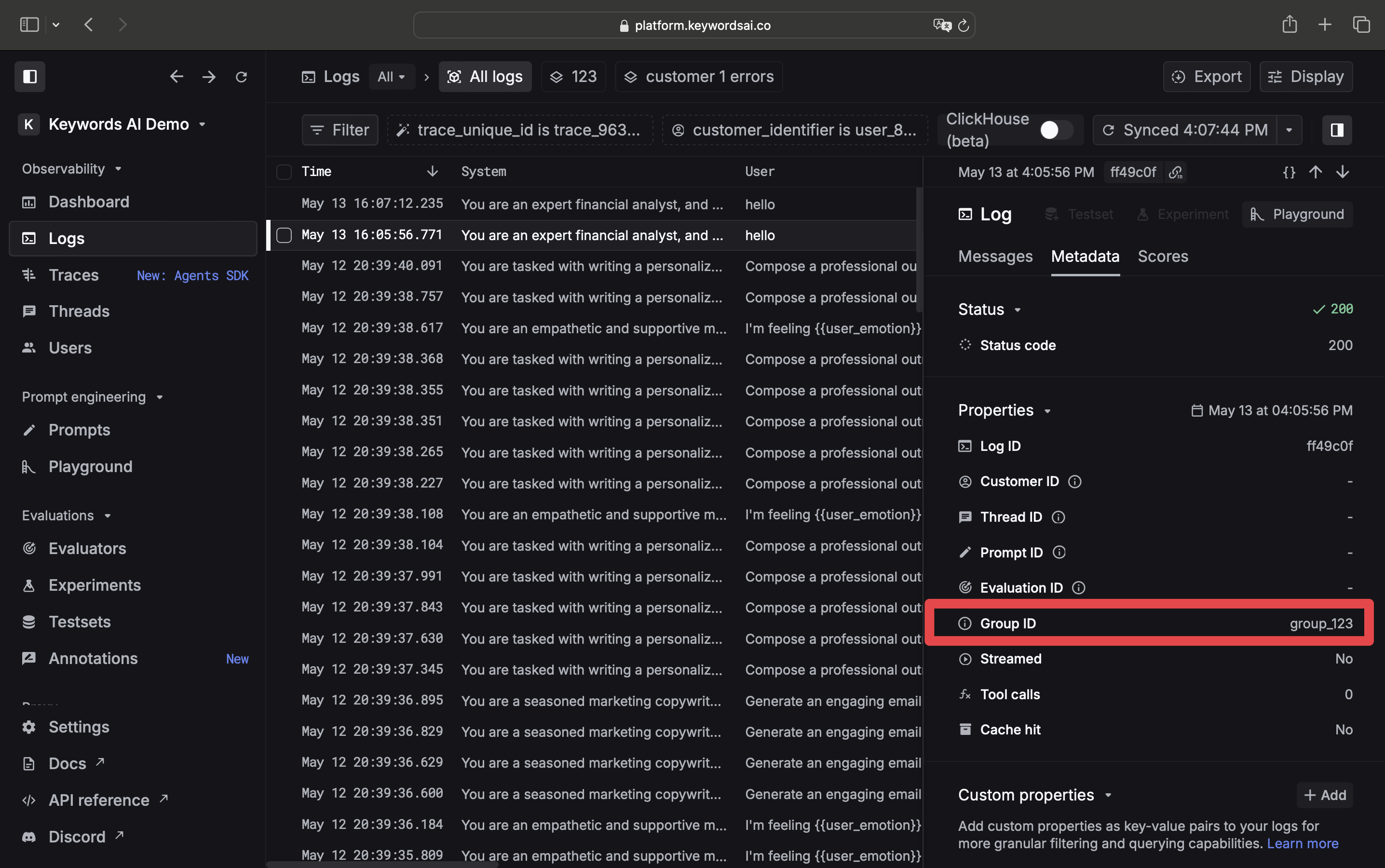
string — Group identifier for related spans. Use this to batch related requests together for analysis.
Logging API
OpenAI Python SDK
OpenAI TypeScript SDK
payload = {
    # ...input/output...
    "group_identifier": "group_123"
}
response = client.chat.completions.create(
    model="gpt-4o-mini",
    messages=[{"role": "user", "content": "Hi"}],
    extra_body={
        "group_identifier": "group_123"
    }
)
const response = await client.chat.completions.create({
    messages: [{ role: "user", content: "Hi" }],
    model: "gpt-4o-mini",
    // @ts-expect-error
    group_identifier: "group_123"
});
Other fields
Beyond the key fields above, every span also supports:
| Category | Fields |
|---|
| Content | input, output, model, log_type, full_request, full_response |
| Metrics | latency, cost, usage, time_to_first_token, tokens_per_second, start_time, timestamp |
| Pricing | prompt_unit_price, completion_unit_price, prompt_cache_hit_tokens |
| Config | temperature, max_tokens, top_p, tools, tool_choice, stream, response_format |
| Status | status_code, status, error_message, warnings |
| Identity | unique_id, environment, provider_id, custom_identifier, prompt_id, deployment_name |
| Tracing | trace_unique_id, span_unique_id, span_parent_id, span_name, span_workflow_name |
| Other | positive_feedback, keywordsai_api_controls |
Complete example
A full span payload with required fields, telemetry, and metadata:
import requests
import os
from dotenv import load_dotenv

load_dotenv()

url = "https://api.respan.ai/api/request-logs/"
payload = {
    # Required
    "model": "claude-3-5-sonnet-20240620",
    "input": [
        {"role": "user", "content": "Hi"}
    ],
    "output": {
        "role": "assistant",
        "content": "Hi, how can I assist you today?"
    },
    # Telemetry
    "usage": {
        "prompt_tokens": 5,
        "completion_tokens": 5,
        "total_tokens": 10
    },
    "cost": 0.000005,
    "latency": 0.2,
    "time_to_first_token": 2,
    # Identifiers & metadata
    "metadata": {
        "language": "en",
        "environment": "production"
    },
    "customer_params": {
        "customer_identifier": "1234567890",
        "name": "John Doe",
        "email": "john.doe@example.com"
    },
    "group_identifier": "group-001",
    "thread_identifier": "thread-001",
    "custom_identifier": "custom-001"
}

api_key = os.getenv("RESPAN_API_KEY")
headers = {
    "Authorization": f"Bearer {api_key}",
    "Content-Type": "application/json"
}

response = requests.post(url, headers=headers, json=payload)
print("Status Code:", response.status_code)
print("Response:", response.json())