

Users
Track per-user metrics, set budgets, and apply rate limits to your LLM users.
Set up Respan
- Sign up — Create an account at platform.respan.ai
- Create an API key — Generate one on the API keys page
- Add credits or a provider key — Add credits on the Credits page or connect your own provider key on the Integrations page
Use AI
Add the Docs MCP to your AI coding tool to get help building with Respan. No API key needed.
Respan’s Users page lets you track per-user LLM usage, set budgets, and apply rate limits. Pass a customer_identifier with your logs or traces to enable user analytics.
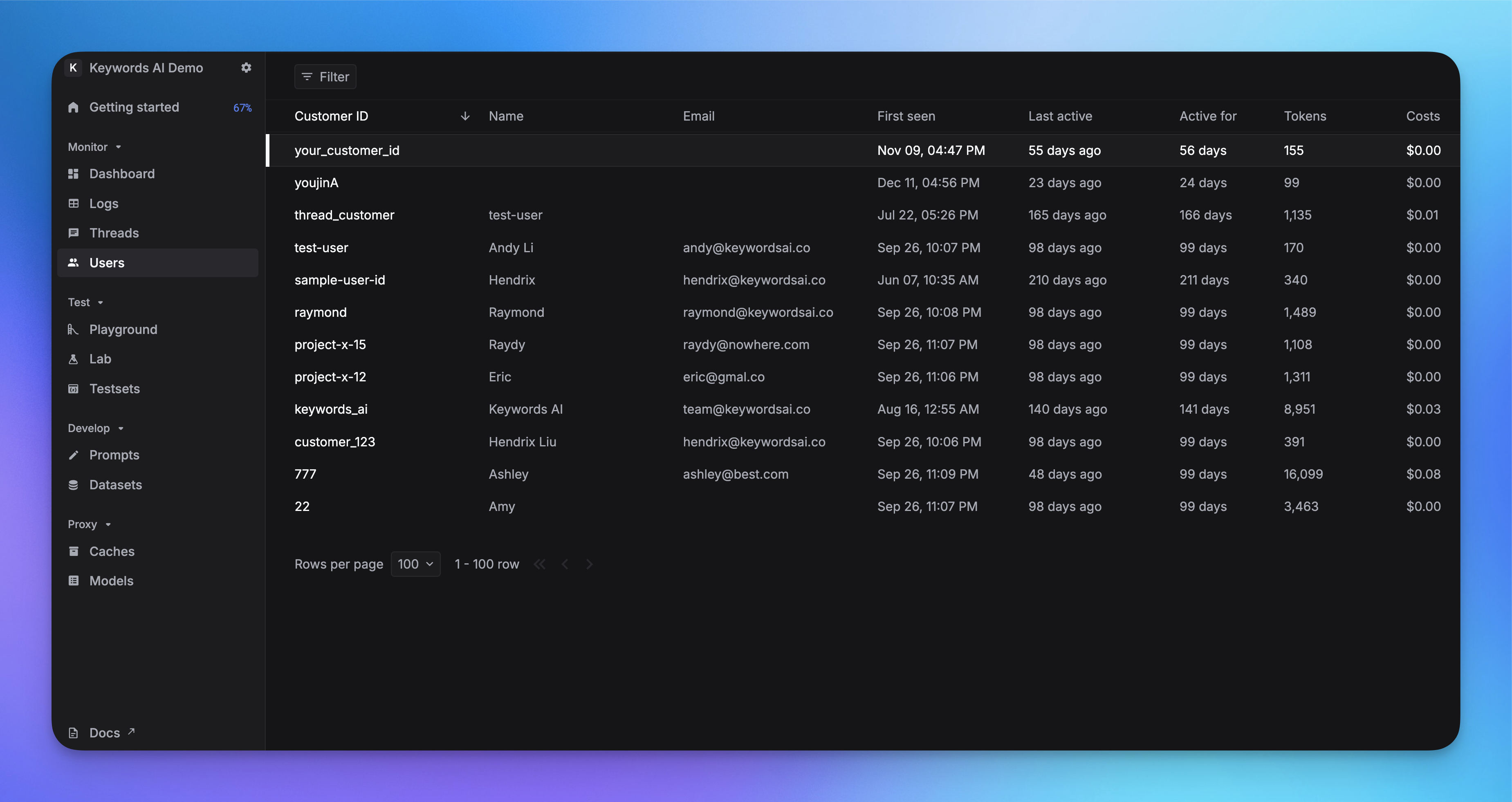
Enable user analytics
Pass customer_params to associate logs and traces with a user.
Logging
Tracing
Gateway
See Log fields & parameters for all available fields.
See user data on the platform
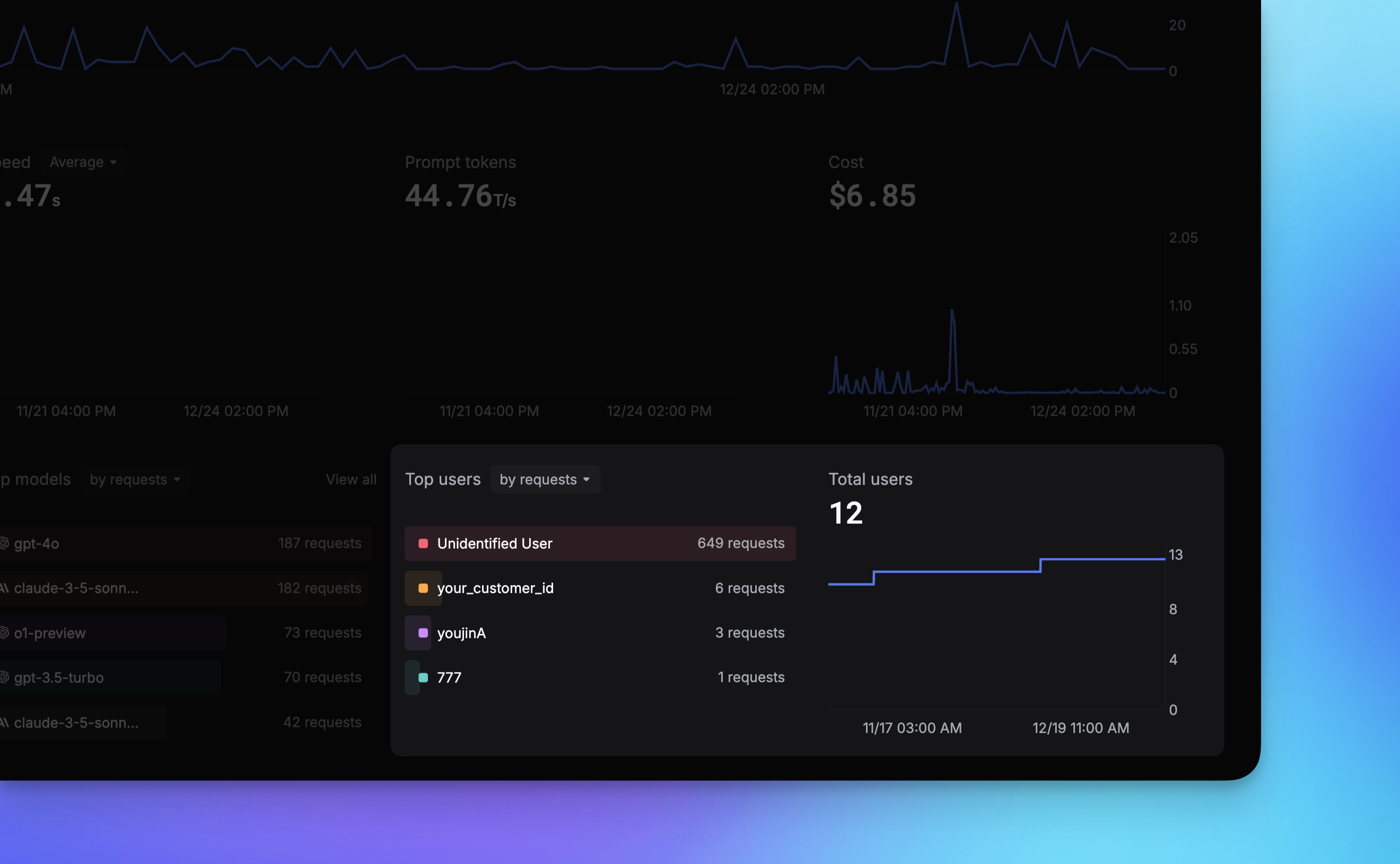
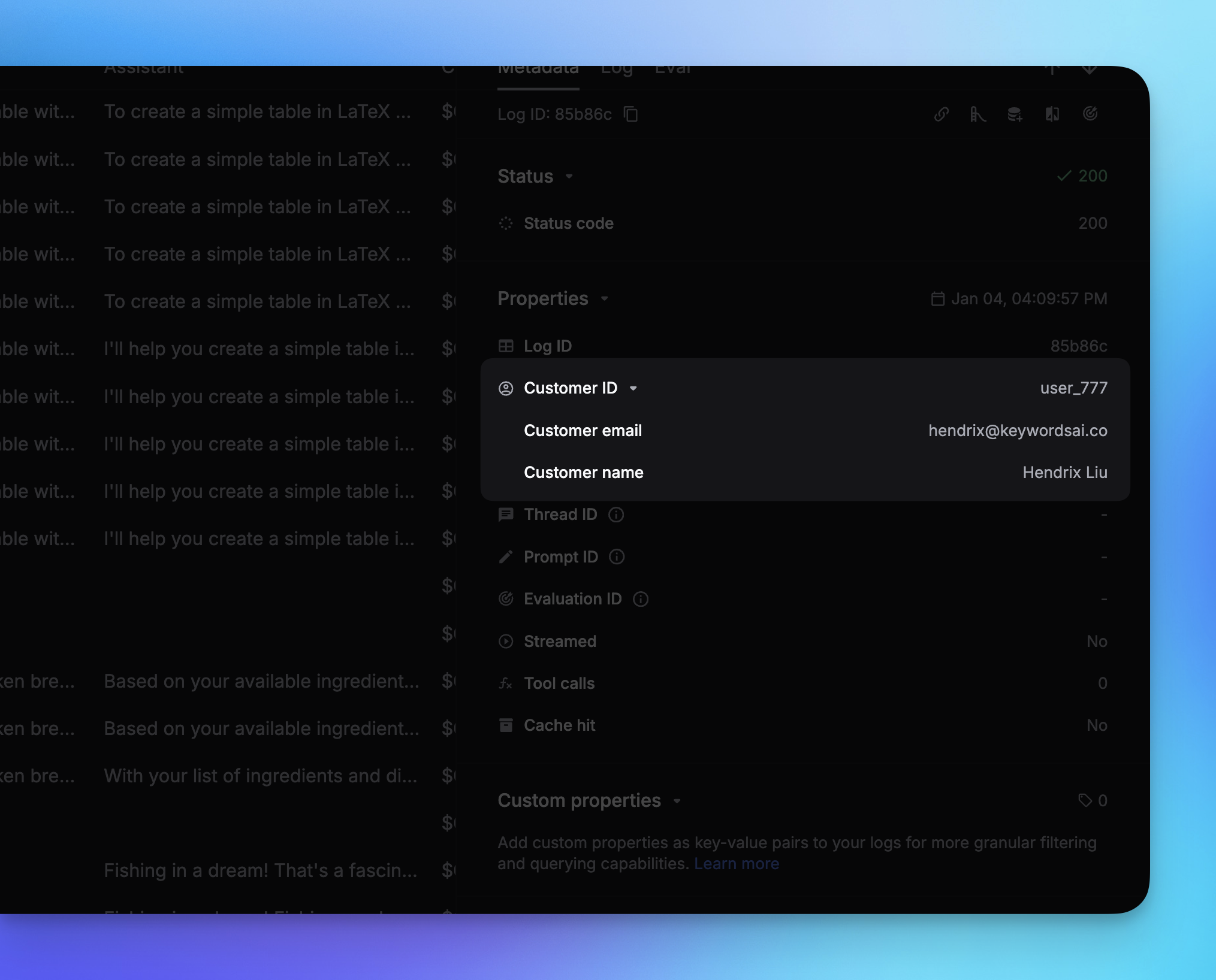
After you pass customer_identifier, user data appears in 3 places:
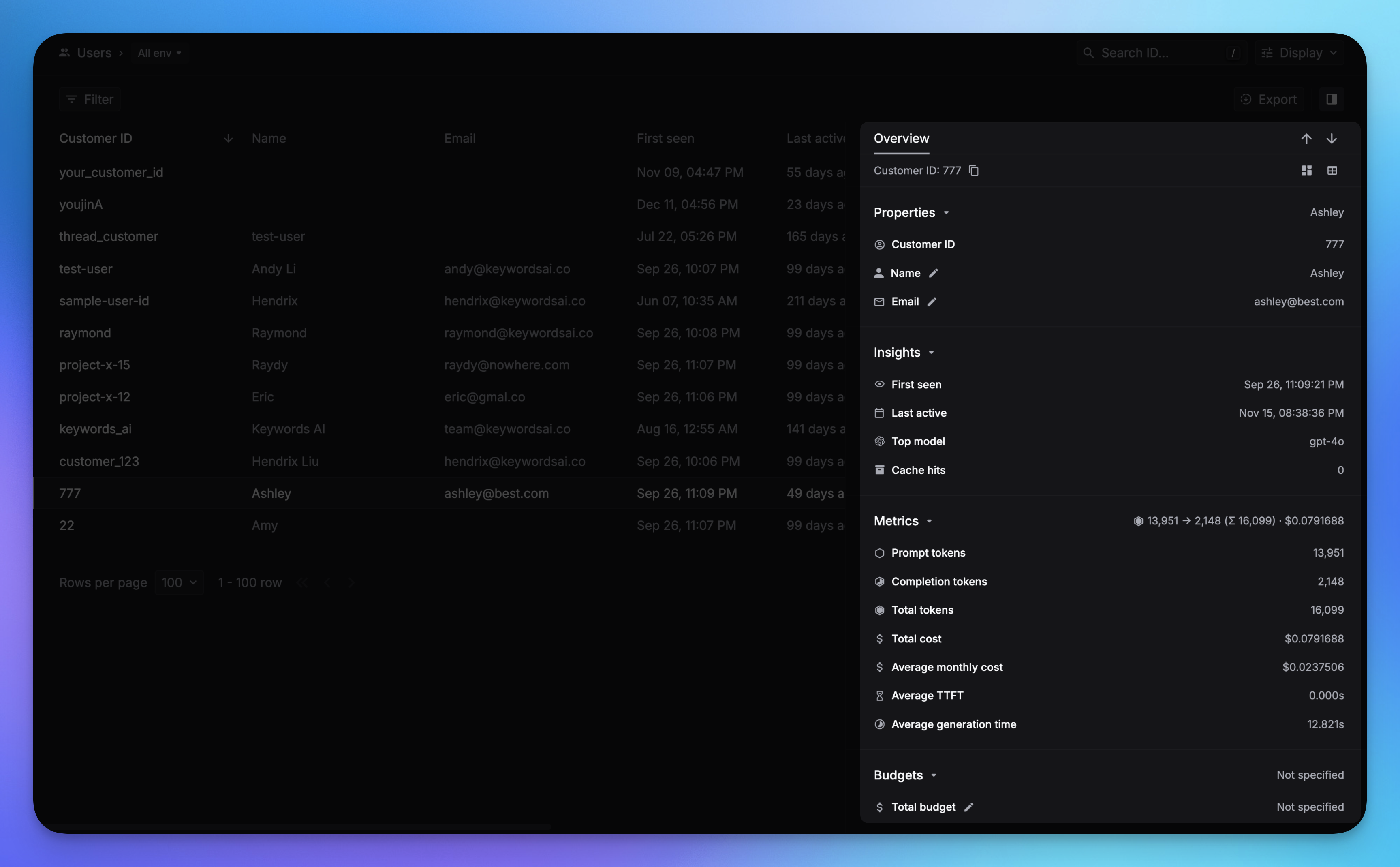
1. Users page — per-user detail and LLM usage.
2. Dashboard — top users, daily active users, cost by user.
3. Logs page — filter logs by user identifier.
Users are created automatically the first time you send a log, trace, or gateway request with a customer_identifier. After that, use the User Update endpoint to adjust budgets or profile fields.
Rate limits
This feature is only available for AI gateway users.
Set a per-user rate limit (requests per minute) to prevent abuse. Pass rate_limit inside customer_params:
Budgets
Only available for users using the LLM Gateway.
Set spending limits per user by passing budget parameters inside customer_params:
Budget parameters
You can use period_start and period_end instead of budget_duration for custom budget periods.
You can also set budgets via the User Update endpoint after the user has been created automatically from usage.