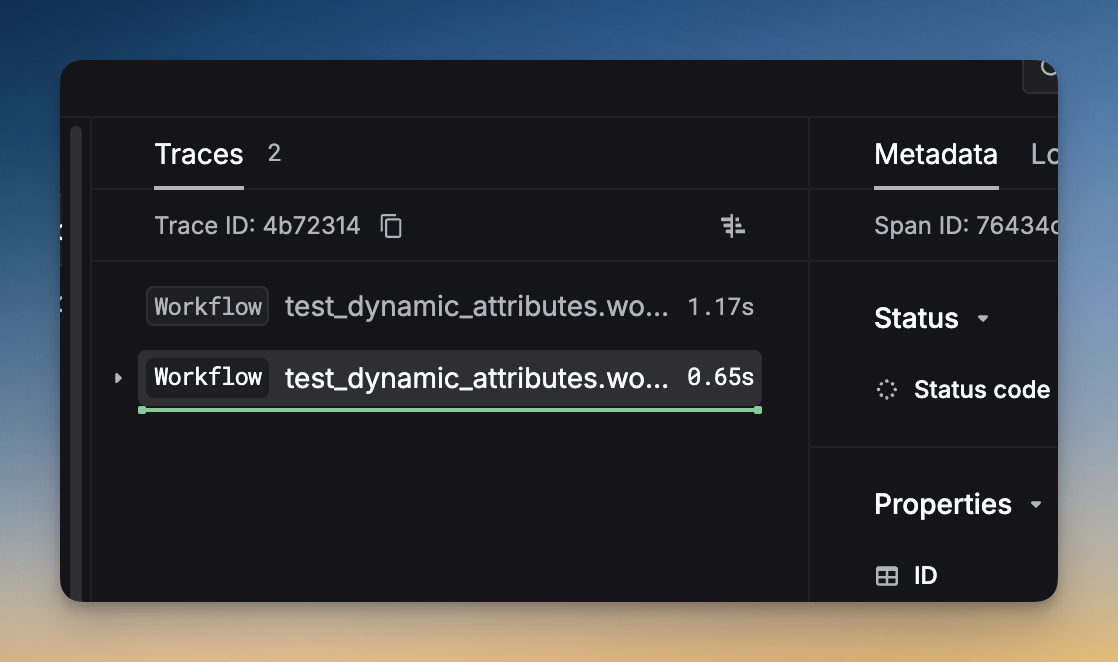
Every span is a log with hierarchical context. All fields available on log fields & parameters are also available on spans. This page covers the most important trace-specific fields. For the complete list, see the Span fields reference.

How to setup

Pass fields to spans using respan_span_attributes (Respan OTel), withTrace metadata (OpenAI Agents SDK), or experimental_telemetry (Vercel AI SDK). Here’s a quick example:
from respan_tracing.decorators import workflow
from respan_tracing.contexts.span import respan_span_attributes
from openai import OpenAI

client = OpenAI()

@workflow(name="my_workflow")
def my_workflow():
    with respan_span_attributes(
        respan_params={
            "customer_identifier": "user_123",
            "metadata": {"env": "production"},
            "thread_identifier": "thread_001",
            "trace_group_identifier": "pipeline_run_001"
        }
    ):
        response = client.chat.completions.create(
            model="gpt-4o",
            messages=[{"role": "user", "content": "Hello!"}],
        )
    return response
FrameworkMethodSupported params
Respan (OTel)respan_span_attributes(...)All parameters
OpenAI Agents SDKwithTrace("...", fn, { metadata })metadata only (JS/TS)
Vercel AI SDKexperimental_telemetry.metadatacustomer_identifier, metadata, custom pricing

Key fields

customer_identifier

string — Unique user or customer ID. Applies to all spans in the trace. Use this to track per-user metrics, set budgets, and apply rate limits.
@workflow(name="my_workflow")
def my_workflow():
    with respan_span_attributes(
        respan_params={
            "customer_params": {
                "customer_identifier": "user_123",
                "name": "John Doe",
                "email": "john@example.com"
            }
        }
    ):
        # your code here
        pass
See Customer identifier for more.

metadata

object — Custom key-value pairs for tagging, analytics, and filtering. Metadata appears as custom properties on the trace and its spans.
@workflow(name="my_workflow")
def my_workflow():
    with respan_span_attributes(
        respan_params={
            "metadata": {
                "env": "production",
                "language": "en",
                "feature": "chat_support"
            }
        }
    ):
        # your code here
        pass

trace_group_identifier

string — Groups related traces together, even across different sessions or systems. Useful for complex workflows that span multiple traces.
Group traces
Add the same trace_group_identifier to multiple workflows:
@workflow(name="workflow_a")
def workflow_a():
    with respan_span_attributes(
        respan_params={
            "trace_group_identifier": "pipeline_run_001"
        }
    ):
        pass  # First workflow

@workflow(name="workflow_b")
def workflow_b():
    with respan_span_attributes(
        respan_params={
            "trace_group_identifier": "pipeline_run_001"  # same ID groups them
        }
    ):
        pass  # Second workflow

thread_identifier

string — Conversation thread identifier. All spans with the same thread_identifier are grouped into the same thread.
@workflow(name="my_workflow")
def my_workflow():
    with respan_span_attributes(
        respan_params={
            "thread_identifier": "thread_001"
        }
    ):
        # your code here
        pass

group_identifier

string — Group identifier for related spans/logs. Use this to batch related requests together for analysis.
@workflow(name="my_workflow")
def my_workflow():
    with respan_span_attributes(
        respan_params={
            "group_identifier": "group_123"
        }
    ):
        # your code here
        pass

Other fields

Beyond the key fields above, every span also supports all span fields:
CategoryFields
Trace hierarchytrace_unique_id, span_unique_id, span_parent_id, span_name, span_workflow_name, span_path
Contentinput, output, model, log_type
Metricslatency, cost, usage, start_time, timestamp
Identitycustom_identifier, environment, provider_id
See the full Span fields reference for descriptions of every field.

Complete example

A full tracing setup with all key parameters:
from respan_tracing.decorators import workflow, task
from respan_tracing.contexts.span import respan_span_attributes
from respan_tracing.main import RespanTelemetry
from openai import OpenAI

k_tl = RespanTelemetry()
client = OpenAI()

@task(name="joke_creation")
def create_joke():
    completion = client.chat.completions.create(
        model="gpt-4o",
        messages=[{"role": "user", "content": "Tell me a joke about opentelemetry"}],
    )
    return completion.choices[0].message.content

@workflow(name="joke_workflow")
def joke_workflow():
    with respan_span_attributes(
        respan_params={
            "customer_params": {
                "customer_identifier": "user_123",
                "name": "John Doe",
                "email": "john@example.com"
            },
            "metadata": {
                "env": "production",
                "language": "en",
                "feature": "chat_support"
            },
            "custom_identifier": "ticket_789",
            "thread_identifier": "thread_abc",
            "group_identifier": "group_001",
            "trace_group_identifier": "workflow_group_456"
        }
    ):
        joke = create_joke()
    return joke

result = joke_workflow()
print(result)