Provider keys
Use your own OpenAI, Anthropic, Azure, or other provider keys with the gateway.
Add a provider key when you want gateway requests billed to your own provider account instead of Respan credits. Your code still authenticates with your Respan API key; Respan uses the provider key to call the model.
Bring your own key is available on the Team plan and above.
Add a provider key
Open Bring your own key
Go to Gateway › API keys and click Bring your own key. Providers you’ve already added show how many keys are active.
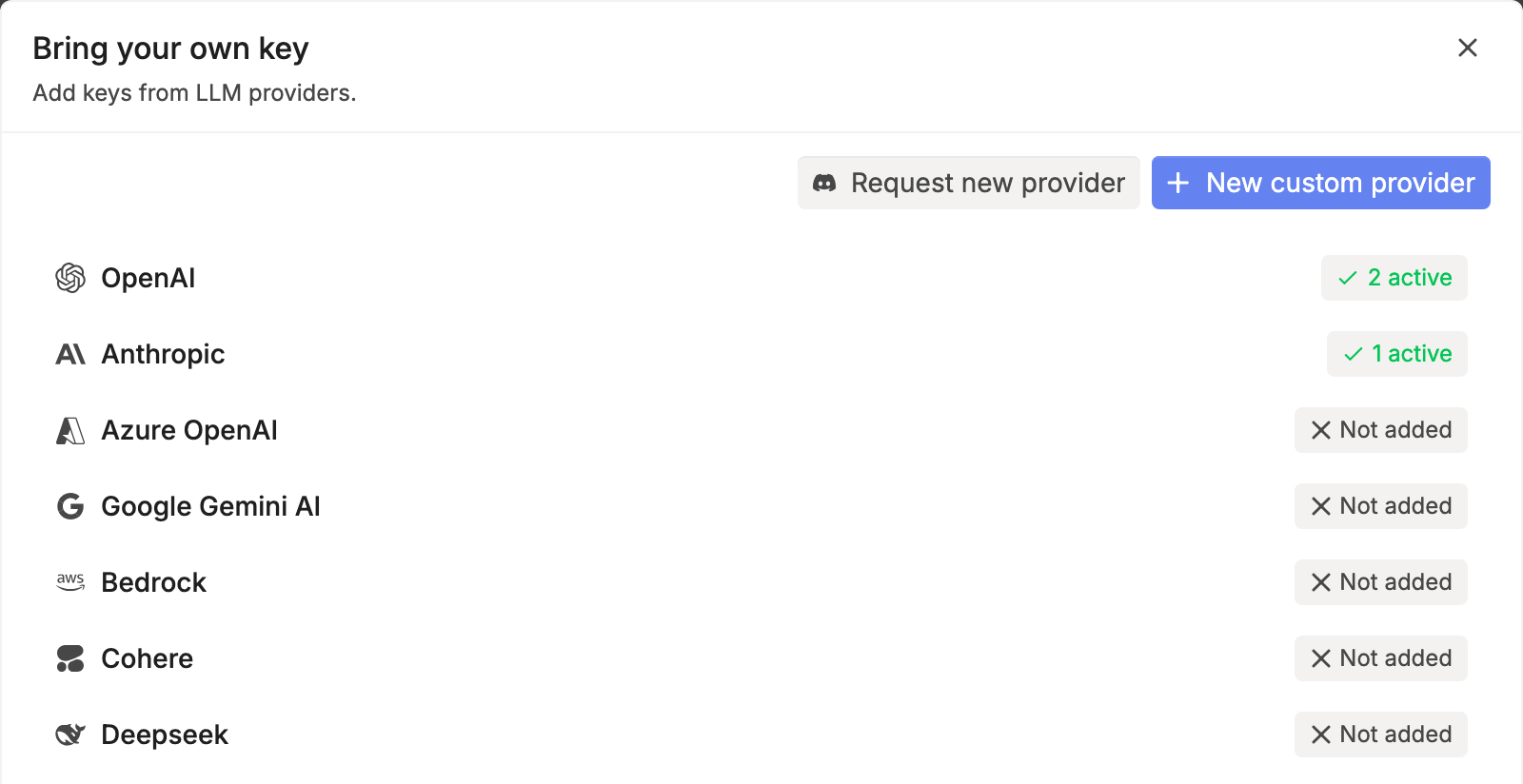
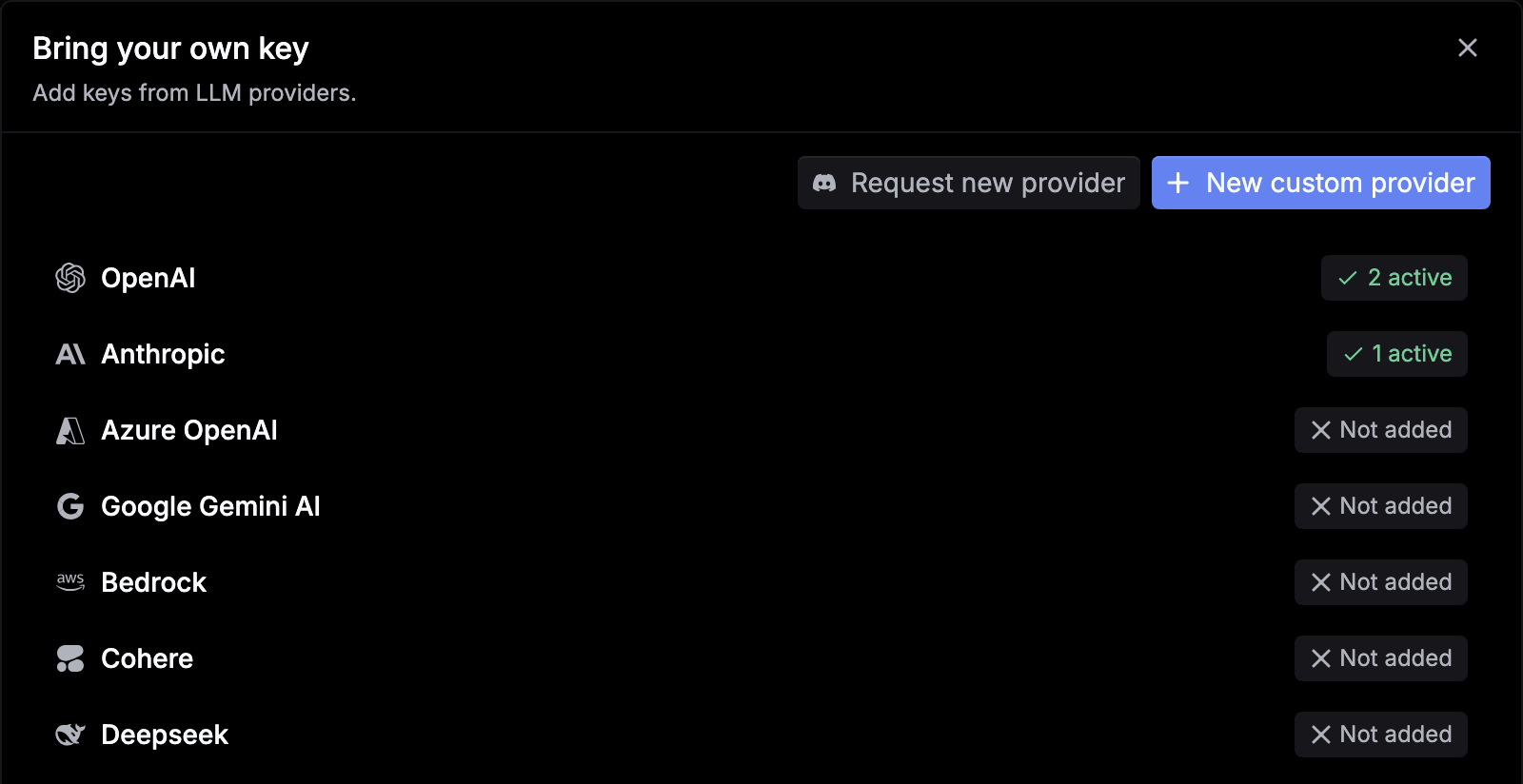
Add a deployment
Click the provider, click Add deployment, and confirm with I understand. Each key you add is a deployment.
Enter the key
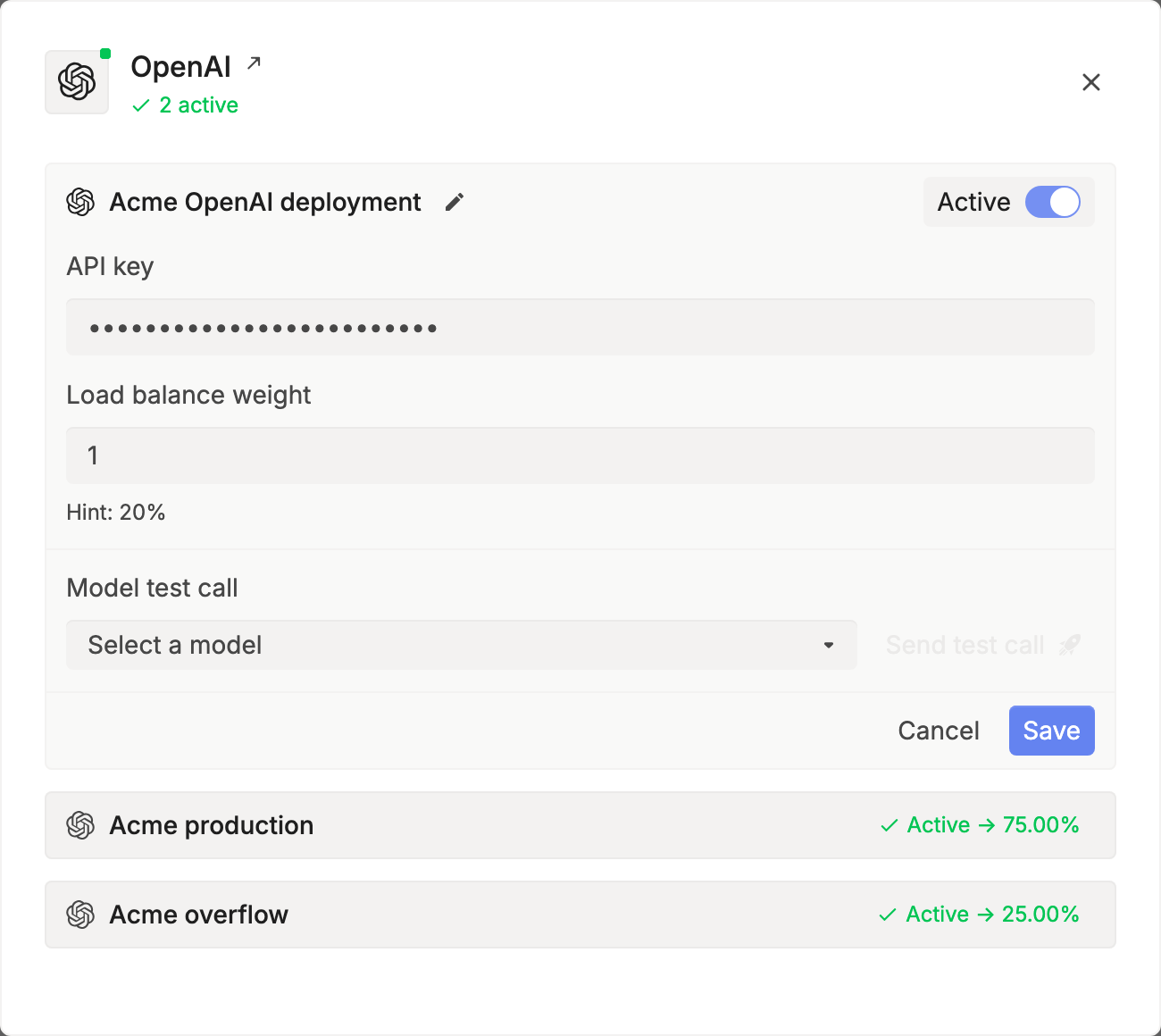
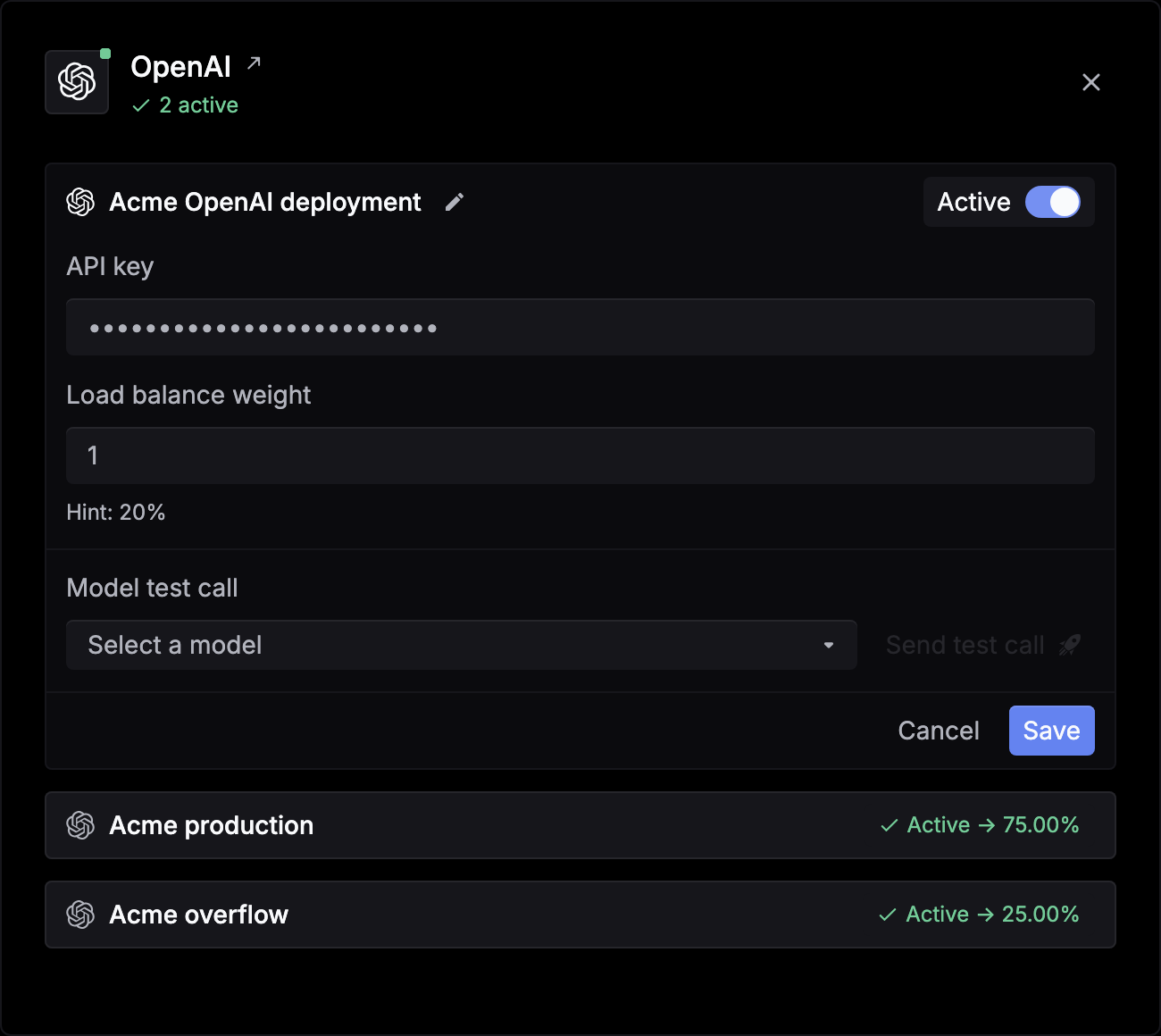
Fill in the provider’s fields. Most providers take an API key. Azure OpenAI also needs API base and API version, Bedrock takes AWS credentials, and Google Vertex AI takes a project, location, and credentials JSON. Click the pencil to rename the deployment.
Test and save
Under Model test call, pick a model and click Send test call to check the key. Then click Save.
To pause a key, open it and turn off Active. To remove it, open it and click Delete deployment.
Use several keys for one provider
Add more deployments to the same provider. Respan spreads requests across the active ones by Load balance weight, and each deployment shows its share, such as Active -> 75.00%. See Load balancing.
For Azure OpenAI, Google Vertex AI, and Bedrock, Advanced options has Available models and Exclude models, so a deployment only serves the models it hosts.
Add a custom provider
For an endpoint that isn’t listed, click New custom provider, enter a Provider ID, Provider name, and Base URL, and click Add provider. Then add a deployment with its API key. To ask for a provider to be supported, click Request new provider.
Check which key served a request
In Gateway › Logs, open a request and go to the Config tab. Billing method shows BYOK for your own key, or Respan credits. To see every request one key served, filter Logs by Deployment.
Pass a key per request
To send a key with one request instead of saving it, add customer_credentials, keyed by provider ID such as openai or anthropic. It replaces that provider’s saved keys for the request.
import os
from openai import OpenAI

client = OpenAI(
    base_url="https://api.respan.ai/api/",
    api_key=os.environ["RESPAN_API_KEY"],
)

response = client.chat.completions.create(
    model="gpt-5.5",
    messages=[{"role": "user", "content": "Hello!"}],
    extra_body={
        "customer_credentials": {
            "openai": {"api_key": os.environ["OPENAI_API_KEY"]}
        }
    },
)To use a different key for one model only, such as one step in a fallback chain, use credential_override, keyed by model. See Model catalog.