Playground
Run a prompt on several models or settings side by side.
Use the playground to try a prompt on different models, settings, or versions before you commit it. A playground holds up to 8 prompt cards, runs them on the same inputs, and saves automatically.
Open a playground
- Gateway › Playground opens your last playground, or creates one. Each playground is a tab. Click New playground (the icon after the tabs) to start another.
- From a prompt: in the prompt editor’s side panel, click Open in playground, or press P. A new playground opens with that version’s messages, model, and variables.
- From a span: in Logs, open a span and click Run, or press P. A new playground opens with the span’s messages, model, and settings. See Logs.
Compare models side by side
Add a prompt card
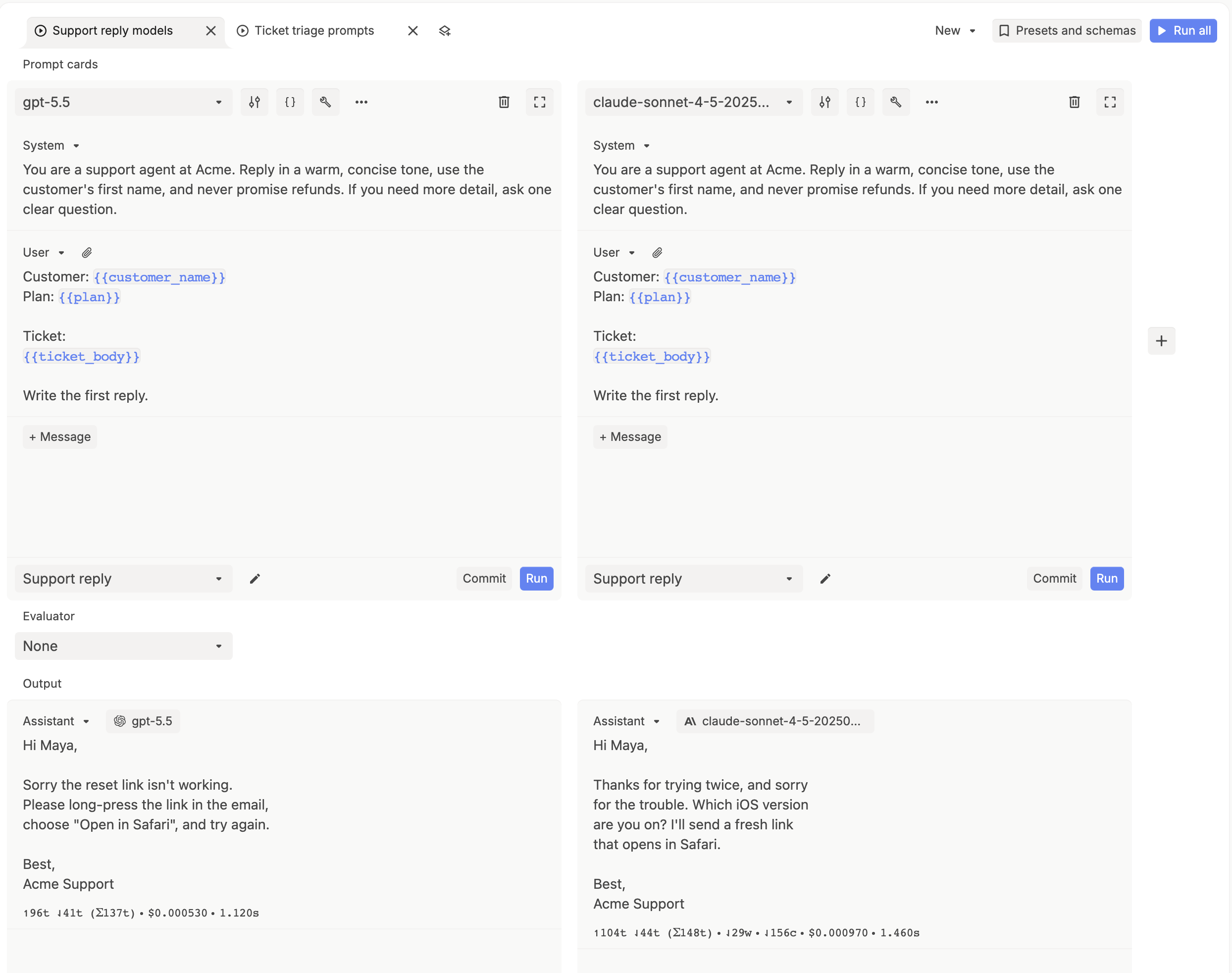
Click + to the right of the cards. The new card copies the active card’s model and settings.
Load the prompt
In the new card’s footer, open the prompt dropdown (it shows New prompt) and pick your prompt. The card loads its messages, model, and variables. To write messages by hand instead, use + Message.
Pick a model for each card
Choose a model from the dropdown at the top of each card. Leave everything else the same, so the model is the only difference.
Run
Click Run all (⌘ ↵), or a card’s own Run. Each output lists its input and output tokens, cost, and latency.
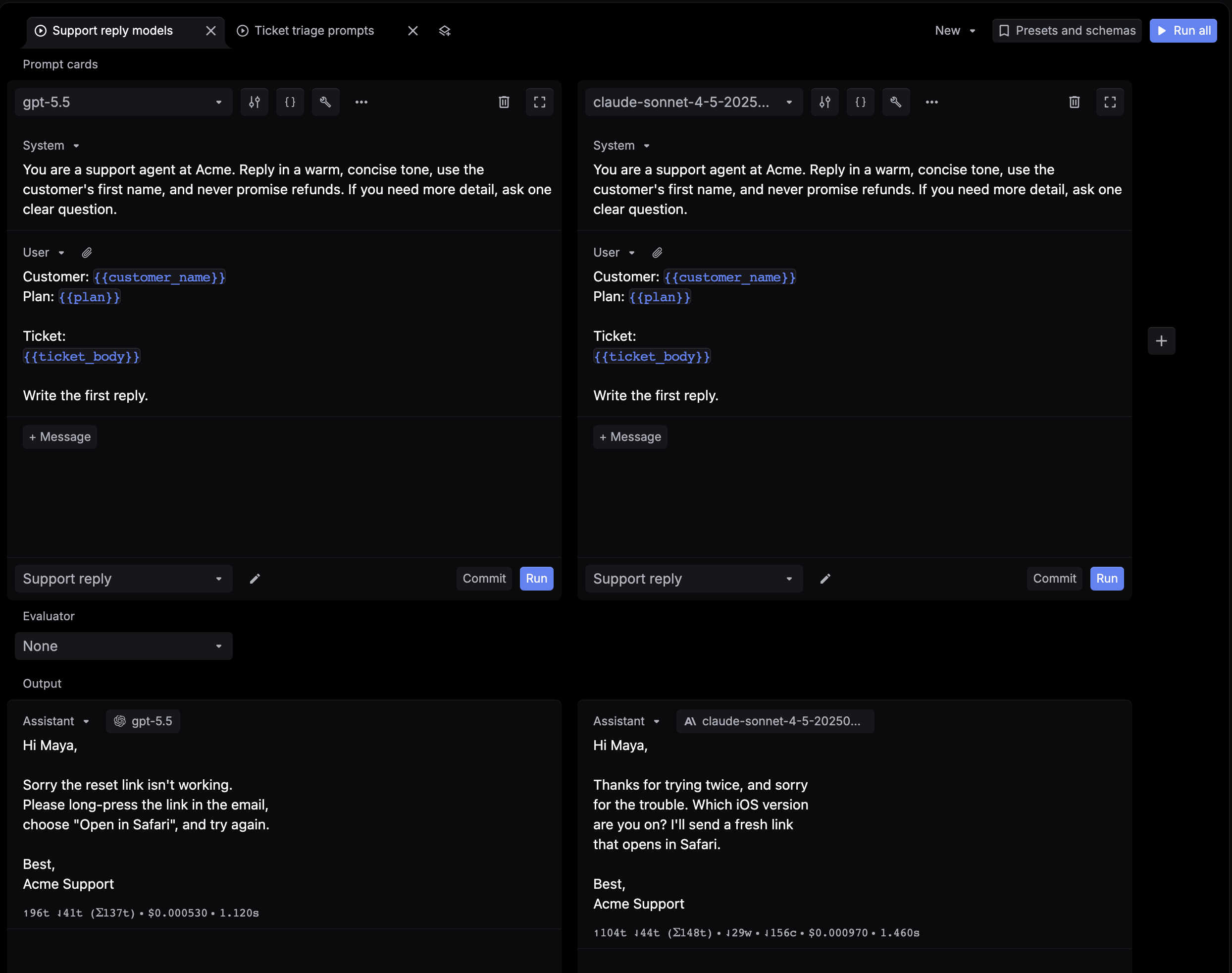
Card controls
| Control | What it does |
|---|---|
| Model dropdown | Sets the model this card runs. |
| Configure model settings (sliders icon) | Temperature, max tokens, and the model’s other parameters. |
| Configure variables (braces icon) | Values for the card’s {{variables}}. |
| Tools (wrench icon) | Functions the model can call. See Tool calling. |
| More prompt actions (⋯) | View code, MCP, Select preset, Override request parameters, Copy config to all, and Clear messages. |
| Remove prompt card (trash icon) | Removes the card. |
| Expand prompt card | Opens the card full width. |
To add, edit, or delete the presets that Select preset applies, click Presets and schemas at the top right and choose Presets. A preset saves model settings and variable values. Choose Schemas to manage saved schemas for structured output.
Save your changes to a prompt
- Card linked to a prompt (its footer shows the prompt’s name): edits save to that prompt’s draft as you work. Click Commit to save them as a new version, then deploy it from the prompt editor. See the Quickstart.
- Card not linked (its footer shows New prompt): click the pencil to name it, then click Create to save it as a new prompt.
Legacy playground
The previous playground is still available. Open the New menu at the top right and choose Legacy. Choose New to switch back.