Limits
Cap spend, requests, and tokens per API key, and set budgets and rate limits for your customers.
Limits stop runaway usage at the gateway. Put caps on each API key, and set budgets and rate limits for the customers you tag with customer_identifier.
| Limit | Set it in | What it caps |
|---|---|---|
| API key limits | Gateway › API keys › your key | The key’s lifetime cost, and cost, requests, or tokens per minute, hour, day, week, or month |
| Customer rate limit | Gateway › Routing config › Limits | Chat completions requests per minute for each customer |
| Customer budget | Observability › Users & identifiers | One customer’s spend per period |
| API rate limits | Your plan | Requests per minute for your organization |
Limit an API key
Open the key
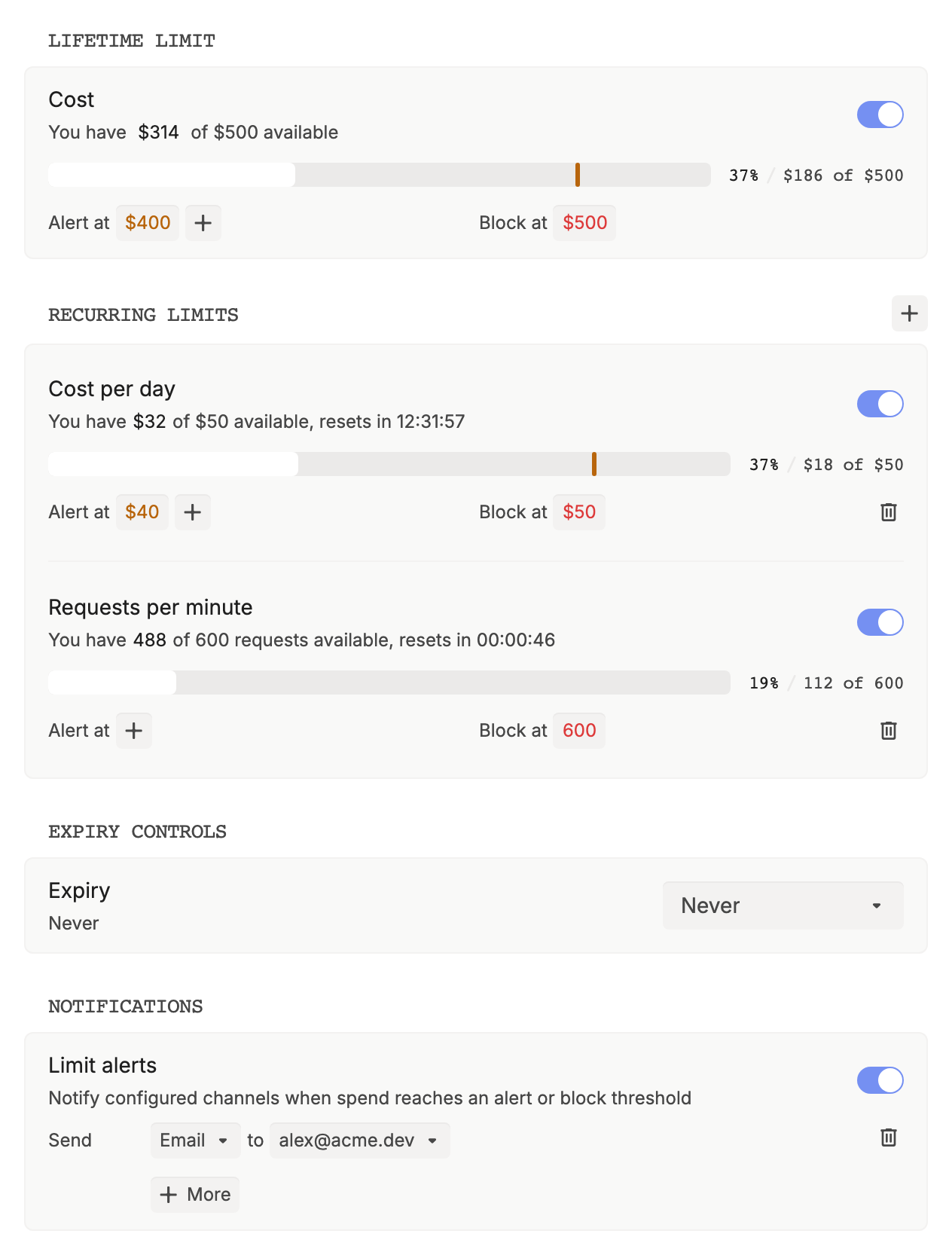
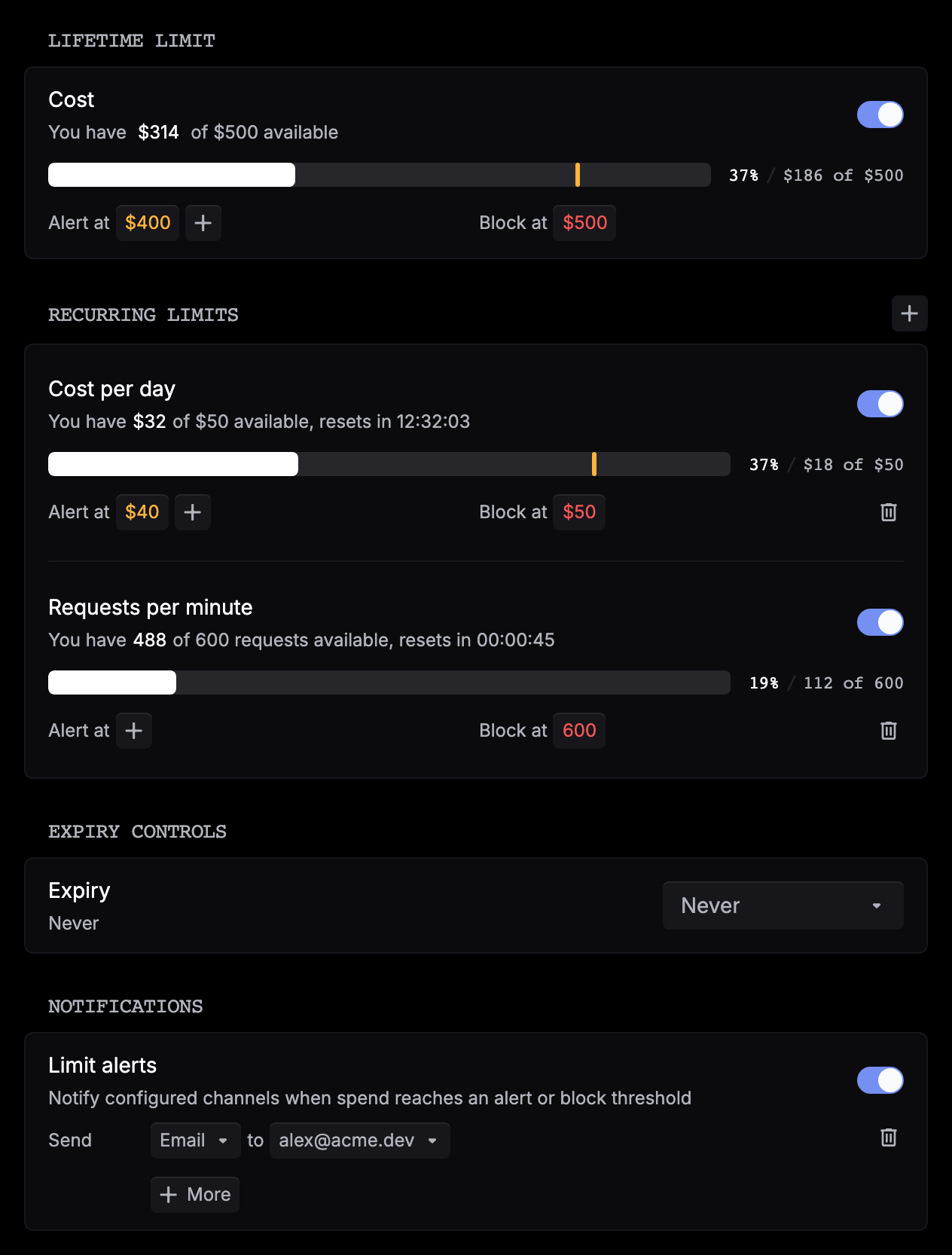
Go to Gateway › API keys and click the key. Each limit shows its usage, what’s left, and when it resets.
Set a lifetime limit
Under Lifetime limit, turn on Cost. Click the amount next to Block at to set the cap, and click + next to Alert at to add warning thresholds, as an amount or a percentage of the cap. A lifetime limit never resets, and it starts from what the key has already spent.
Add recurring limits
Next to Recurring limits, click +. Choose Cost, Requests, or Tokens and a period, set Block at and, if you want, Alert at, then click Save on the row.
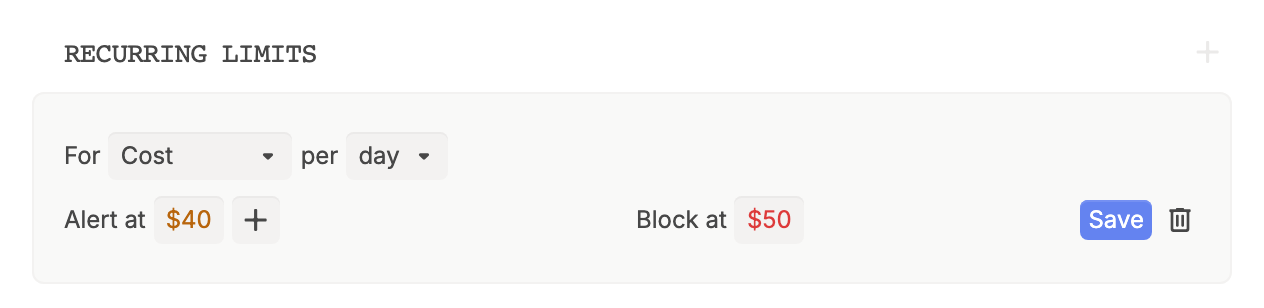
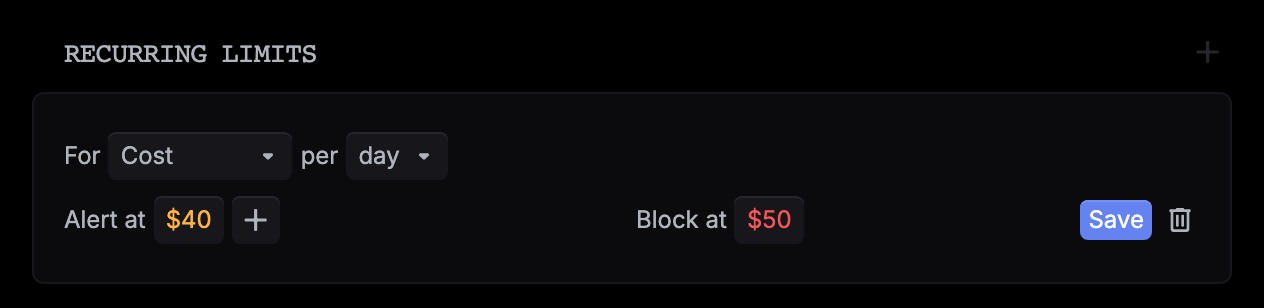
Add more rows to stack windows, such as a daily and a monthly cap. Each metric and period pair can be used once. A new recurring limit counts usage from when you save it.
Turn on alerts
Under Notifications, turn on Limit alerts, then choose Email or Slack and pick an address or channel. Alerts go out when usage crosses an Alert at or Block at threshold.
Save
Click Save in the top bar, review the changes, and click Confirm.
To pause a recurring limit, turn off its switch. To remove it, click its trash icon and Remove. Both take effect when you save. To make a key stop working on a date, set Expiry under Expiry controls.
When a limit is hit
- Alert at: requests keep going, and Respan sends a limit alert. Each threshold alerts once per period.
- Block at: the gateway rejects the request with HTTP
429before it reaches a provider, so retries and fallbacks don’t run. Requests go through again when the period resets, or when you raise or turn off the limit.
Cost and tokens are counted when a request finishes, so the request that crosses a cap still completes and the ones after it are rejected. A Requests cap rejects the request that would reach it, so Block at 100 allows 99 requests per period. Rejected requests count toward it too.
On /api/chat/completions and /api/responses, the 429 body looks like this. Other gateway endpoints return {"detail": "..."} with the same message.
{
  "error": {
    "message": "Spending limit reached",
    "type": "rate_limit_exceeded",
    "param": null,
    "code": "key_usage_limit_exceeded"
  }
}message is the limit’s description. A lifetime limit set in the dashboard reads Spending limit reached. A recurring one has no description, so it reads limit policy hard cap.
Spans and logs you send with the same key count toward its limits too, but only gateway requests are blocked. Use a separate key for each app and environment, so each one gets its own caps.
Set customer limits
Customer limits apply to gateway requests tagged with a customer_identifier. See Customer identifier to tag your requests.
Set a rate limit for every customer
Go to Gateway › Routing config › Limits. Under Customer limits, set Customer rate limit (requests/min), then click Save. Leave it empty for no limit. It applies to chat completions requests (/api/chat/completions), and a customer over it gets HTTP 429. To set a different limit on a request, see Limit requests per user.
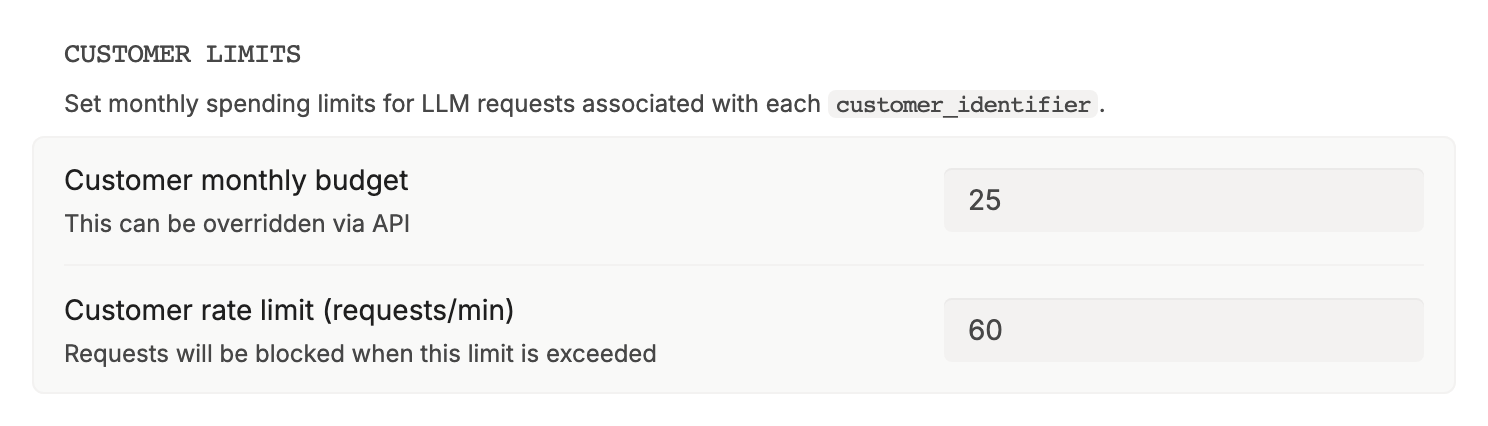
To cap a customer’s spend, set their Period budget in the next step.
Set one customer's budget
Go to Observability › Users & identifiers and click the customer. Under Budgets, click the pencil next to Period budget, type the amount in USD, and press Enter.
You can also set it with the Update user endpoint. Once the customer’s spend in the current period passes their Period budget, their gateway requests get HTTP 402 until the next period starts.
API rate limits
Your plan caps how many requests per minute your organization can send with its API keys, gateway requests included. Requests over the cap get HTTP 429. Free and Team plans also have a lower logging rate: requests over it still go through, but aren’t logged. Gateway › Routing config › Limits shows your plan under API rate limits.
Set key limits with the API
Create a key and its caps in one call. Call it with a Respan API key that has the Admin permission.
curl https://api.respan.ai/api/temporary-keys/ \
  -H "Authorization: Bearer $RESPAN_API_KEY" \
  -H "Content-Type: application/json" \
  -d '{
    "name": "Contractor key",
    "limit_policies": [{
      "metric": "cost",
      "period": "day",
      "max_value": 50,
      "warning_threshold": 40
    }]
}'metric is cost (USD), request_count, or token_count. period is minute, hour, day, week, or month. For a lifetime cap, or to change caps later, use the Limit policies API.