

Tool calling
Build with the Respan MCP
We recommend installing the Respan MCP so your AI coding tool can work with your prompts, logs, and traces directly. Authenticate with your Respan API key from the API keys page:
See the MCP docs for OAuth setup and other clients.
New to prompts? Start with the Quickstart.
For schema, deployment, streaming, and logging, see Advanced features.
Configure tools on your prompt, and the model can call them to fetch data before it answers. Respan returns the tool call; your code runs the matching function and sends the result back. The functions live in your code, so they can be anything: a database query, an internal API, or hardcoded values.
Use in UI
Use in code
In the prompt editor, open the Tools tab and add a tool with a JSON schema describing its name, description, and parameters.
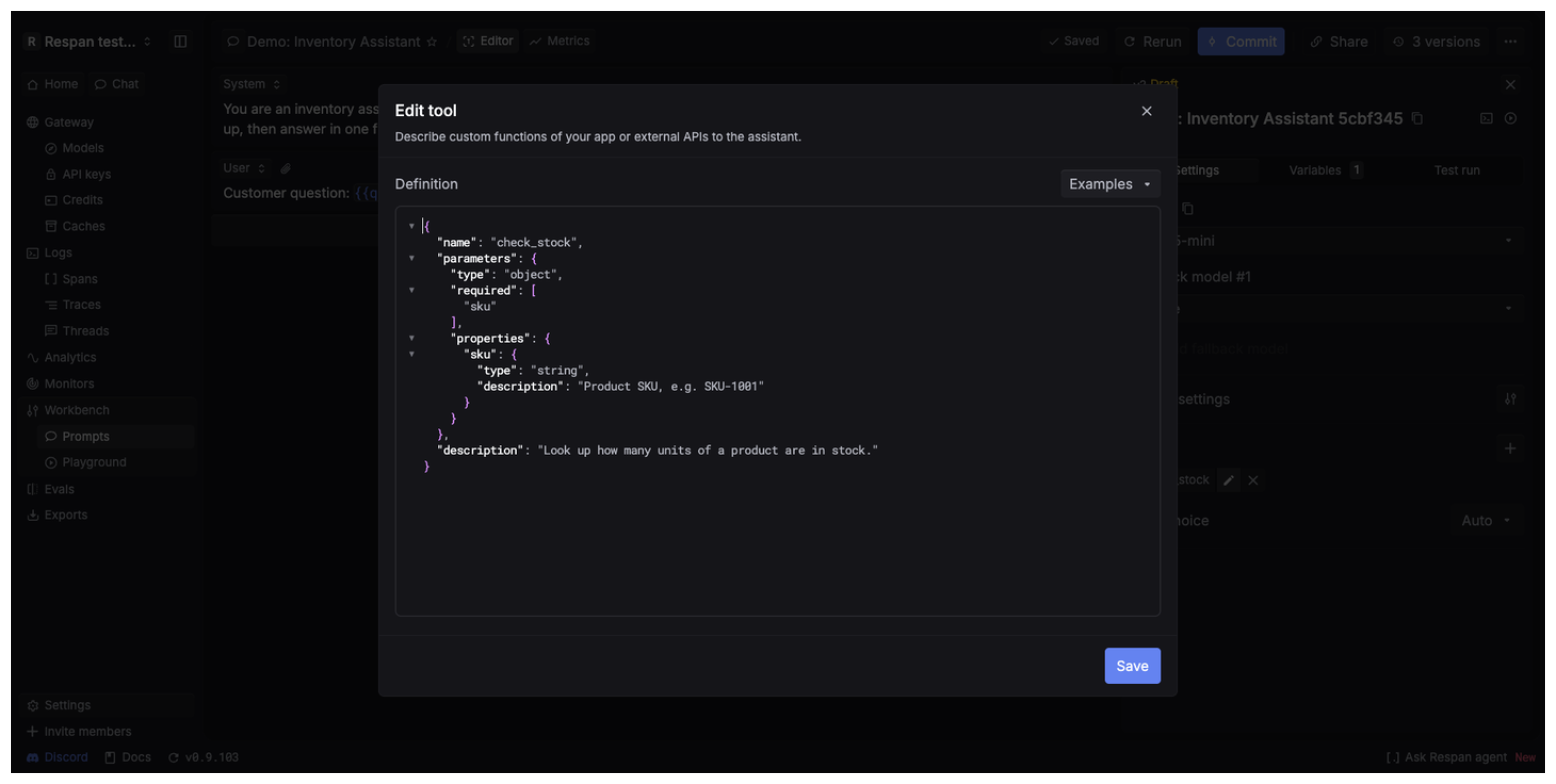
With the tool configured, the model decides when to call it. Commit and deploy the prompt to make the change live.
The playground shows the model deciding to call the tool, but it can’t run the function for you.