Budgets and limits
Cap spend, requests, and tokens per API key and per customer, before any provider is called.
The gateway checks every request against your limits before it calls a provider. A request over a hard cap is refused with an error you can act on, and costs nothing. Use limits as a safety net: give each app and environment its own API key with its own caps, and put a budget on each customer you serve.
| Limit | Scope | What it caps | Over it |
|---|---|---|---|
spending_limit | API key | Spend per month, in USD | 402 plan_permission_denied |
max_usage | API key | Requests over the key’s lifetime | 429 key_usage_limit_exceeded |
rate_limit | API key | Requests per minute | 429 rate_limit_exceeded |
tpm_rate_limit | API key | Tokens per minute, input plus output | 429 rate_limit_exceeded, with Retry-After |
| Limit policies | API key and other scopes | Cost, requests, or tokens per window, or lifetime | 429 key_usage_limit_exceeded at the hard cap |
| Customer budget | One customer_identifier | Spend per period | 402 |
| Customer rate limit | One customer_identifier | Chat requests per minute | 429 rate_limit_exceeded |
| Plan limits | Organization | Requests and tokens per minute on your plan | 429 rate_limit_exceeded |
Request and token rate limits clear in seconds and are covered on Rate limits. This page covers the caps that hold until a window resets.
Key limits
Open Gateway › API keys and click the key. Each limit shows its usage, what’s left, and when it resets.
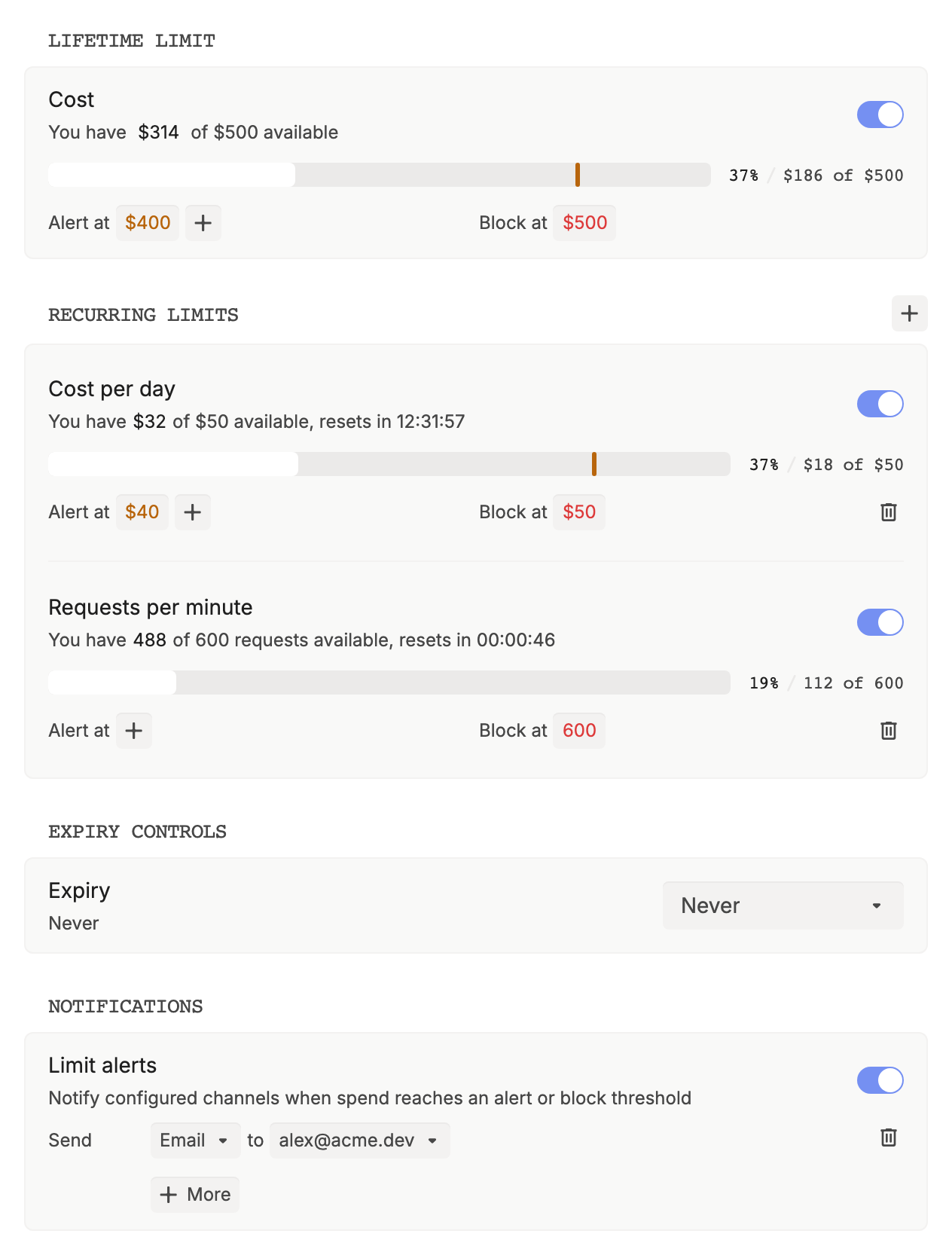
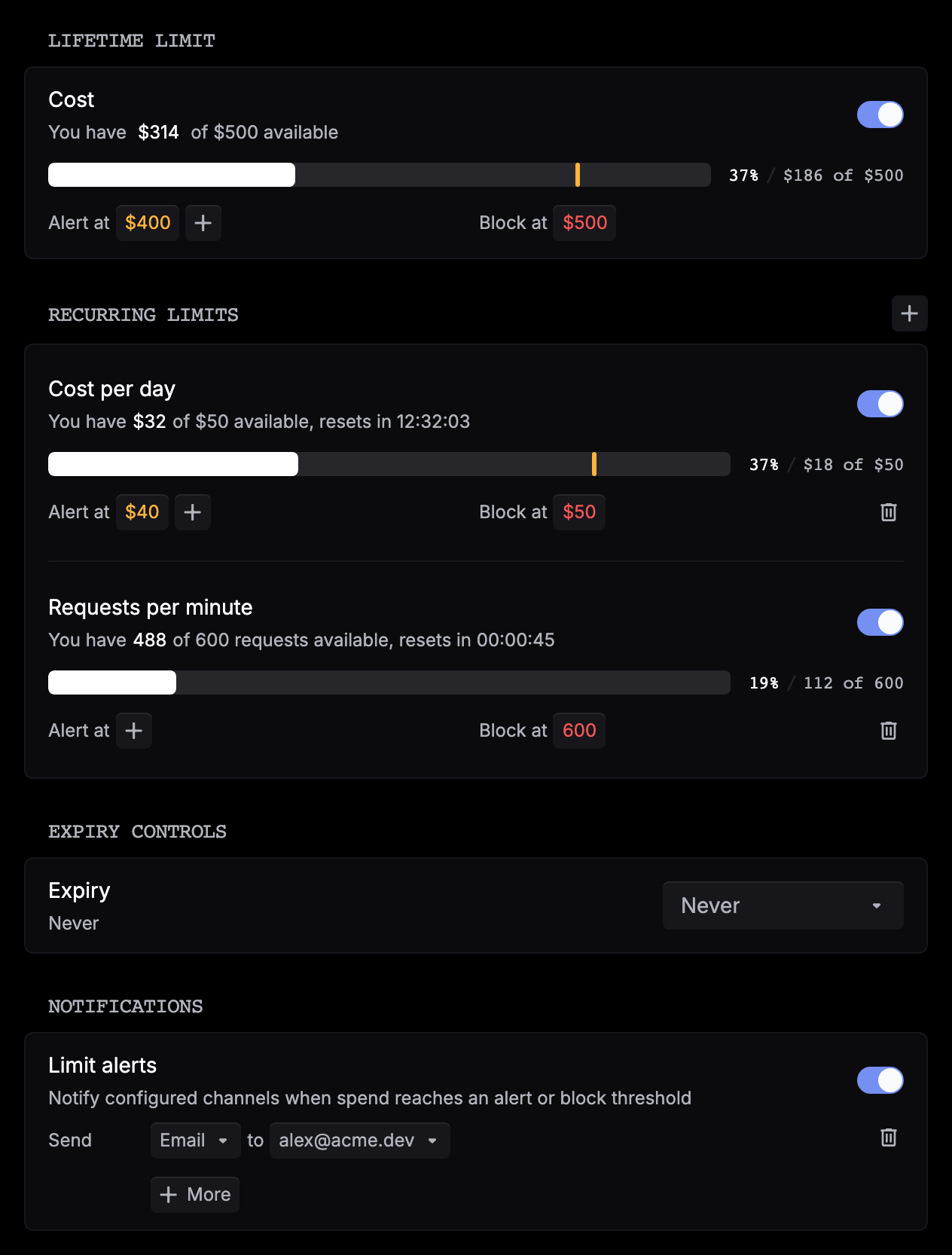
The fields on the key itself:
| Field | Type | Description |
|---|---|---|
spending_limit | number | Spend per month, in USD. At or over it, requests get 402 plan_permission_denied with the message Organization key spending limit exceeded. |
max_usage | integer | Requests over the key’s lifetime. -1 is unlimited, 0 allows none. |
rate_limit | number | Requests per minute. |
tpm_rate_limit | number | Tokens per minute. Each scope (key, organization, plan) is its own bucket, so the tightest one wins. |
An API key can’t raise its own caps: changes to these fields are refused when you authenticate with an API key, so make them from the dashboard. To make a key stop working on a date, set Expiry under Expiry controls.
Limit policies
A limit policy caps a metric (cost in USD, request_count, or token_count) over a window (minute, hour, day, week, month, or lifetime). Each policy has a hard cap that blocks and optional warning thresholds that only alert. Usage counts up within the window and resets when it ends.
Set a lifetime limit
On the key, under Lifetime limit, turn on Cost. Click the amount next to Block at to set the cap, and click + next to Alert at to add warning thresholds. A lifetime limit never resets and starts from what the key has already spent.
Add recurring limits
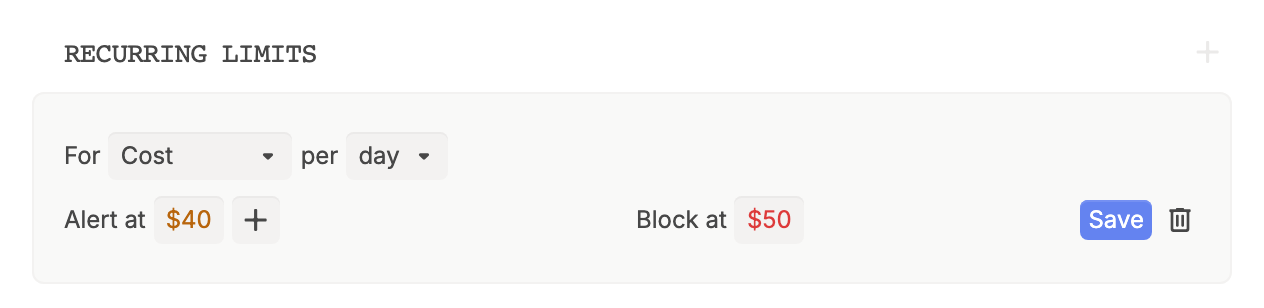
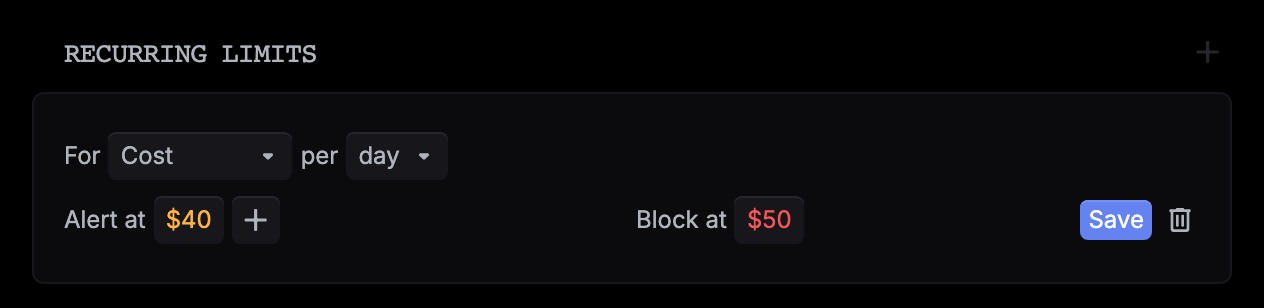
Next to Recurring limits, click +. Choose Cost, Requests, or Tokens and a period, set Block at and, if you want, Alert at, then click Save on the row. Stack rows for a daily and a monthly cap.
Turn on alerts
Under Notifications, turn on Limit alerts, then choose Email or Slack and pick an address or channel.
Save
Click Save in the top bar, review the changes, and click Confirm.
To create a key and its caps in one call, use an API key with the Admin permission:
curl https://api.respan.ai/api/temporary-keys/ \
  -H "Authorization: Bearer $RESPAN_API_KEY" \
  -H "Content-Type: application/json" \
  -d '{
    "name": "Contractor key",
    "limit_policies": [{
      "metric": "cost",
      "period": "day",
      "max_value": 50,
      "warning_threshold": 40
    }]
  }'
To change caps later, or to meter other scopes, use the Limit policies API.
Soft and hard limits
- Soft (Alert at): the request goes through. Respan sends a limit alert by email or Slack and a
limit_policy_soft_triggeredwebhook event. Each threshold alerts once per period. - Hard (Block at): the request is refused with
429key_usage_limit_exceededbefore any provider is called, so retries and fallbacks don’t run. Alimit_policy_hard_triggeredevent is sent. Requests go through again when the window resets, or when you raise or turn off the cap.
Cost and tokens are counted when a call ends, so the call that crosses a cap completes and the ones after it are refused. A Requests cap refuses the request that would reach it, so Block at 100 allows 99 per period.
{
  "error": {
    "message": "Spending limit reached",
    "type": "rate_limit_exceeded",
    "param": null,
    "code": "key_usage_limit_exceeded"
  }
}
message is the limit’s description: Spending limit reached for a lifetime limit set in the dashboard, limit policy hard cap for a recurring one.
Customer budgets
Customer limits apply to requests tagged with a customer_identifier. See Customers to tag your requests.
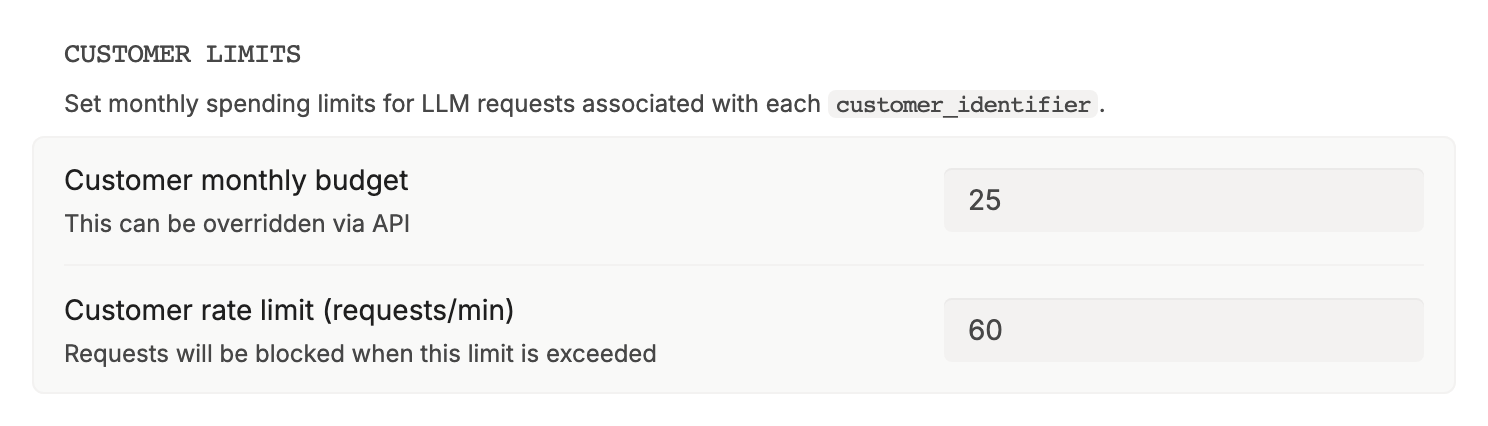
- Budget: go to Observability › Users & identifiers, click the customer, and under Budgets click the pencil next to Period budget. Or set
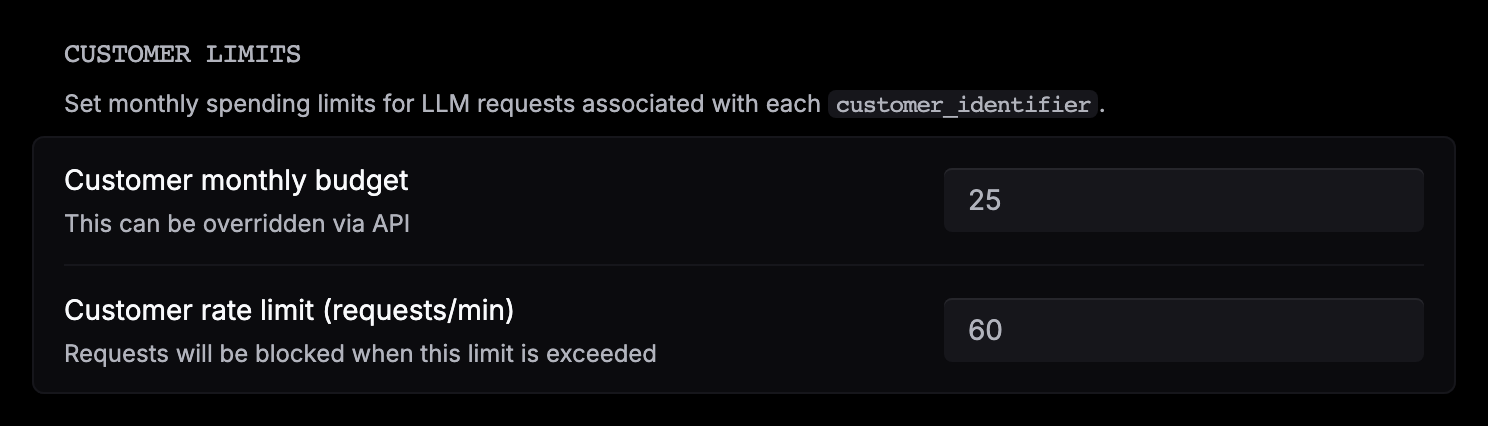
period_budgetandbudget_duration(daily,weekly,monthly, oryearly) with Update user. Once the customer’s spend in the period passes it, their requests get402(Customer budget limit exceeded. Current usage: ..., Budget: ...) until the next period, and Respan sends acustomer_budget_limit_reachedevent. Budget fields sent inside a request’scustomer_paramsare ignored. - Rate limit: set Customer rate limit (requests/min) for every customer in Gateway › Routing config › Limits, or send
customer_params.rate_limiton a request to override it for that customer. It applies to Chat Completions requests.
{
  "model": "gpt-5.5",
  "messages": [{"role": "user", "content": "Hello!"}],
  "customer_params": {
    "customer_identifier": "user_8842",
    "rate_limit": 30
  }
}
A realtime session counts against the customer’s budget as its holds grow, and is closed with 1008 if it passes the budget.
Check current usage
| What | Where |
|---|---|
| A key’s limits | Gateway › API keys › your key: usage, what’s left, and the reset time for each limit |
| A limit policy | Get a limit policy: current_state.current_value for the current window, with interval_start and interval_end |
| A customer’s budget | Get user: total_period_usage against period_budget, with period_start and period_end |
| One call | Get a span by its X-Respan-Log-Id: limit_info holds the credit and budget state the call was checked against |
curl https://api.respan.ai/api/users/user_8842/ \
  -H "Authorization: Bearer $RESPAN_API_KEY"
Admission order
Before any provider is called, a request passes these checks in order. The first one that fails decides the answer.
Request and token rate limits
The key’s, organization’s, and plan’s requests and tokens per minute. Refused with 429 rate_limit_exceeded. No log is written.
Payment deadline
An overdue bill refuses paid requests with 402 billing_payment_required. No log is written.
Limit policies and customer budget
A hard cap refuses with 429 key_usage_limit_exceeded. An exhausted customer budget refuses with 402. Both write a failed log at $0.
Key usage cap
The key’s lifetime max_usage. Refused with 429 key_usage_limit_exceeded.
Plan permission
A key at or over its monthly spending_limit, or an organization without a subscription, is refused with 402 plan_permission_denied.
Customer rate limit
Chat Completions only. Refused with 429 rate_limit_exceeded.
After admission, a call on Respan’s key is checked for credits. See When credits run out. Images, embeddings, speech, and transcription pass the same checks except tokens per minute and the customer rate limit. Realtime sessions are checked once, at the handshake.
Next steps
- Rate limits: handle
429and retry well. - Webhooks: get budget and limit events.
- Usage accounting: see what each call cost.