Logs
Every call is logged and every request is a trace, with nothing to install.
The gateway writes a log for each provider call it makes and groups the logs of one request into a trace. You don’t add an SDK or a tracer: sending the request through the gateway is enough. Each response names its log, so you can jump from your code to the call in the platform.
curl -i https://gateway.respan.ai/v1/chat/completions \
  -H "Authorization: Bearer $RESPAN_API_KEY" \
  -H "Content-Type: application/json" \
  -d '{
    "model": "gpt-5.5",
    "messages": [{"role": "user", "content": "Hello!"}],
    "customer_identifier": "user_8842",
    "thread_identifier": "thread_7f3a",
    "span_name": "support-reply",
    "metadata": {"feature": "support-chat"}
}'What you can do
| Feature | What it does | Key details |
|---|---|---|
| Logs and traces | One log per call, one trace per request | X-Respan-Log-Id on every response; tool calls are child logs |
| Usage accounting | Tokens and cost on each call | In the response, and by log ID afterwards |
| Reports | Totals and trends | Dashboard metrics, scheduled digests, reporting APIs |
| Budgets and limits | Refuse calls over a cap | Key spend caps, limit policies, customer budgets |
| Webhooks | Push events to your URL | Each call, completed traces, budget and limit events |
Response headers
| Header | What it names |
|---|---|
X-Respan-Log-Id | The request’s first log, the root of its trace. Search for it in Logs, or fetch it with Get a span. |
X-Respan-Gateway-Request-Id | The whole request. Every log the request writes carries it. |
Both are set before the gateway calls a provider, so a streamed response carries them in its headers, and so does a refused request that wrote a log.
One log per call
A plain chat request makes one provider call and writes one log. A request that moves on to a later attempt, such as a fallback in a route, or runs your project’s tools, makes several calls, and each is its own log. Logs are typed by what they are: chat, embedding, image, speech, transcription, video, or tool.
Each log carries the model you asked for and the model that answered, the provider, the status code, whether it streamed, latency and time to first token, token usage, cost, the billing method, and the Respan params you sent. The input and output are kept too, unless you send disable_log: true, which keeps the metadata and drops the content.
A call that never reached a provider is recorded as well. A request refused by a limit policy or a customer budget gets a failed log with the reason, at $0. A request refused by a rate limit or the payment check writes no log. Calls on your own provider key are logged the same way as calls on credits.
One trace per request
- Trace ID: your
trace_unique_idif you send one, otherwise the request’sX-Respan-Gateway-Request-Id. - Root log: the first log, the one
X-Respan-Log-Idnames. It’s named by yourspan_name, elsetrace_name, else after the call. - Children: every other log of the request.
To join gateway calls to a trace your app already has, send the same trace_unique_id on each request. To group the turns of a conversation, send the same thread_identifier. See Threads and traces.
The first call’s log is published as soon as it ends. The other logs of the request are published when the request ends.
Tag calls
Send these next to the normal request body. With the OpenAI SDK, pass them in extra_body (Python) or as extra fields (TypeScript). They’re never sent to the provider.
| Parameter | Type | Description |
|---|---|---|
customer_identifier | string | The end user the call belongs to. Drives customer budgets and rate limits. |
thread_identifier | string | Groups the calls of one conversation. |
metadata | object | Your own key-value pairs, shown as custom properties. |
trace_unique_id | string | The trace to put the request in. |
span_name | string | The name of the request’s root log. |
trace_name | string | The trace’s name, and the root log’s name when span_name isn’t set. |
disable_log | boolean | true keeps the input and output out of the log. Tokens, cost, and latency are still recorded. |
You can also send them in a respan_params object or the X-Data-Respan-Params header (base64 JSON). See Respan params for the full list.
Find a call in Logs
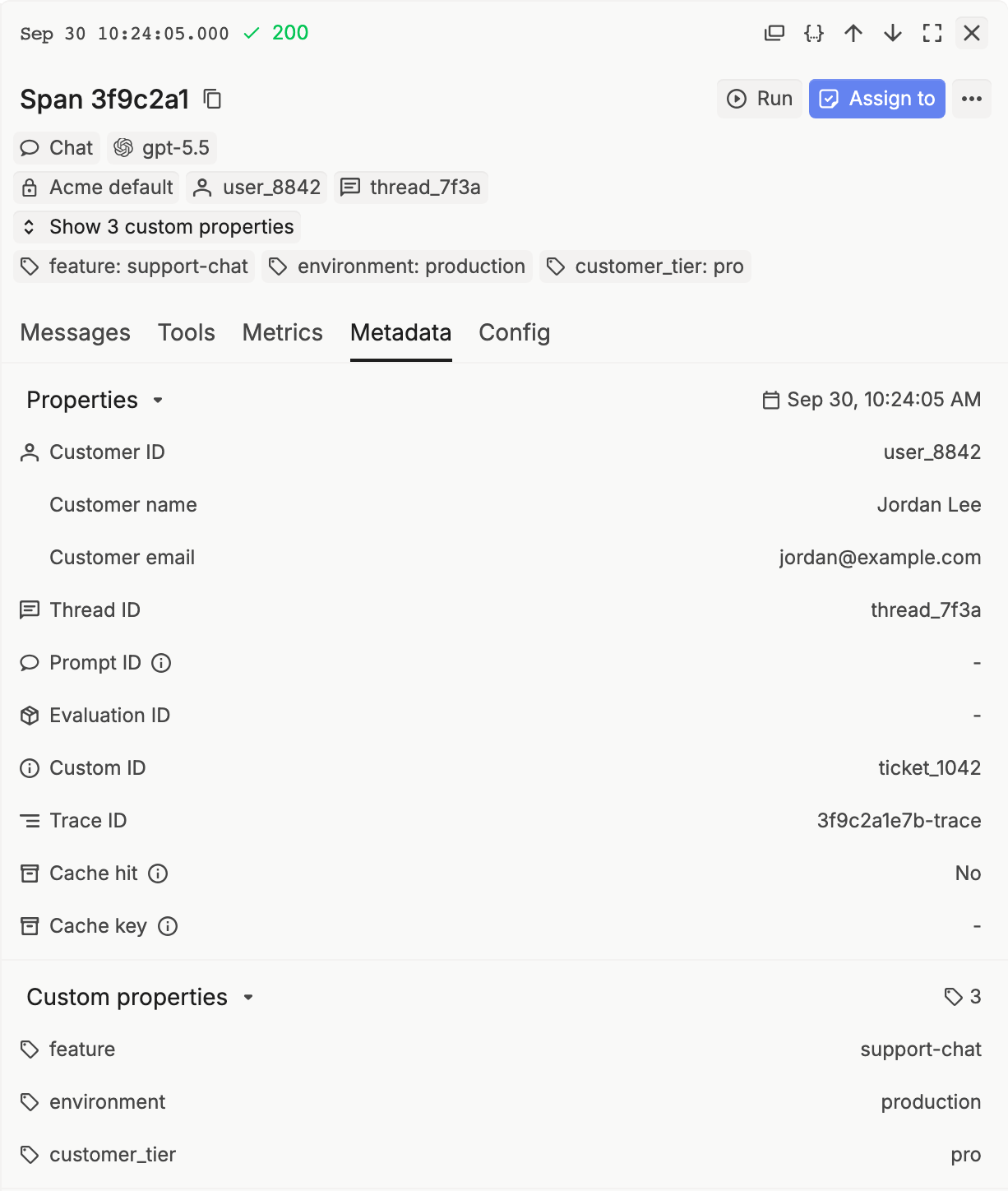
Open Gateway › Logs and paste the X-Respan-Log-Id value into the search, or filter by Customer ID, Model, Status code, or Deployment. Group by Traces to see a request with its tool calls.
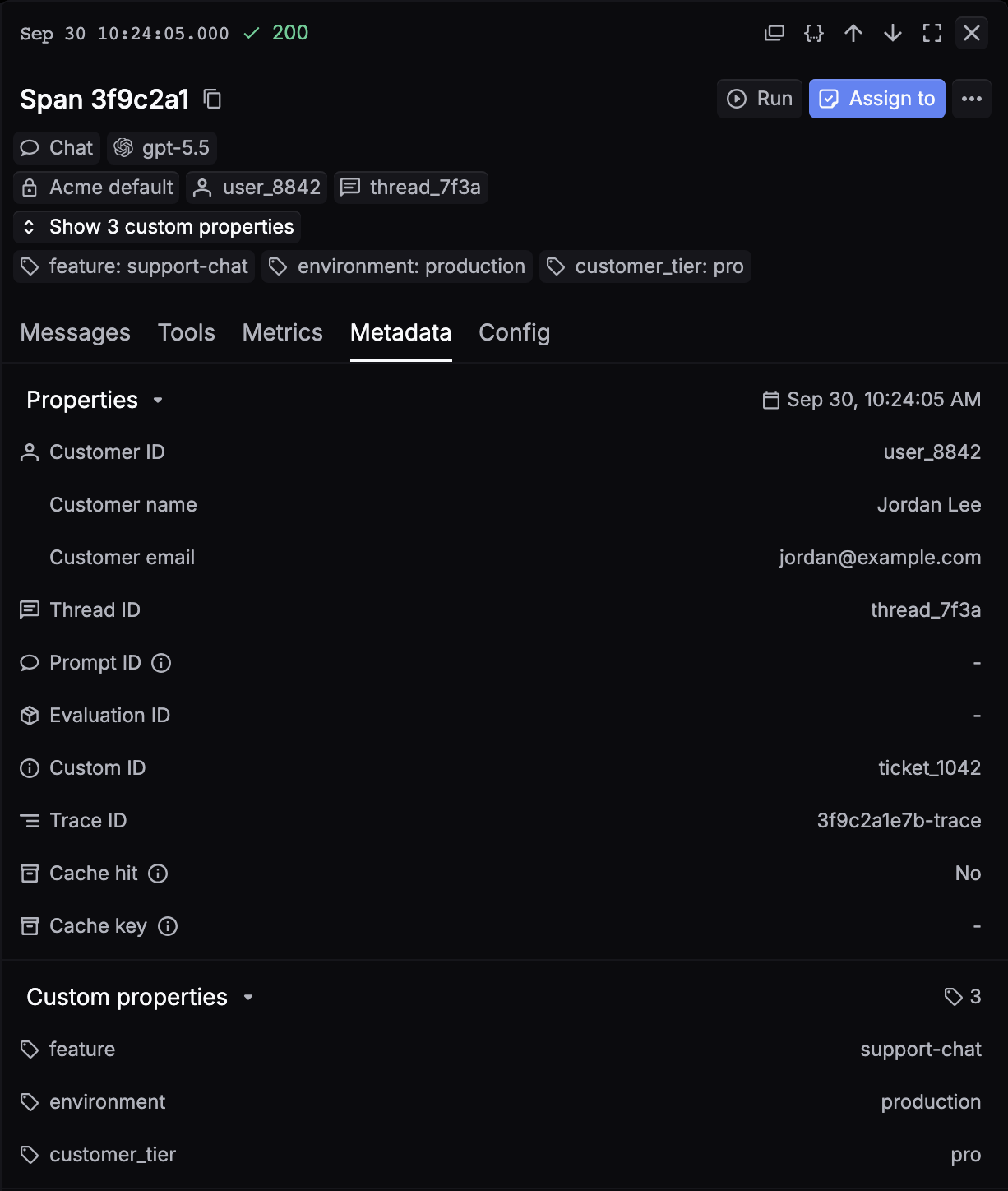
Click a log to open the side panel. The Metadata tab shows the customer, thread, and your custom properties, and the Config tab shows the Billing method.
For search syntax and filters, see Logs and Inspect spans and traces. To read logs from code, use List spans or Get a trace.
Logs are kept for your project’s retention period. See Data retention and ZDR.
Next steps
- Usage accounting: tokens and cost on each call.
- Reports: totals over time.
- Webhooks: get each call or trace pushed to your URL.