Members
Invite teammates to a project and choose what each of them can do.
Members belong to a project. Invite teammates to the project and give each one a role that matches their work.
Invite members
Open the invite dialog
Go to Settings › Members and click Add member. You can also click Invite members at the bottom of the sidebar.
Add emails and roles
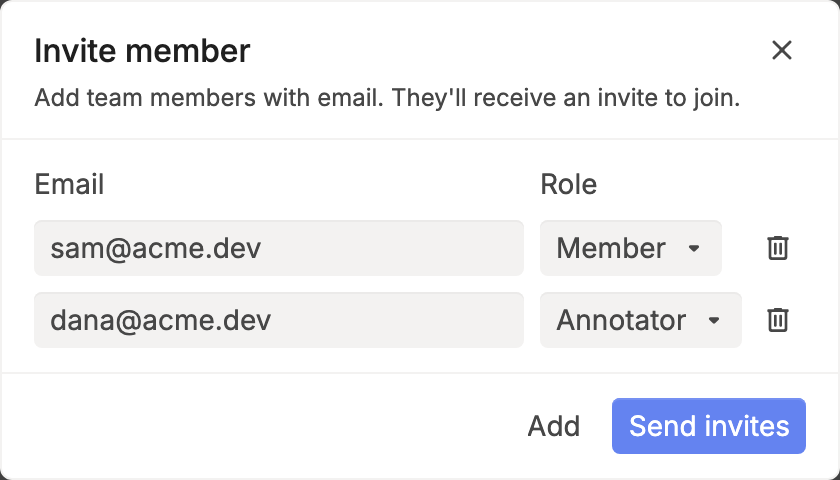
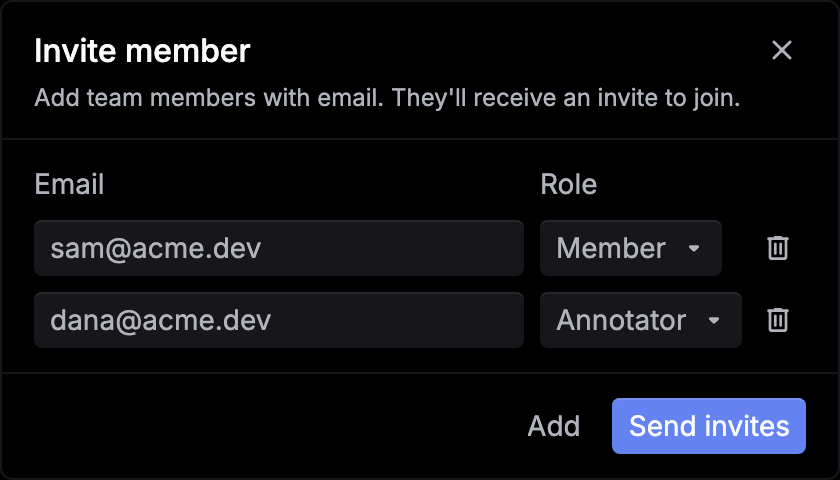
Enter an email and choose a role. Click Add to add another row.
Send the invites
Click Send invites. Each person gets an email and appears as Pending until they join. People who already have a Respan account can also accept from the project menu, under Pending invitations.
Only owners and admins see Add member and Invite members. To bring someone in from a prompt, open the prompt and click Share. Members can share too, but only as Member or Annotator.
Roles
| Role | Access |
|---|---|
| Owner | Everything an admin can do, plus change or remove admins and transfer ownership. Each project has one owner. |
| Admin | Invite members, change roles, remove members, and change or delete the project. Can’t change or remove other admins. |
| Member | Use the platform, such as logs, prompts, datasets, and evaluations, and manage API keys and provider keys. Can’t change roles, remove members, or rename or delete the project. |
| Annotator | Only the Reviews queue and their own Profile and Preferences. |
Changing roles needs the Team plan or higher. On the Free plan, pick the right role in Add member, and Share invites as Admin only.
Manage members
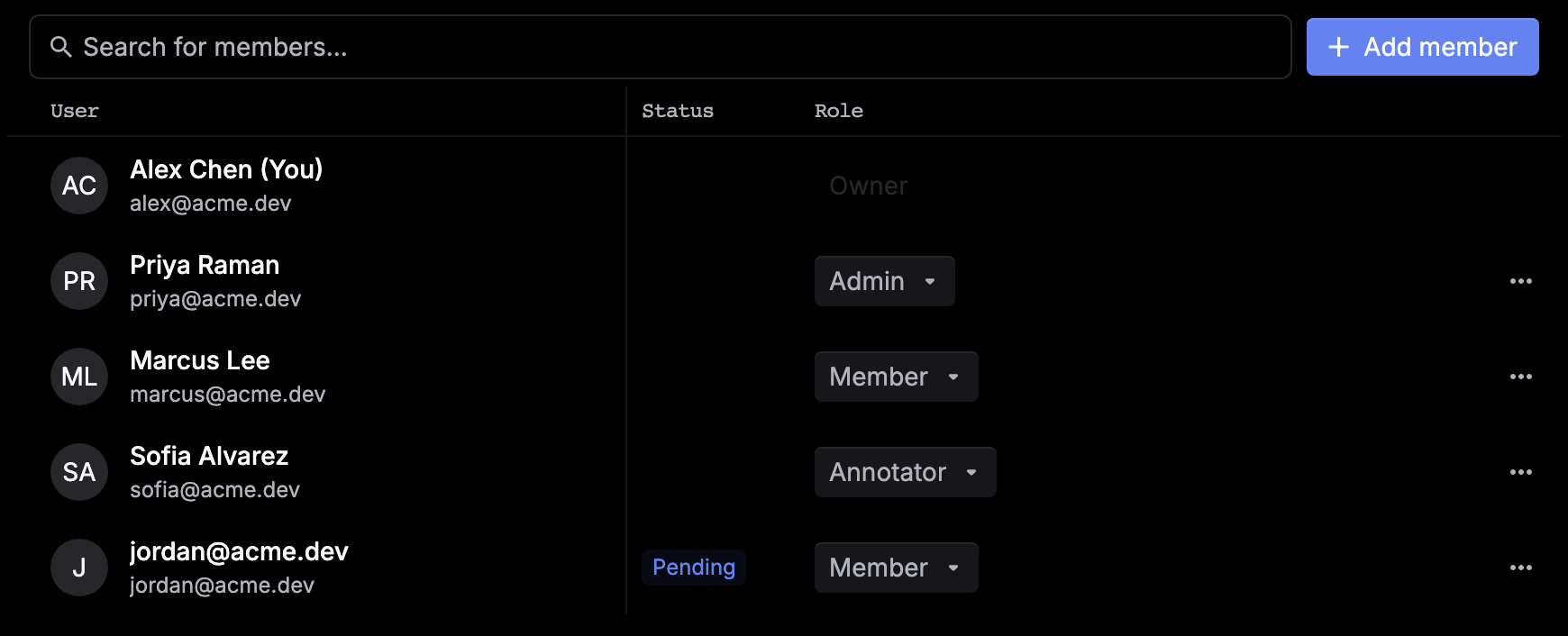
Settings › Members lists everyone in the project, with their role and whether their invitation is still pending.
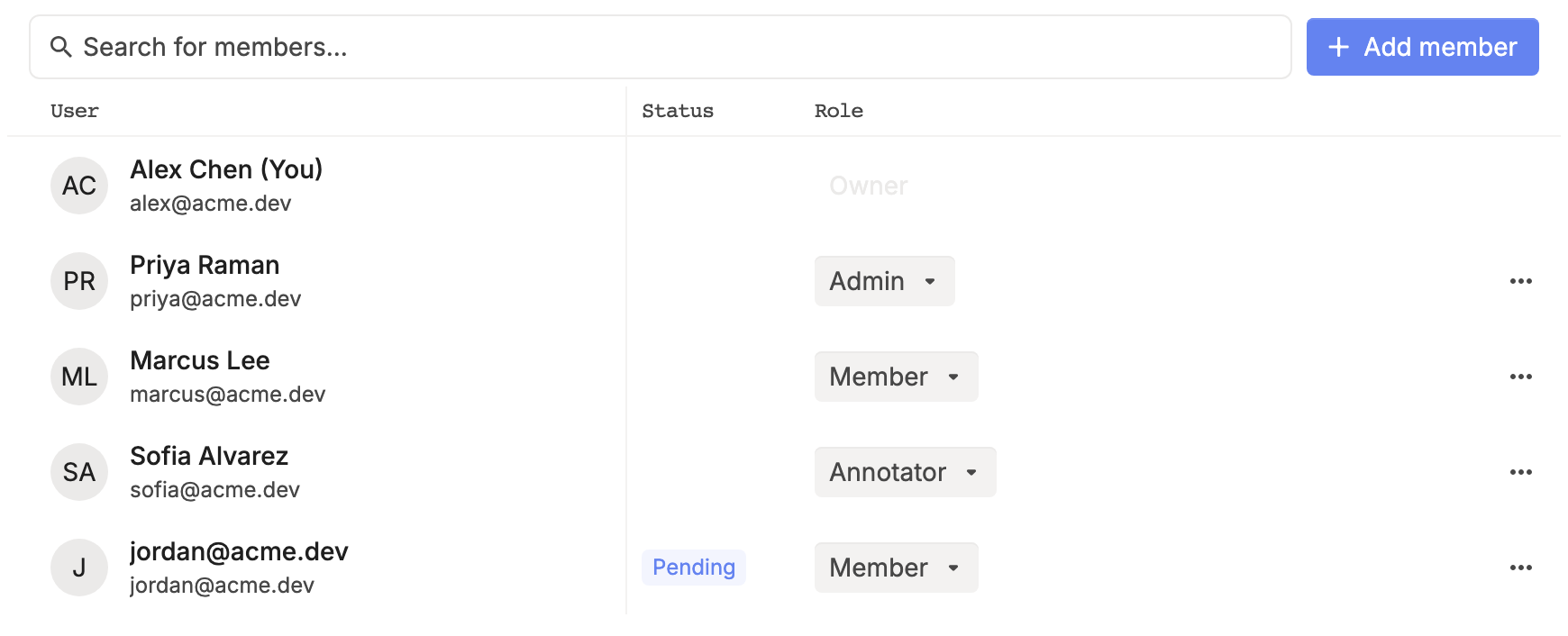
- Change a role: click the member’s role and choose a new one. You can’t change your own role or the owner’s, and only the owner can change an admin’s.
- Resend an invitation: open the row’s ⋯ menu and click Resend invite.
- Remove a member: open the row’s ⋯ menu, click Remove user, and type their email to confirm. Only the owner can remove an admin.
- Leave a project: ask an admin to remove you. An admin asks the owner, and the owner transfers ownership first.
- Transfer ownership: as the owner, open the ⋯ menu of a member who has joined and click Transfer ownership. Type the project name to confirm. You become an admin.