Respan Agent
Ask questions about your LLM traffic, and let the agent set up prompts, monitors, and evaluations for you.
The Respan agent is a chat assistant built into the platform. It reads your logs, traces, and metrics to answer questions, and it can create or change prompts, datasets, evaluators, experiments, and monitors for you.
| Goal | Try asking |
|---|---|
| Investigate a spike or failure | “Why did errors spike yesterday?” |
| Debug a trace | “Explain why trace [trace_id] is slow” |
| Find requests by what they say | “Find logs that mention ‘rate limit exceeded’ in the last 24 hours” |
| Write a prompt | “Create a customer support prompt” |
| Get alerted | “Create a monitor when cost exceeds $100/hour” |
| Evaluate outputs | “Build a hallucination evaluator” |
Open the agent
- Chat in the sidebar opens the full-page chat. New chat and your past chats are listed under it.
- Ask Respan agent, at the bottom right of any page, opens a chat panel over that page. On pages such as Logs and Dashboard, a Current page chip shares what you’re looking at with the agent; click its × to leave it out. Use the panel’s header to switch chats, start a new one, manage skills, dock the panel beside the page, or close it.
- Search (⌘K): type your question and pick Ask Respan agent at the bottom of the results. Chat opens with your question filled in.
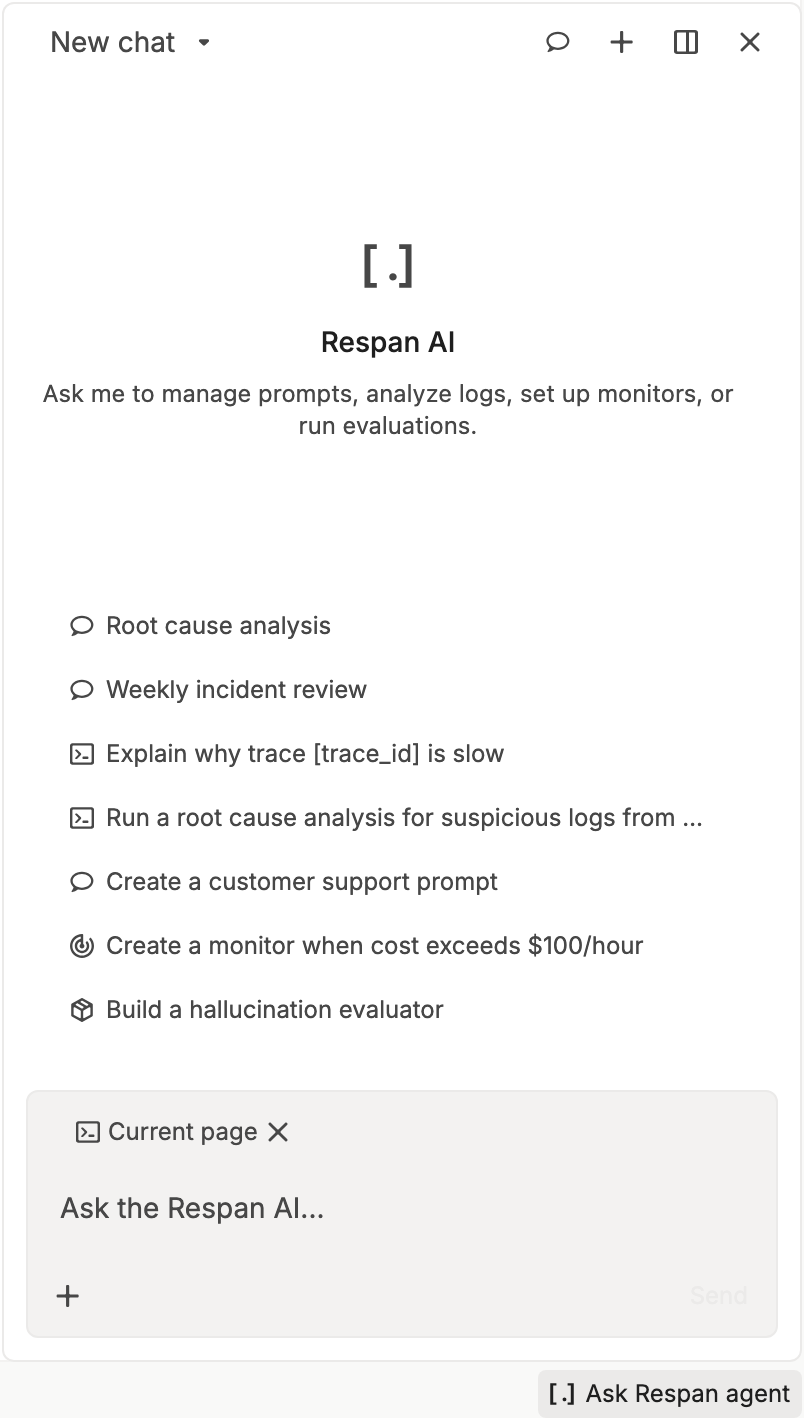
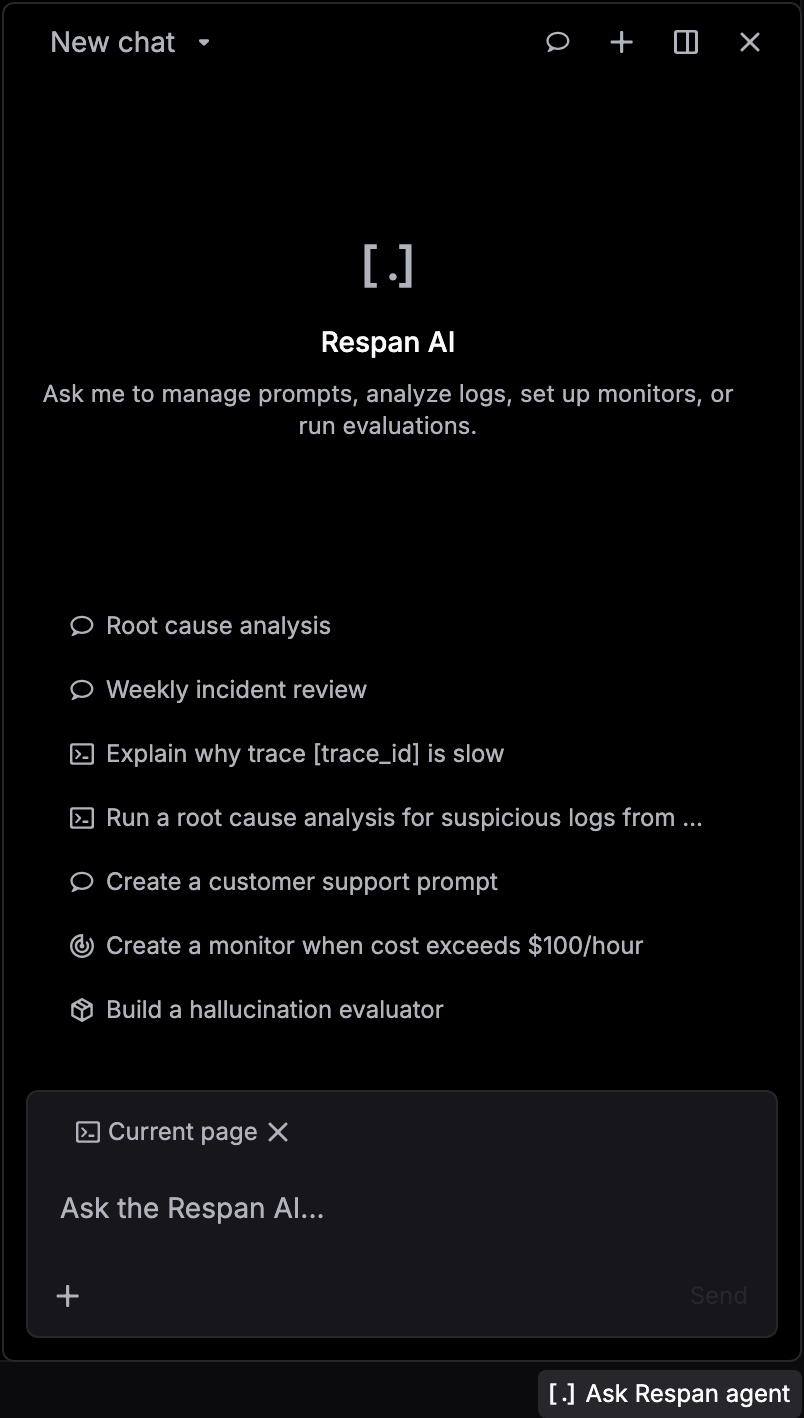
Ask a question
Describe what you want
Type a question, or pick a starter prompt or skill. Include anything the agent can’t guess, such as a trace ID, a time range, or a threshold. Press Enter to send.
Read the answer
As it works, the agent lists each step it runs, like “Error count by model”. Click a step to see what it queried and what came back. Charts in the answer are drawn from your data.
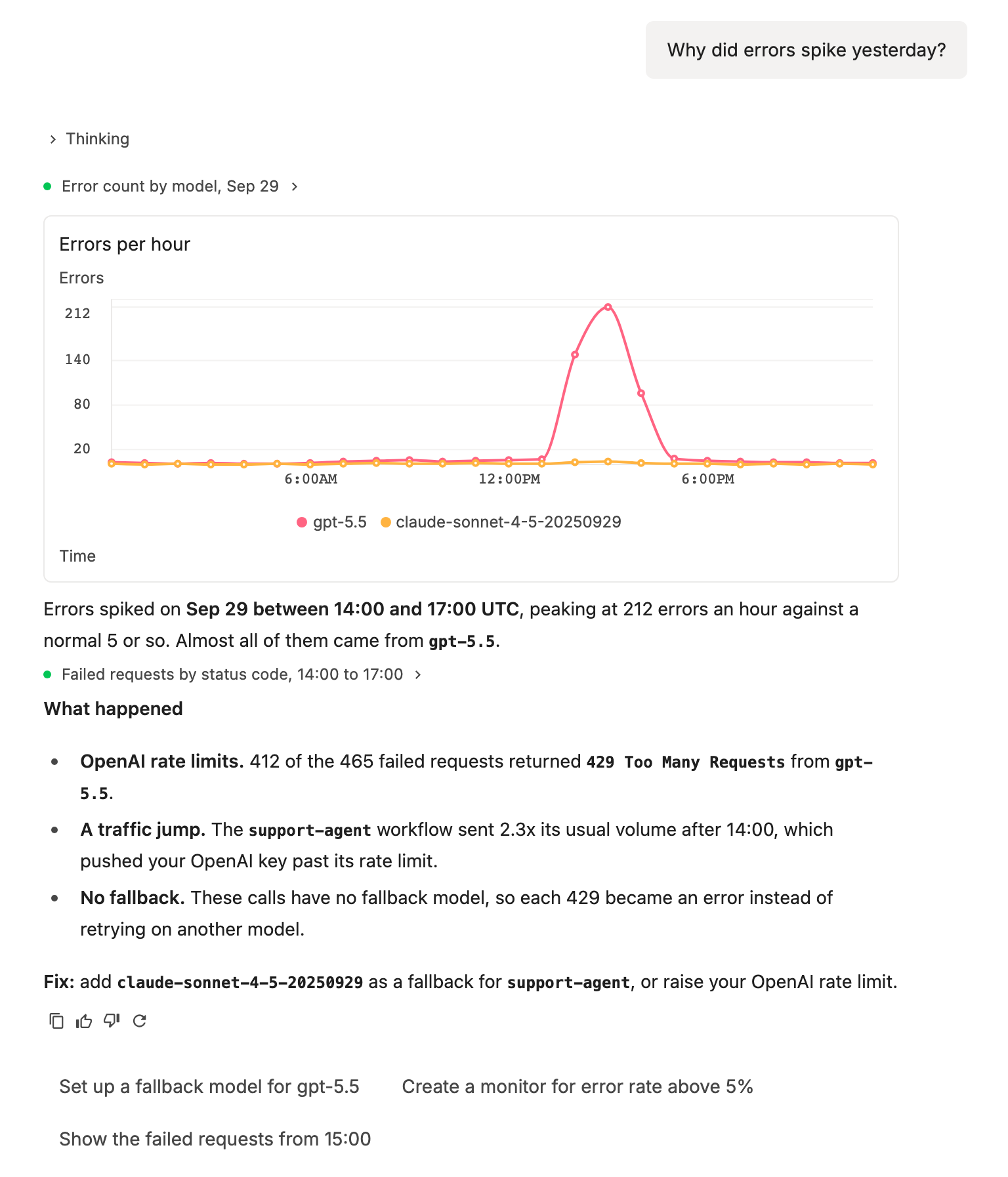
Click a suggestion under the answer to ask it next.
Check what it changed
When the agent creates or edits something, the answer ends with an Agent updated button, such as Agent updated prompt, that opens the result. The changes are real, so review them before you rely on them.
Add context
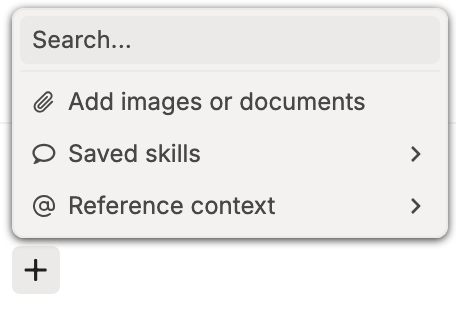
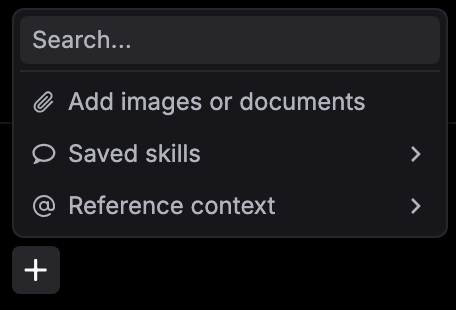
Click + in the message box, or type @, to give the agent more to work with.
| Option | Adds |
|---|---|
| Add images or documents | Up to 5 files per message, 20 MB each: PNG, JPEG, GIF, WebP, PDF, TXT, Markdown, CSV, or JSON |
| Saved skills | Up to 5 saved skills. With text in the box, Save current prompt as skill saves it as a new skill. |
| Reference context | Up to 5 prompts, graders, or monitors from your project, or the Current page if you removed it |
Save a skill
A skill is a set of instructions that anyone in your organization can apply to a chat. Root cause analysis is built in.
Create the skill
On the Chat page, click Skills at the top right, or click the skills icon in the header of the Ask Respan agent panel. In Agent skills, click New skill.
Write the instructions
Enter a Name and a Description, then write the instructions the agent should follow. Use + or @ to attach a prompt, grader, or monitor the skill depends on.
Save and use it
Click Create skill. It shows up under Skills on the Chat page and in + › Saved skills.
Credits
The agent runs on your Respan credits. If your balance is empty, the chat shows an error with a Buy credits button instead of an answer. See Billing and credits.