Project settings
Create and switch projects, and manage a project's name, ID, and data retention.
A project is a separate workspace with its own logs, API keys, members, and settings. Use one project per product or team to keep their data apart.
Create or switch projects
Click the project name at the top of the sidebar to open the project menu.
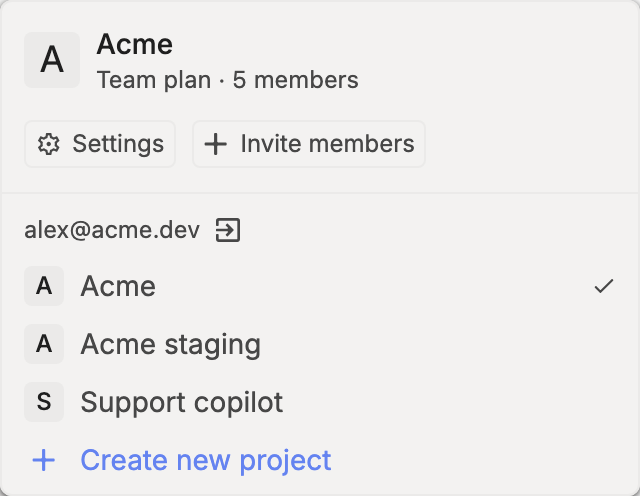
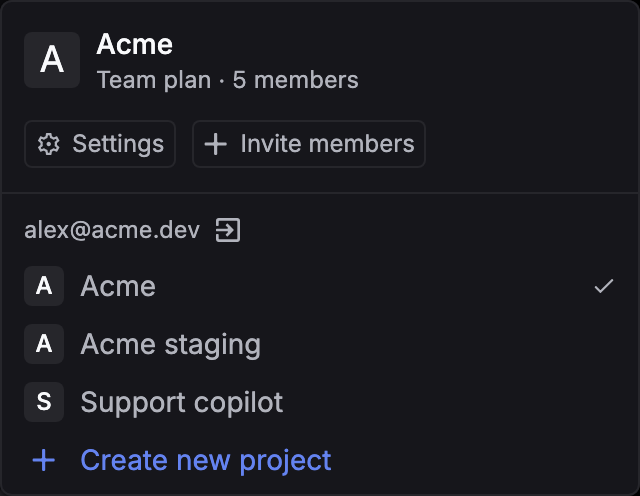
- Switch projects: click a project in the list. The platform reloads in that project.
- Create a project: click Create new project, enter a name, and click Create. The platform switches to the new project. On the Free plan, this button opens the plans page instead.
- Accept an invitation: projects you’ve been invited to appear under Pending invitations. Click Join.
Change project settings
Go to Settings › General. Only owners and admins can change these settings.
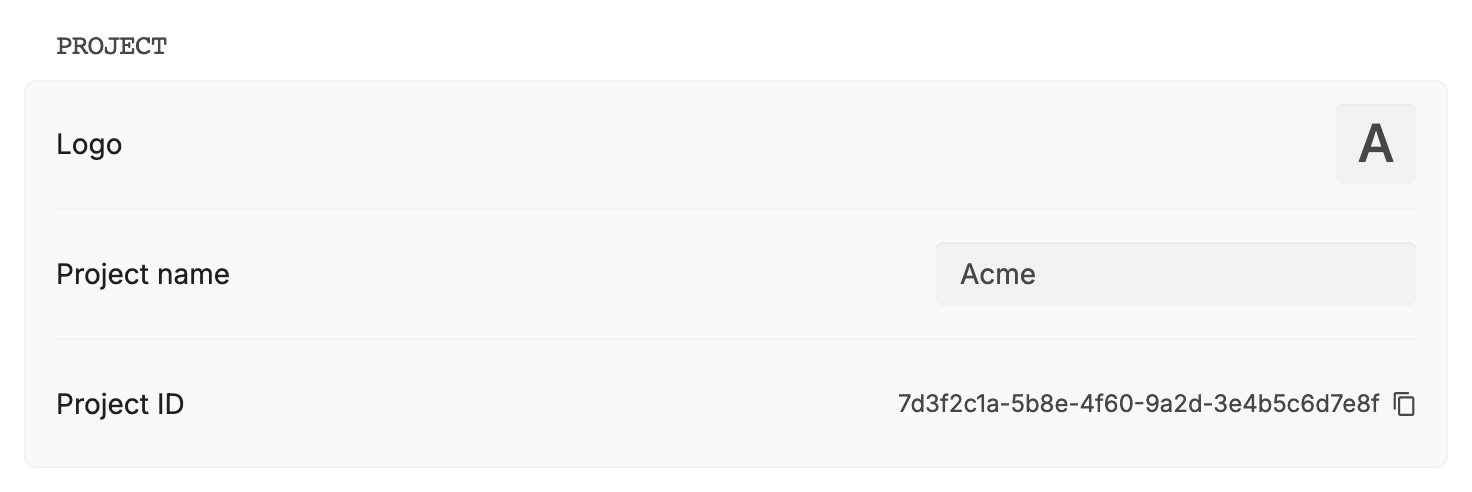
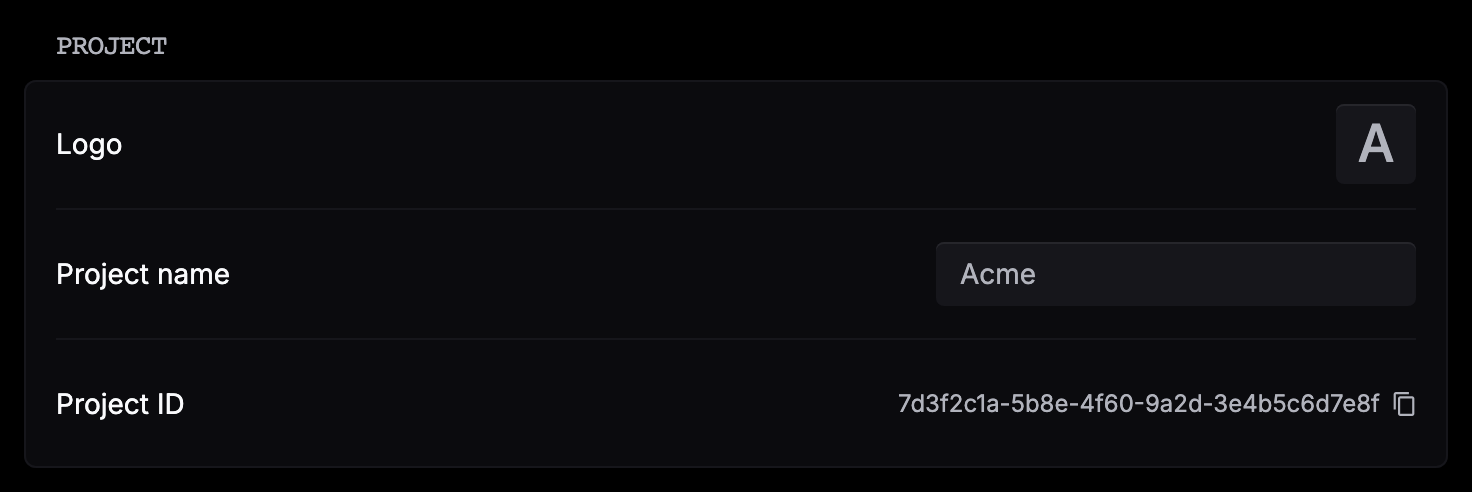
| Setting | What it does |
|---|---|
| Logo | Sets the image shown in the project menu. |
| Project name | Renames the project. Click Save after you edit it. |
| Project ID | Click the ID to copy it. |
| Invalid JSON | Adds a warning to a log when JSON mode is on but the completion isn’t valid JSON. |
Data retention
| Plan | Default retention | Custom retention |
|---|---|---|
| Free | 7 days | No |
| Team | 30 days | Yes. More than 30 days may cost extra. |
| Enterprise | Custom | Yes |
Respan keeps logs for your retention period. Export anything you need to keep longer.
Change the retention period
Open the retention settings
Go to Settings › General and scroll to Data retention.
Set the number of days
Turn on Customize retention policy, enter the days in Retention period, and click Save. On the Free plan, the switch is replaced by Available on Team.
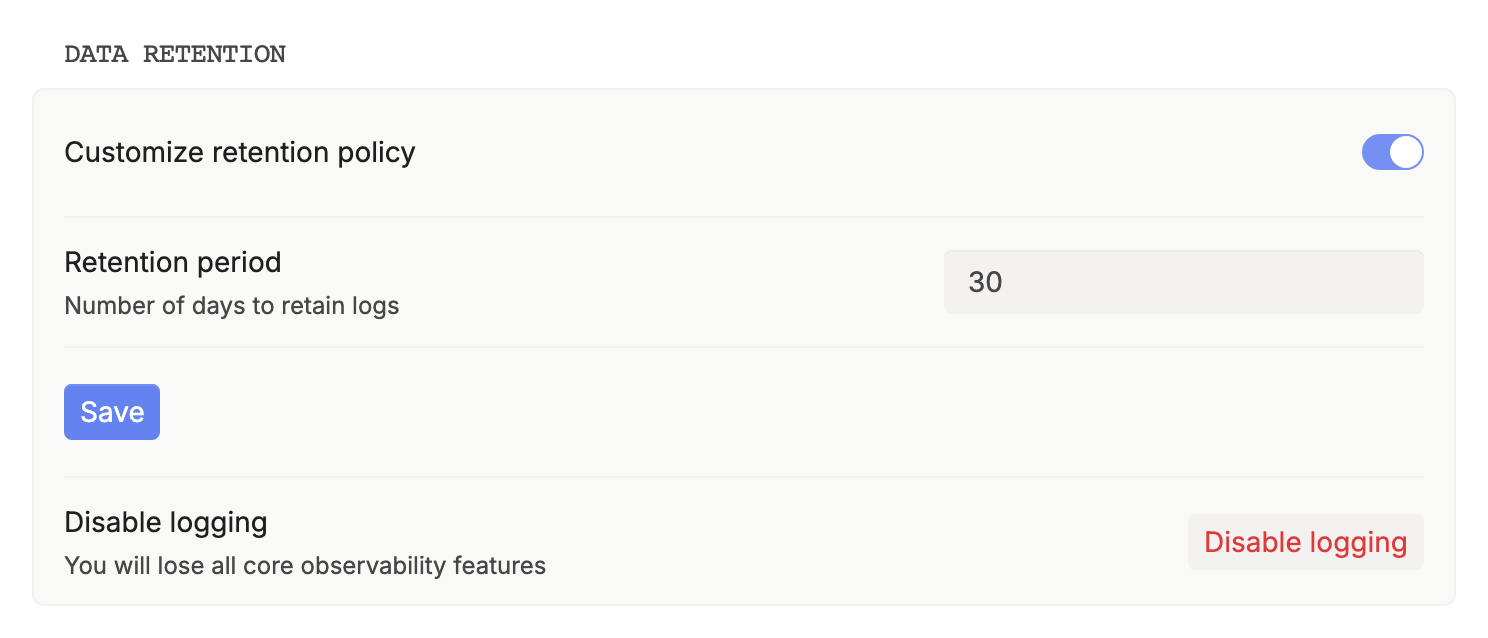
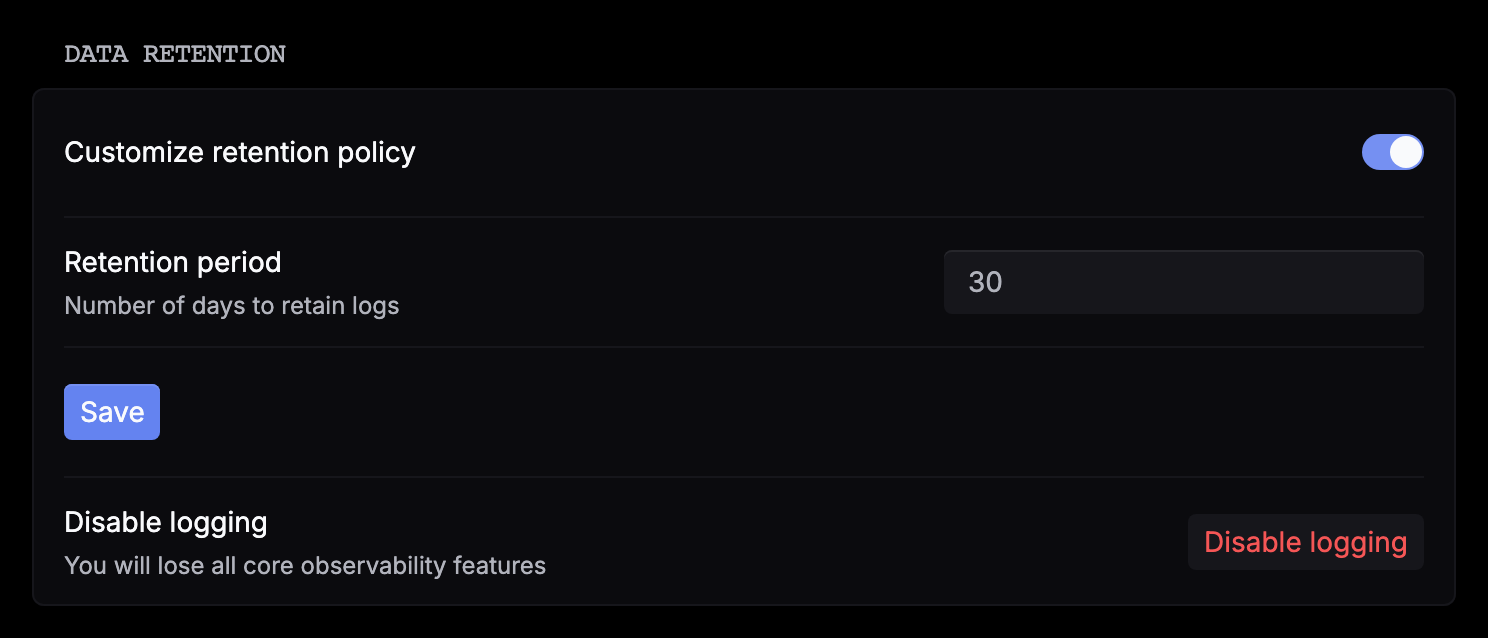
On Team, a value above 30 days shows Additional costs may apply. Email support@respan.ai for pricing. Turn the switch off to go back to your plan’s default.
Disable logging, in the same section, stops Respan from recording requests. It’s available on Team and above.
Delete a project
Delete project, under Settings › General › Danger zone, deletes all logs and API keys in the project and can’t be undone. Owners and admins can delete a project. Type the project name to confirm. Export any data you need first.
Delete your account
Go to Settings › Profile, and under Danger zone click Delete account. Type your email and click Confirm. You’re signed out, and the account can’t be restored.
- Projects where you’re the only member are deleted, and their API keys stop working.
- You’re removed from projects that have other members, and they keep working.
- If you own a project that has other members, Delete account stays disabled until you transfer ownership of it.