PII redaction
Mask personal data in requests before it reaches the provider and the log.
PII redaction finds personal information, such as names, emails, and card numbers, in the chat requests you send through the gateway and replaces each match with [REDACTED]. The provider receives the redacted request, and the log stores the redacted request, so the original text is kept nowhere in Respan. You turn it on once for the project in the platform, with no code changes.
Your app sends:
{
  "model": "gpt-5.5",
  "messages": [
    {"role": "user", "content": "I'm Maya Patel, maya@example.com. My card 4242 4242 4242 4242 was charged twice."}
  ]
}
The provider and the log see:
{
  "model": "gpt-5.5",
  "messages": [
    {"role": "user", "content": "I'm [REDACTED], [REDACTED]. My card [REDACTED] was charged twice."}
  ]
}
Turn it on
Open PII redaction
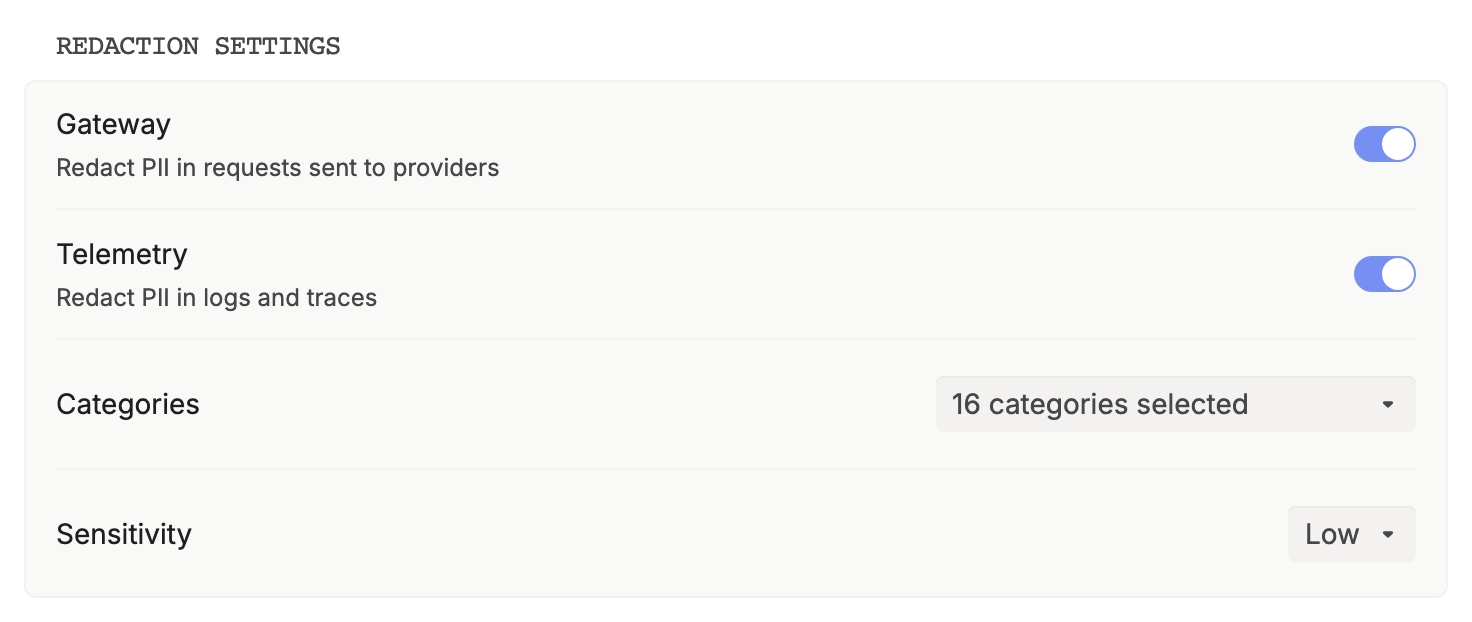
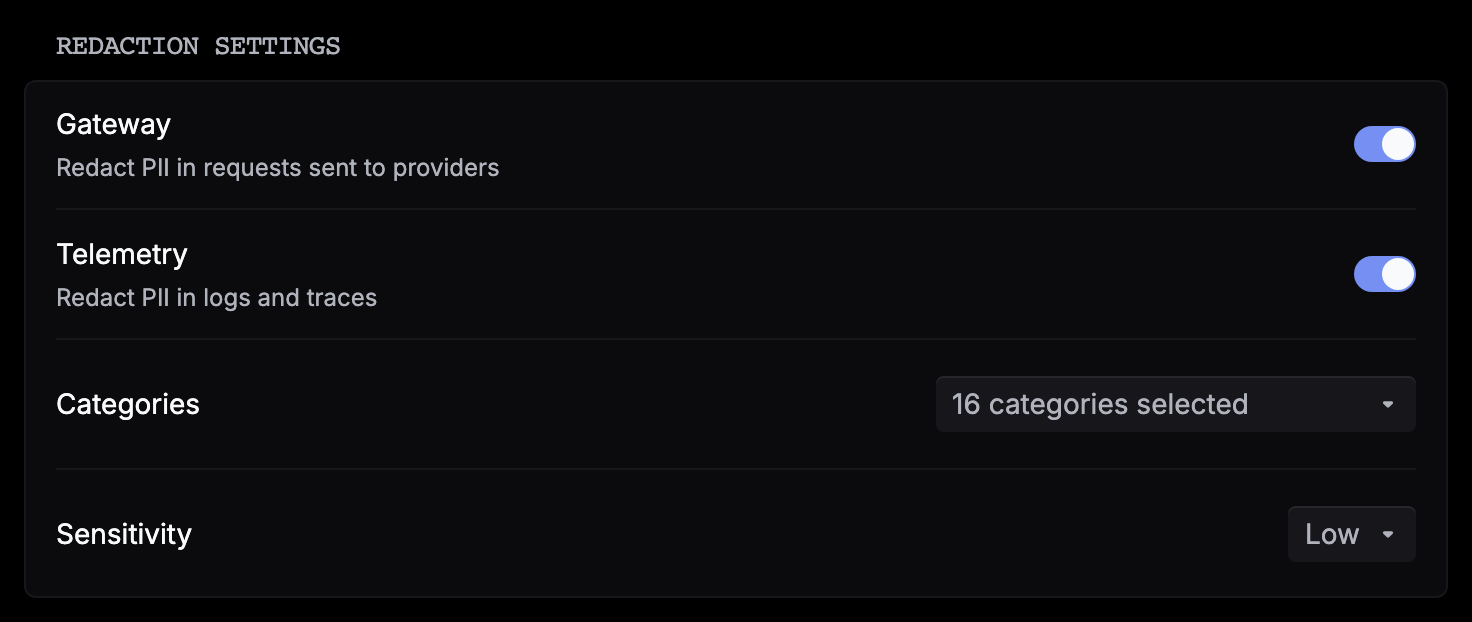
Go to Settings › PII redaction. Anyone in the project can see these settings, but only admins can change them. Changes save as you make them.
Choose what to detect
Pick the Categories and the Sensitivity. See What’s redacted.
Test on sample text
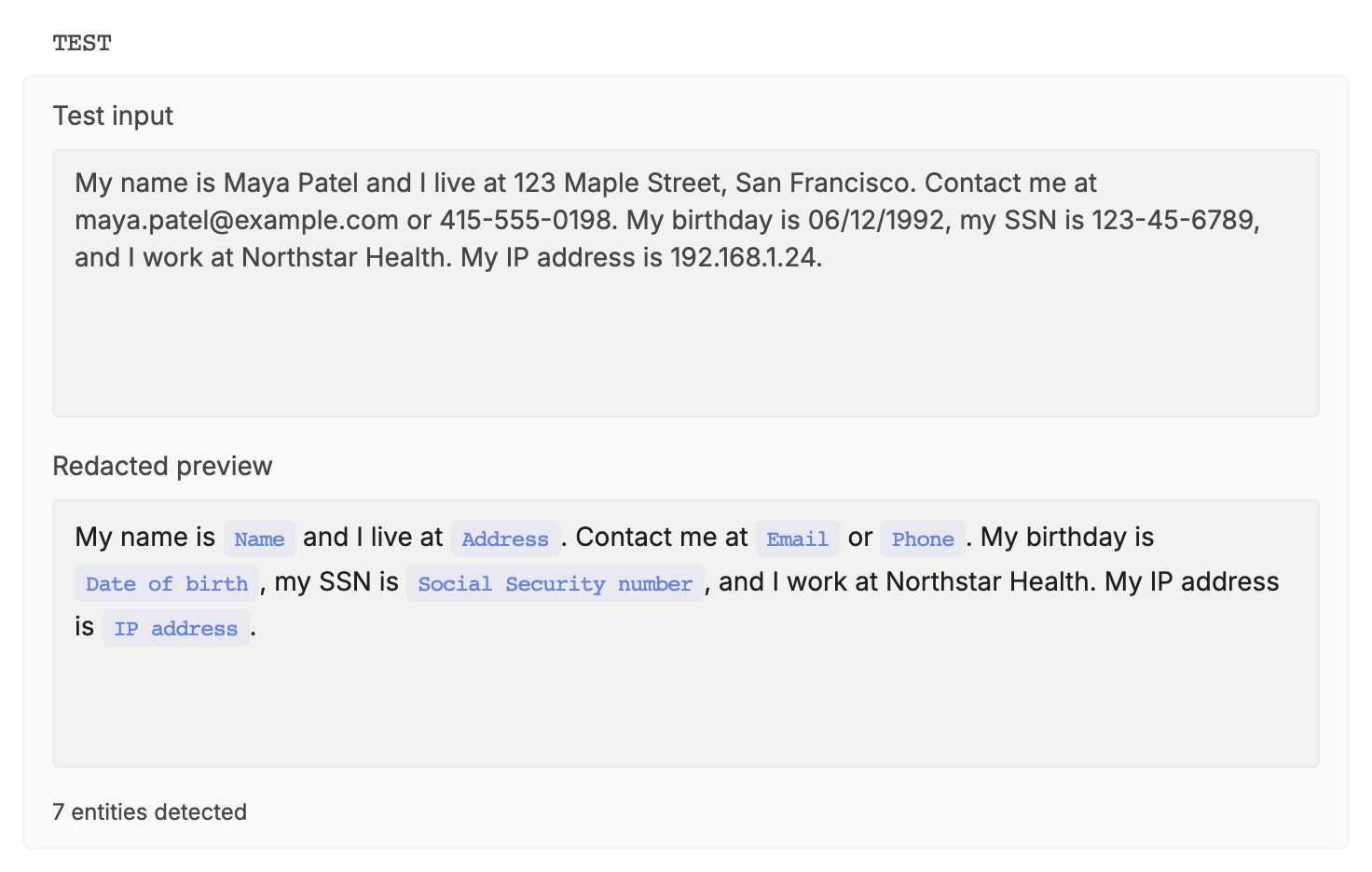
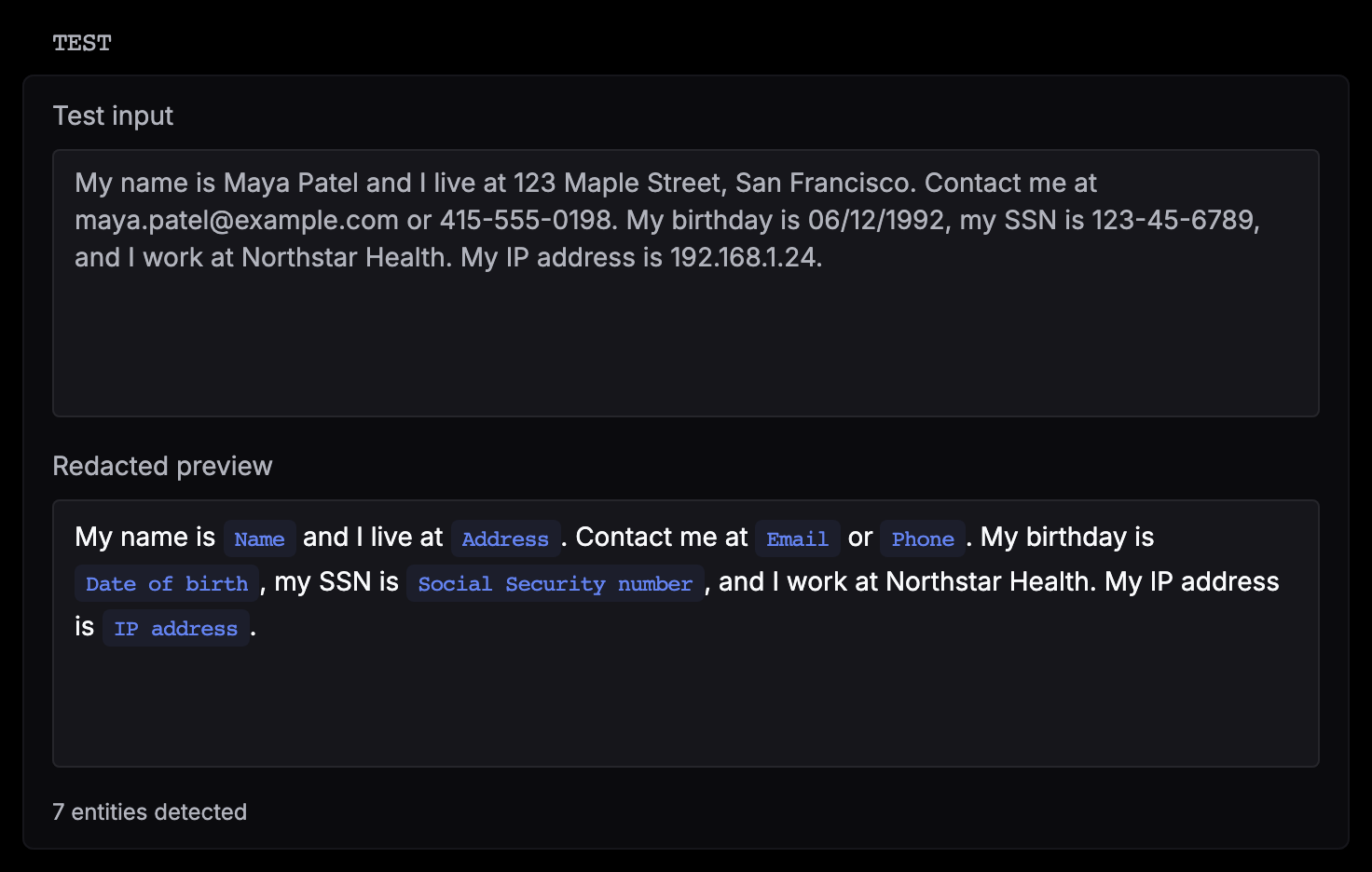
Paste sample text into Test input. Redacted preview labels each match with its category and counts the matches. The test uses your saved settings and doesn’t touch live traffic.
Turn on Gateway
Switch on Gateway. From the next request on, chat requests through the gateway in the project are redacted.
There’s no per-request parameter: the setting covers every gateway request in the project.
What’s redacted
Categories. Email, Phone, Name, Address, Organization, Demographic, Credential, Credit card, Bank account, IBAN, National ID, Social Security number, Passport, Driver’s license, Username, Date of birth, and IP address. All but Organization are on by default, since company names cause false positives. Keep at least one selected.
Sensitivity. From Very low to Very high; the default is Low. Higher settings catch more borderline text and also mask more ordinary words.
How matches are found. Pattern rules catch structured values such as card numbers and emails, and a named-entity detection model catches names, addresses, and other free text, for the categories you selected.
Which parts of a request. The input of a chat request only: messages, system prompts, and tool calls and tool results in the history. The model’s response is not redacted.
Where it applies
Redaction runs before anything else reads the request:
- The provider call. The provider only ever receives the redacted text.
- Token counts for rate limits. Tokens per minute are counted on the redacted request.
- The log. The request stored in Logs is the redacted one.
The response is sent back to your app as the model wrote it, and logged as written.
Redaction changes what the model sees. If an answer depends on a masked value, such as an order number the user typed, the model can’t use it. Test on real examples before you turn it on for production traffic. Detection is probabilistic, so don’t treat redaction as a guarantee.
In Logs
Open a request in Gateway › Logs. The Input shows [REDACTED] where a match was replaced, exactly as the provider received it. The original text isn’t stored, so it can’t be recovered from Respan.
To also hide personal data in logs and traces that your tracing SDK sends, switch on Telemetry in the same settings. Telemetry redacts inputs, outputs, metadata, errors, and names when Respan shows them, in the platform and through the API, without changing stored data. Gateway and Telemetry work independently. See PII redaction.
If the detector is unavailable
Redaction fails closed. If the detector is down or times out, the gateway refuses the request with 503 instead of sending unredacted text, and no log is written. Retry with backoff.
Endpoints that aren’t redacted
Redaction covers chat requests only. Images, embeddings, speech, transcription, video, decisions, and realtime sessions are refused for an organization with Gateway redaction on, rather than served unredacted.