Data retention and ZDR
Keep the model provider and Respan from storing your requests, and set how long logs are kept.
Every gateway call is logged to your project by default: the request, the response, tokens, cost, and latency. You decide what Respan stores and for how long, and with a zero data retention (ZDR) agreement, the model provider keeps nothing either.
Zero data retention
ZDR means neither the model provider nor Respan keeps your request or response content once the call is answered.
To set up a ZDR agreement for your organization, reach out to team@respan.ai.
Use your own ZDR agreement
If your account with a provider already has a ZDR agreement, add that key with Bring your own key. Requests for that provider’s models then go to your key and are covered by your agreement.
Respan’s keys stand in for yours only when your key answers 429 and you send x-respan-managed-fallback-enabled: true. Leave that header off if every request must stay under your agreement.
Keep content out of Respan
A provider agreement covers the provider. To keep Respan from storing the content too, disable logging for the request or the whole organization. To keep personal data in chat requests from reaching the provider at all, use PII redaction.
Disable logging
curl https://gateway.respan.ai/v1/chat/completions \
  -H "Authorization: Bearer $RESPAN_API_KEY" \
  -H "Content-Type: application/json" \
  -d '{
    "model": "gpt-5.5",
    "messages": [{"role": "user", "content": "Summarize this contract."}],
    "disable_log": true
}'- Per request: send
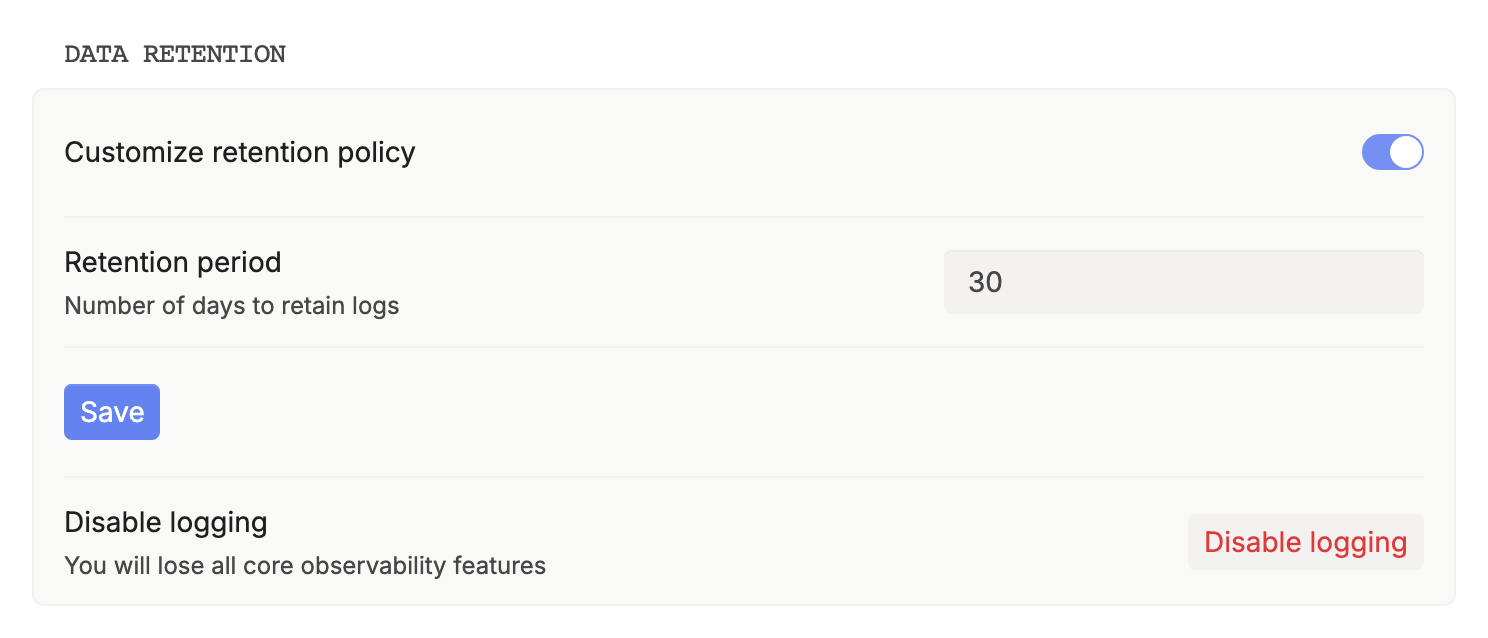
disable_log: truein the body, as above, or in theX-Data-Respan-Paramsheader. Realtime sessions take it in the header, since a WebSocket handshake has no body. - For the organization: go to Settings › General › Data retention and turn on Disable logging. It’s available on Team and above.
If you send Respan params as a JSON string inside metadata, or in another wrong shape, they are ignored, and a disable_log inside them is ignored too: the request is logged in full. Send disable_log as a top-level field. See Respan params.
What is stored
| Data | Default | With disable_log |
|---|---|---|
| Input and output (messages, prompt, completion) | Stored | Not stored |
| Model, provider, tokens, cost, latency, status | Stored | Stored |
Your params: customer_identifier, metadata, thread_identifier, trace_unique_id | Stored | Stored |
Response headers X-Respan-Log-Id and X-Respan-Gateway-Request-Id | Returned | Returned |
The metadata stays so that billing, budgets and limits, and usage reports keep working. A log without content shows empty Messages in the trace view, and you can’t rerun it from the platform. Embeddings logs hold the input texts, not the vectors.
Retention period
Logs are kept for your project’s retention period. You can set a workspace default and a per-project value, and the result is always capped by your plan’s window.
| Plan | Default retention | Custom retention |
|---|---|---|
| Free | 30 days | No |
| Team | 30 days | Yes. More than 30 days may cost extra. |
| Enterprise | Custom | Yes |
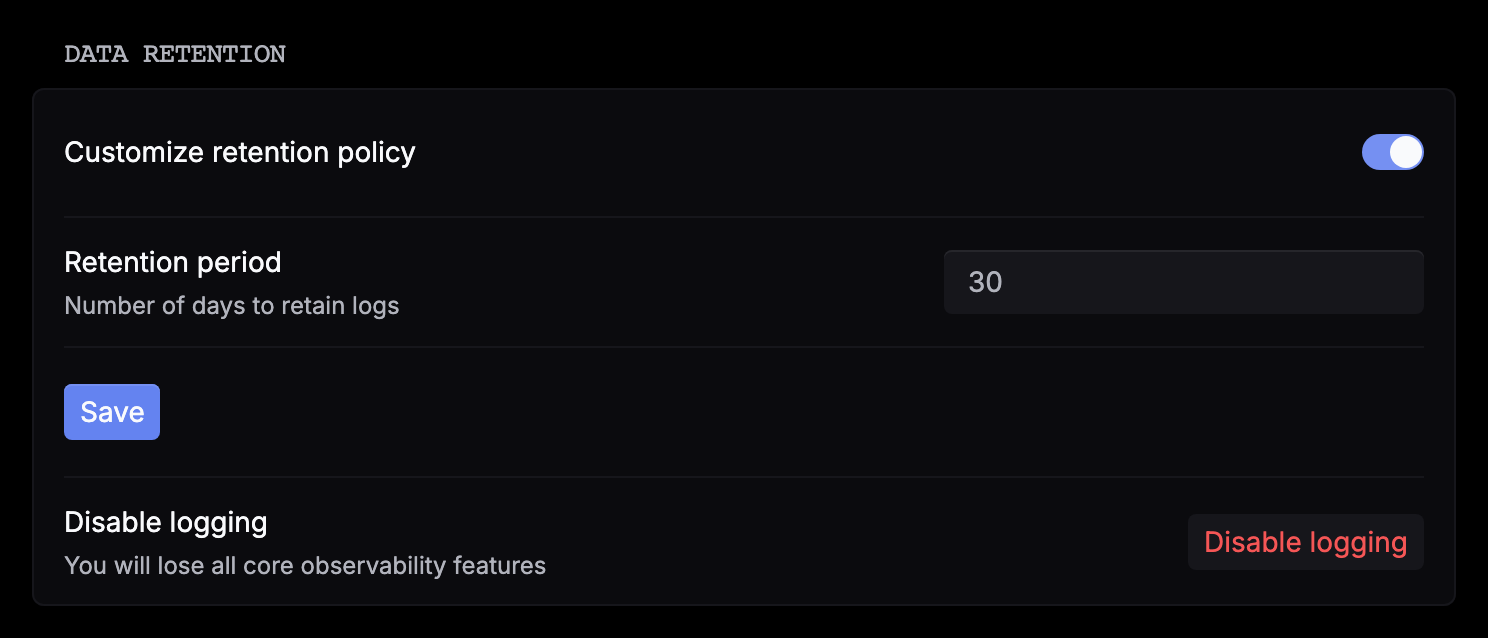
To change it, go to Settings › General › Data retention, turn on Customize retention policy, enter the days, and click Save.
Delete data
To delete everything in a project, use Delete project under Settings › General › Danger zone. It deletes all logs and API keys in the project and can’t be undone.