Credits vs BYOK
Pay for calls with Respan credits, your own provider keys, or both.
Every gateway call is paid one of two ways: from your Respan credits, on Respan’s provider keys, or by your own provider account, on a key you bring (BYOK). Your code doesn’t change either way: it authenticates with your Respan API key, and every call is routed, logged, priced, and counted against your limits. You can mix the two per provider. Per-model prices are on respan.ai/models .
| Respan credits | Your own key (BYOK) | |
|---|---|---|
| Set up | Add credits on Billing | Save a key in Gateway › API keys › Bring your own key, or send one with the request |
| Provider accounts | None: one balance covers every provider | One per provider |
| Who bills you for the model | Respan, from one balance | Each provider, separately |
| Catalog discounts and promotions | Yes | No |
| Auto reload and low balance alerts | Yes | Your provider’s own tools |
| Rate limits | Respan’s provider capacity | Your provider account’s quotas |
| Plans | Every plan | Team and above |
| Logged, priced, and counted toward limits | Yes | Yes |
Why credits
- One bill for every provider. Call OpenAI, Anthropic, Google, and every other provider in the catalog from one balance, with no provider accounts, keys, or invoices to manage.
- Discounted and free models. Calls on credits get the catalog’s discounted prices and promotions, such as free models, which are served only on Respan’s keys. See what’s on offer at respan.ai/models .
- No surprises. Turn on auto reload so the balance never runs dry, and get a low balance warning by webhook before it does. Credit history lists every purchase and monthly usage.
- A safety net for your own keys. With managed fallback, Respan’s keys take over when your provider key is rate limited.
Why your own key
- Your provider account and terms. Tokens are billed to your provider account, under your agreement with that provider, including any data retention or training terms you have with it.
- Your rate limits. Requests use your account’s quotas instead of Respan’s shared capacity.
- Models not on credits. A catalog model with no credit price runs on your key.
Credits
Buy credits in Gateway › Credits, which opens the Billing page. The Overview tab shows your plan, your Gateway credits balance, and your Credit history.
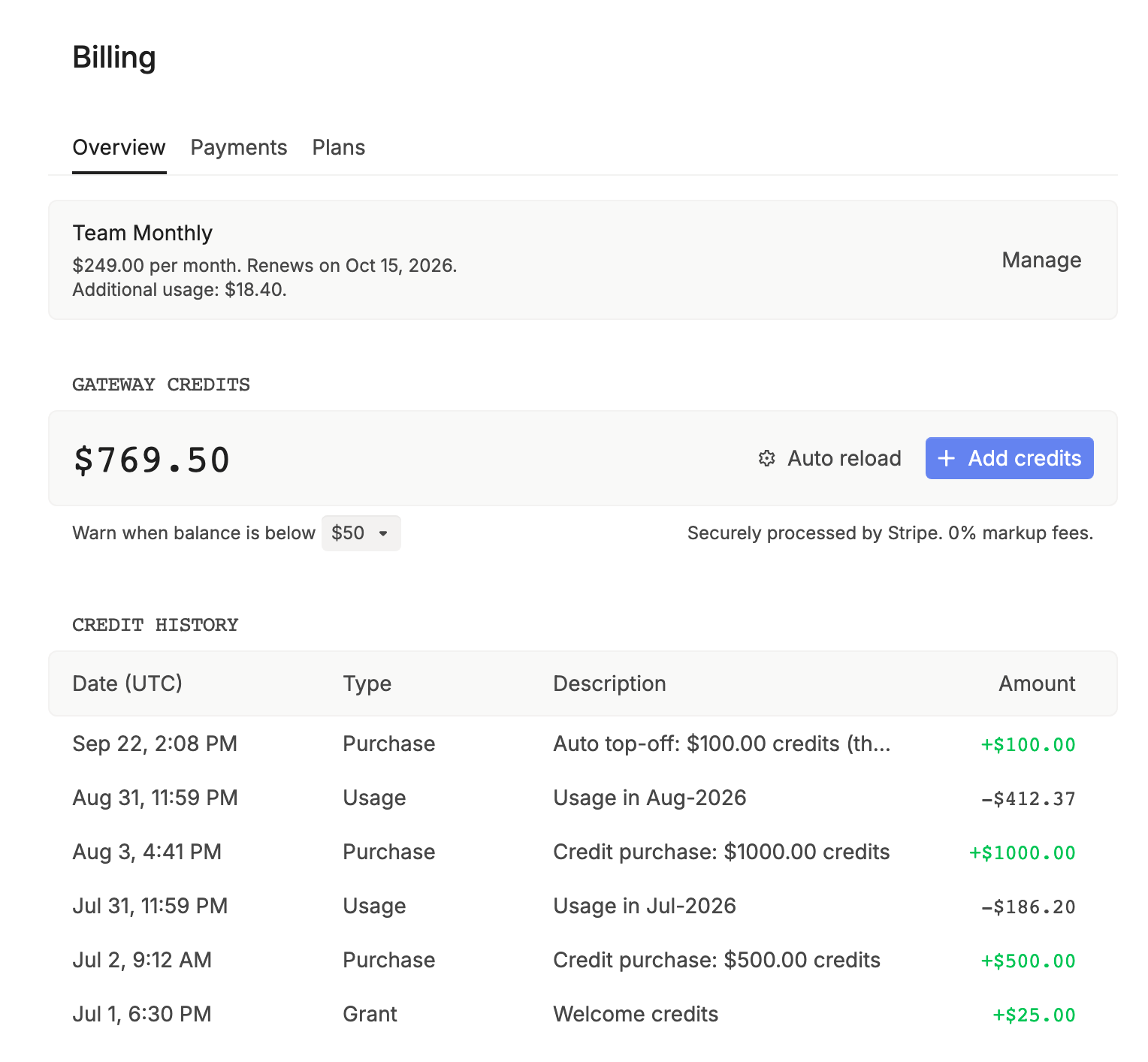
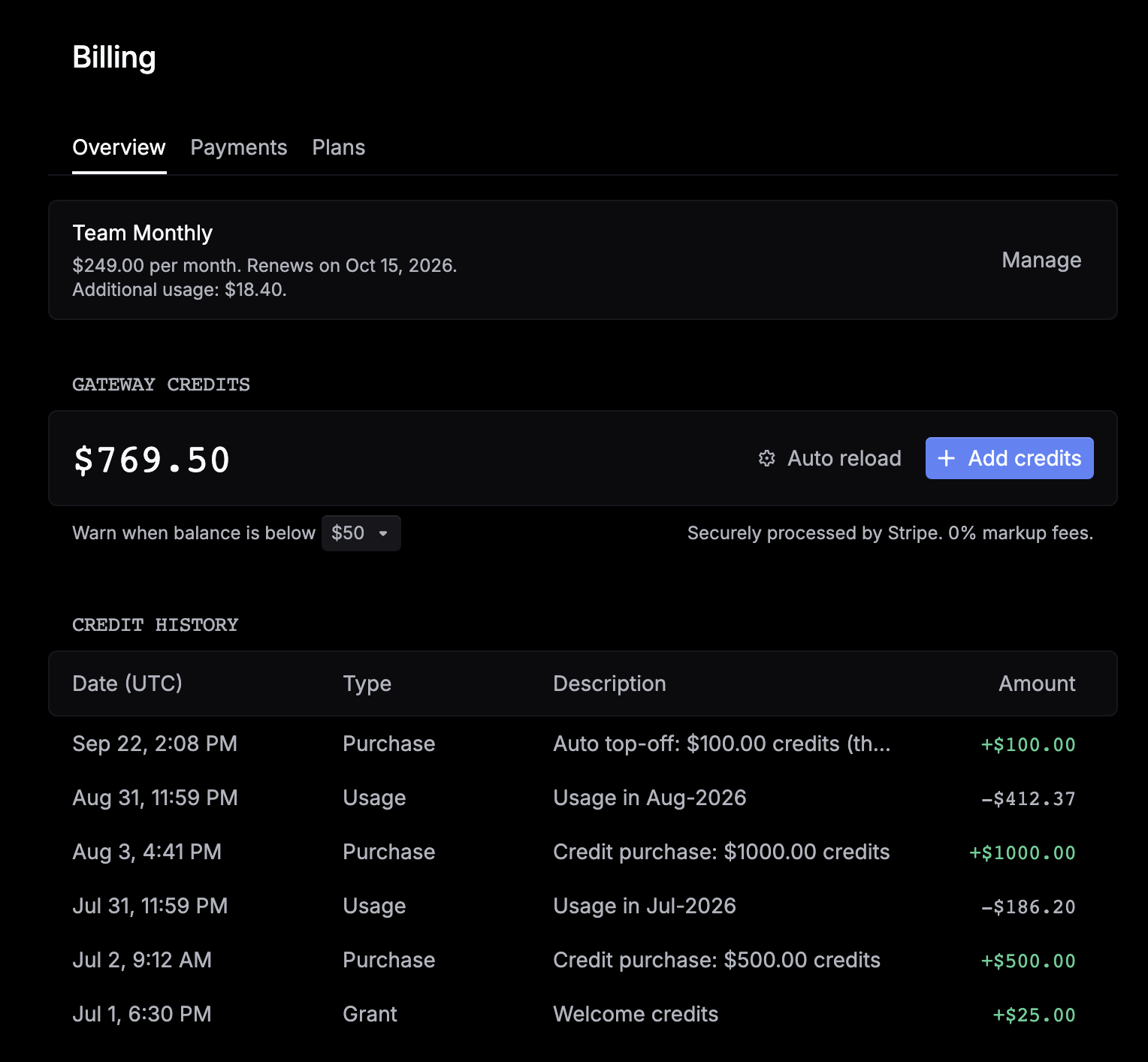
Click Add credits and pick $10, $50, $200, or Custom. You can add $10 to $2,000 at a time with Stripe. To pay more than $1,000 by invoice, click Request invoice billing in the dialog. The dialog shows the expiry terms for unused credits.
Credit history lists every change to your balance, newest first: Purchase (including auto reloads), Usage (one row per month once the month ends), and Grant, Refund, and Adjustment rows made by Respan. To read it from code, use List credit transactions.
Auto reload
Turn on Enable auto reload in the Add credits dialog and set When balance is below and Reload by. When your balance drops below the first amount, Respan adds the second and charges your default card.
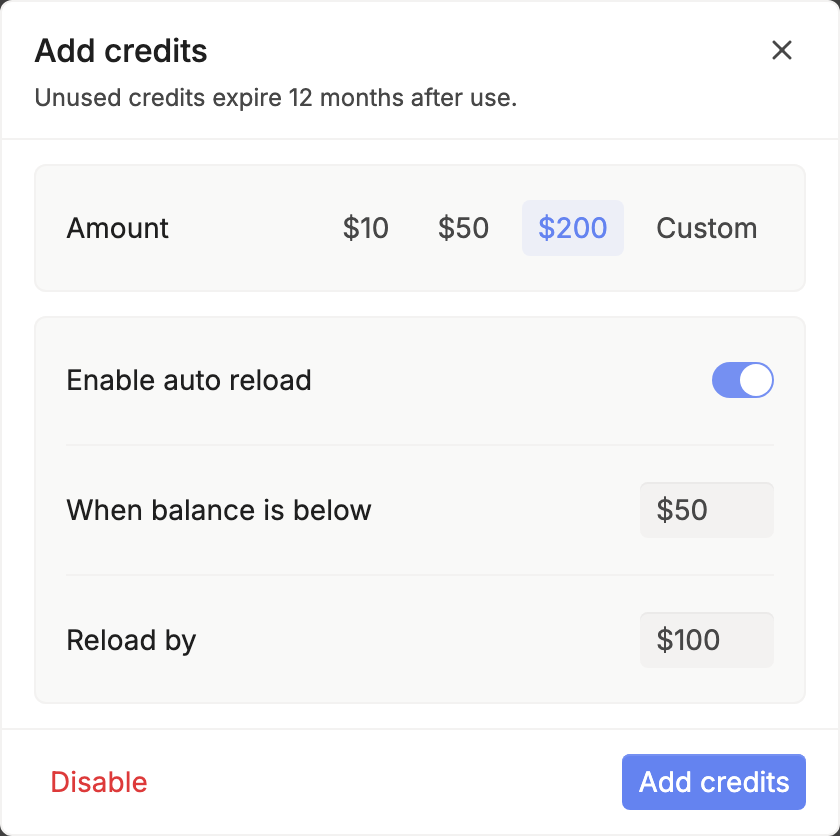
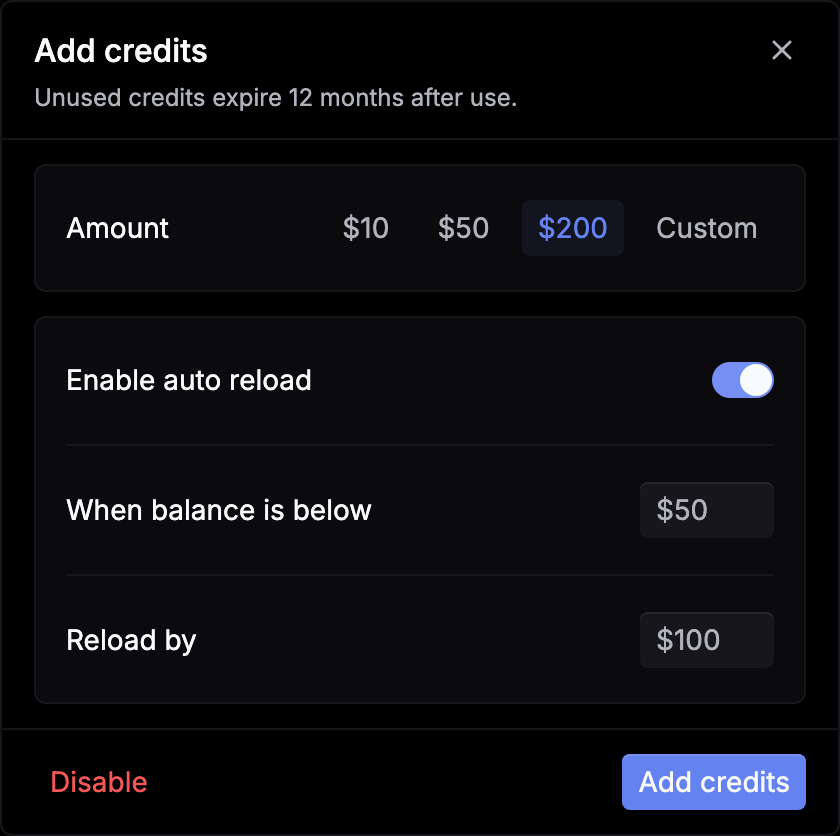
To change the amounts or the card later, click Auto reload next to your balance, or click Disable to turn it off.
Low balance warning
Under your balance, pick an amount in Warn when balance is below and click Save. When the balance drops below it, Respan sends a credit_low_balance_threshold_reached webhook event.
When credits run out
A call that needs Respan’s key is refused with 401 activation_required when there are no credits. The message names the provider and tells you to add its key or add credits. Calls on your own provider key keep working.
A realtime session holds credits for each response as it runs. If your credits can’t cover the next response, the session closes with WebSocket code 1008 insufficient_credits, and its estimate is charged.
The full dashboard steps are on Billing and credits.
How a call on credits is charged
Hold
Before the call is sent, the gateway checks your balance and places a hold sized from the prompt and the model’s prices.
Send
The call goes to the provider on Respan’s key.
Charge
When the call ends, it’s priced from the usage the provider reported (or from the charge the provider reported, for OpenRouter, xAI, and Perplexity). The charge is deducted, drawing expiring credits first, and the hold is released.
A streamed chat answer that ends without usage is charged for its prompt and what it streamed. A non-streamed image call runs to its end even if your client disconnects, so it’s charged its reported usage.
Each call’s usage and cost come back to you and land on its log. See Usage accounting.
Units by modality
| Call | Priced by |
|---|---|
| Chat, Responses, Messages | Input, output, cached, and reasoning tokens at the model’s token prices |
| Embeddings | Input tokens |
| Images | Image output tokens at the model’s image rate, plus input images on an edit |
| Speech | Minutes of audio made |
| Transcription | Minutes of audio sent |
| Video | Seconds of video served |
| Realtime | Text and audio tokens, charged once when the session ends |
Credits pay for a call when the model’s catalog entry has a price for that kind of call. On Respan’s key, an image, embedding, speech, transcription, or video call to a model with no price is refused with 400 and has no price in the model catalog yet, and a realtime session with 403 model_unpriced. Add your own provider key to use these models.
What’s free
- Failed and refused calls. A request refused by a limit, a budget, or a rate limit costs $0 and its hold is returned. So is a failed or expired video job.
- Tool call logs. A server-side tool call’s own log is $0. The model steps around it are priced as usual.
- Media answers with nothing billable. An image or embedding answer on Respan’s key that reports no billable usage is refused with
502no_billable_usageand costs nothing. - Free models. A model priced at $0 in the catalog is served and billed $0.
Provider prompt caching is passed through: cache_control reaches Anthropic, and cached input tokens are priced at the provider’s cache rates. See Prompt caching.
Bring your own key
Add a provider key
Open Bring your own key
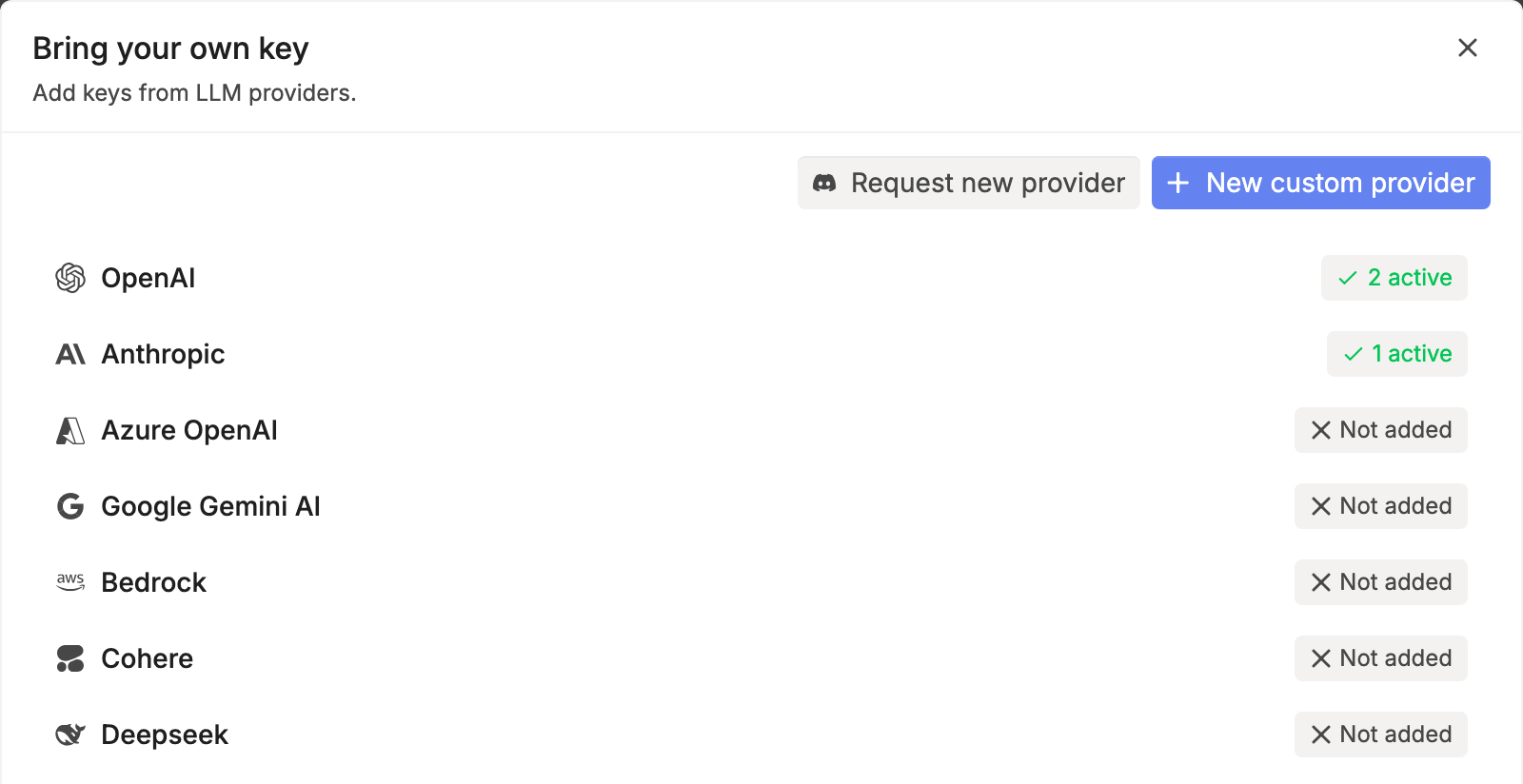
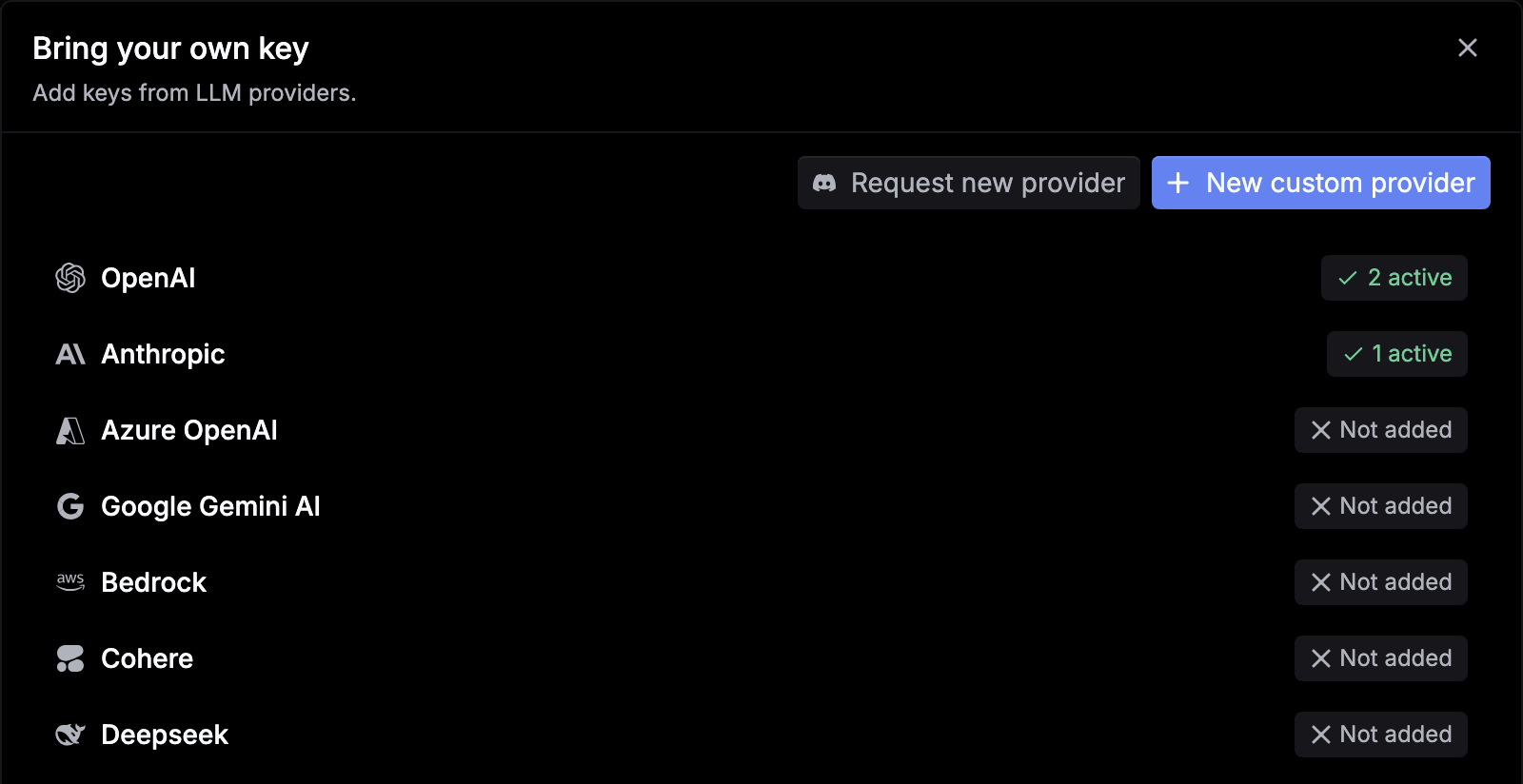
Go to Gateway › API keys and click Bring your own key. Providers you’ve already added show how many keys are active.
Add a deployment
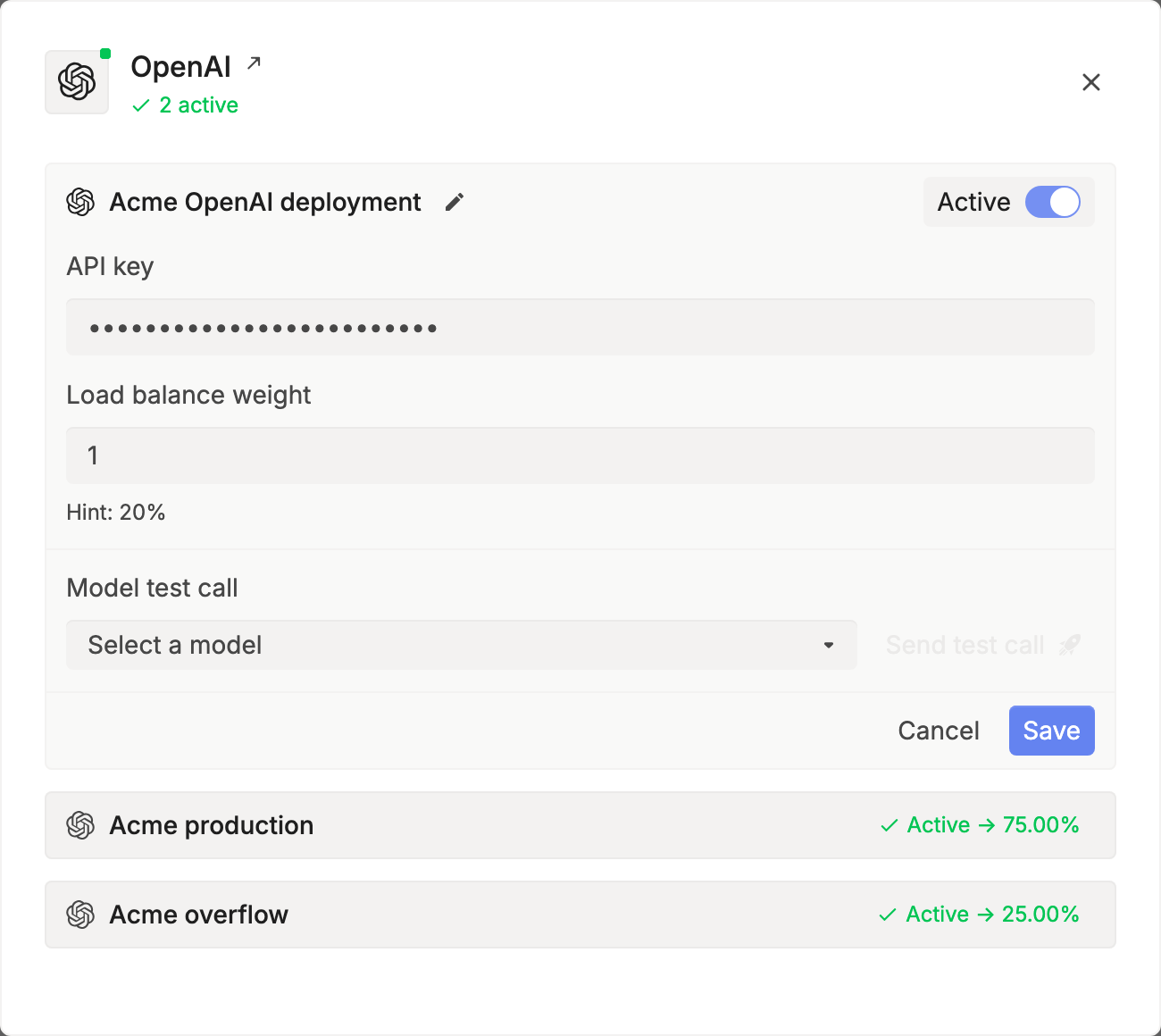
Click the provider, click Add deployment, and confirm with I understand. Each key you add is a deployment. Click the pencil to rename it.
Enter the key
Test and save
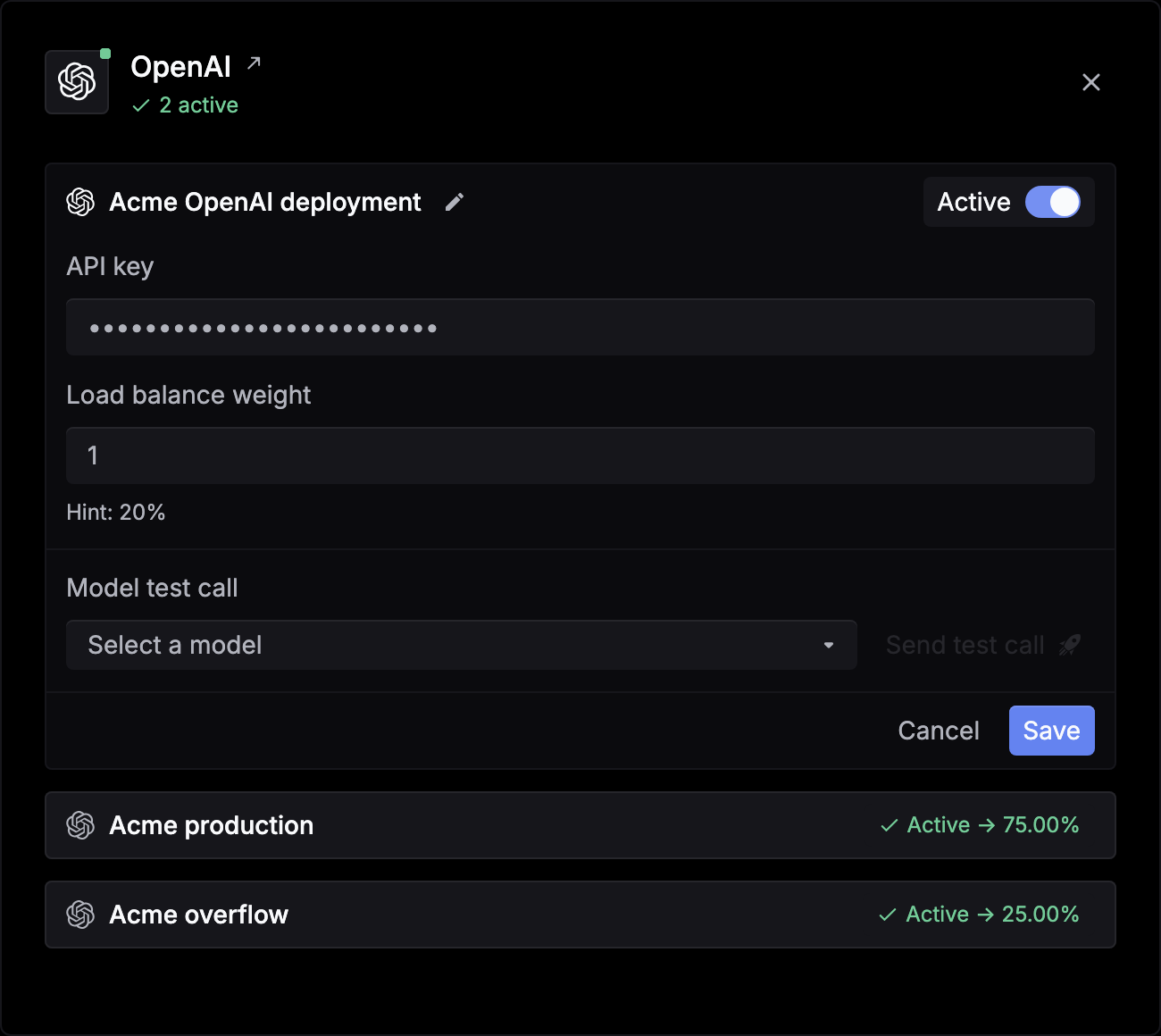
Under Model test call, pick a model and click Send test call. Then click Save.
To pause a key, open it and turn off Active. To remove it, click Delete deployment.
Credentials by provider
| Provider | Fields |
|---|---|
| OpenAI, Anthropic, Google Gemini, Groq, Mistral, DeepSeek, Fireworks, Together AI, xAI, OpenRouter | API key |
| Azure OpenAI, Azure AI Foundry | API key, API base, API version |
| AWS Bedrock | An AWS access key pair and region, or a Bedrock API key |
| Other OpenAI-compatible providers | API key, and API base where the provider takes one |
For an endpoint that isn’t listed, click New custom provider, enter a Provider ID, Provider name, and Base URL, and click Add provider, then add a deployment with its API key. A custom base URL must resolve to a public address.
Several keys for one provider
Add more deployments to the same provider. The gateway spreads requests across the active ones by Load balance weight, and each deployment shows its share, such as Active -> 75.00%. See Load balancing.
For Azure OpenAI, Advanced options has Available models and Exclude models, so a deployment only serves the models it hosts.
Send a key with the request
To use a key for one request without saving it, send customer_credentials, keyed by provider ID such as openai or anthropic. It replaces that provider’s saved keys for the request.
curl https://gateway.respan.ai/v1/chat/completions \
  -H "Authorization: Bearer $RESPAN_API_KEY" \
  -H "Content-Type: application/json" \
  -d '{
    "model": "gpt-5.5",
    "messages": [{"role": "user", "content": "Hello!"}],
    "customer_credentials": {"openai": {"api_key": "'"$OPENAI_API_KEY"'"}}
}'A provider’s value can also be a list of {"weight": 2, "credentials": {...}} entries, and the gateway picks one by weight. The fields are the ones in Credentials by provider, such as api_key, api_base, and api_version for Azure.
To use a key for one model only, such as one target of a route, send credential_override, keyed by model: {"credential_override": {"claude-sonnet-4-6": {"api_key": "..."}}}. An override wins outright and only that model’s provider serves it. An empty override means no key, so the call is refused rather than served on another key.
Both work on every routed format and on provider passthrough, at the top level, in respan_params, or in the X-Data-Respan-Params header. Video requests don’t take them: a video job’s follow-ups run on a saved key. A call on a key you send is never paid from Respan credits.
Environment-scoped keys
By default, saved provider keys are shared by every Respan API key in the organization. To have a test key use only the provider keys saved for the test environment, and a production key only production ones, send the beta header x-respan-beta: env-scoped-integrations-2026-03-28, or is_environment_scoped_integrations_enabled: true in the body. Realtime sessions read the header at the handshake.
Key priority
The gateway resolves the model to an ordered list of attempts, each a model offering on one key, and tries them in turn. Your keys come first:
- A key sent with the request for that model (
credential_override). - A key sent with the request for that provider (
customer_credentials). It replaces your saved keys for the request. - Your saved keys for that provider, by load balance weight.
- Respan’s keys, if you have none for that provider and the model has a credit price.
A call that should run on your key but can’t be sent is refused, rather than quietly moved onto Respan’s key, unless you turn on managed fallback. When you call a route, each of its targets makes its own key choice.
Managed fallback
To let Respan’s keys stand in when your key is rate limited, send x-respan-managed-fallback-enabled: true. The gateway retries on Respan’s key only after your key answers 429, and those calls are paid from your Respan credits.
curl https://gateway.respan.ai/v1/chat/completions \
  -H "Authorization: Bearer $RESPAN_API_KEY" \
  -H "x-respan-managed-fallback-enabled: true" \
  -H "Content-Type: application/json" \
  -d '{"model": "gpt-5.5", "messages": [{"role": "user", "content": "Hello!"}]}'
Billing and logs
- Your provider bills you for tokens. A BYOK call, on a saved key or one sent with the request, isn’t paid from Respan credits.
- Every BYOK call is logged and priced. The log carries the cost at the model’s catalog price, so your reports show spend across both kinds of key. In Logs, open a request and go to the Config tab: Billing method shows BYOK or Respan credits. Filter by Deployment to see what one key served.
- BYOK calls are counted. They pass the same checks as other calls (rate limits, limit policies, customer budgets, key caps) and move your usage counters.
Next steps
- Budgets and limits: cap what a key or customer can spend.
- Usage accounting: read the usage and cost of each call.
- API keys: scope and protect your Respan keys.