Respan params
Tag gateway requests with a customer, a thread, a trace, and your own properties.
Respan params are fields you send next to the standard request body. The gateway reads them, removes them, and never sends them to the provider. Use them to say who the request is for, which conversation and trace it belongs to, and which properties you want to filter by in Logs.
curl https://gateway.respan.ai/v1/chat/completions \
  -H "Authorization: Bearer $RESPAN_API_KEY" \
  -H "Content-Type: application/json" \
  -d '{
    "model": "gpt-5.5",
    "messages": [{"role": "user", "content": "Hello!"}],
    "customer_identifier": "user_8842",
    "thread_identifier": "thread_7f3a",
    "metadata": {"feature": "support-chat", "environment": "production"}
}'Parameters
| Parameter | Type | Default | Description |
|---|---|---|---|
customer_identifier | string | None | The end user the request belongs to. Drives per-customer analytics, budgets, and rate limits. |
customer_params | object | None | customer_identifier plus name, email, and rate_limit. |
thread_identifier | string | None | Groups the requests of one conversation. |
trace_unique_id | string | The request’s gateway request ID | The trace to put the request in. |
trace_name | string | None | The trace’s name, used for the root row when span_name is not set. |
span_name | string | The call’s own name | The name of the request’s root row. |
metadata | object | None | Your own key-value pairs, shown as custom properties. Values are stored as strings. |
disable_log | boolean | false | true keeps the input and output out of the log. Tokens, cost, and latency are still recorded. |
customer_credentials | object | None | Your provider keys for this request, keyed by provider. Never sent on to the provider as a param. |
credential_override | object | None | A provider key for one model, keyed by model. |
Request headers that act like params:
| Header | Description |
|---|---|
X-Data-Respan-Params | Respan params as base64-encoded JSON, for when you can’t change the body. |
X-Respan-Route-Provider | Pin the provider on Anthropic Messages, Responses, and Gemini requests, such as azure or anthropic. See Provider routing. |
X-Respan-Managed-Fallback-Enabled | true lets a call that your own key’s provider rate limited (429) retry on Respan’s key. See Fallbacks. |
X-Respan-Beta | env-scoped-integrations-2026-03-28 scopes the request to the provider keys saved for its API key’s environment. See BYOK. |
The OpenAI fields the gateway reads are listed in Chat Completions.
How to send them
Use whichever fits your client. You can combine them.
| Where | How | Use when |
|---|---|---|
| Top level of the body | "customer_identifier": "user_8842"; with the OpenAI SDK, in extra_body (Python) or as extra fields (TypeScript) | You build the request yourself |
respan_params object | "respan_params": {"customer_identifier": "user_8842"} | You want Respan’s fields kept apart from the provider’s |
X-Data-Respan-Params header | Base64-encoded JSON object | You can’t change the body, for example in a CLI or a third-party SDK |
metadata.respan_params | Inside the request’s own metadata | Anthropic Messages, Responses, and Gemini requests |
Header. Encode a JSON object as base64:
PARAMS=$(echo -n '{"customer_identifier":"user_8842","metadata":{"feature":"support-chat"}}' | base64 | tr -d '\n')

curl https://gateway.respan.ai/v1/chat/completions \
  -H "Authorization: Bearer $RESPAN_API_KEY" \
  -H "Content-Type: application/json" \
  -H "X-Data-Respan-Params: $PARAMS" \
  -d '{"model": "gpt-5.5", "messages": [{"role": "user", "content": "Hello!"}]}'
If the header isn’t valid base64, isn’t valid JSON, or doesn’t decode to an object, the whole header is ignored. The request is still served, and its log carries a header_parsing_error warning. The header is also how a realtime session names its customer and disable_log.
Anthropic Messages and other provider formats. On /v1/messages, /v1/responses, and the Gemini routes, you can put the params in metadata.respan_params. The gateway removes them before the provider sees the body:
import os
import anthropic

client = anthropic.Anthropic(base_url="https://gateway.respan.ai", api_key=os.environ["RESPAN_API_KEY"])

message = client.messages.create(
    model="claude-sonnet-4-5-20250929",
    max_tokens=1024,
    messages=[{"role": "user", "content": "Hello!"}],
    metadata={"respan_params": {"customer_identifier": "user_8842"}},
)
On Chat Completions, metadata holds your custom properties, so a respan_params key inside it isn’t read there. Use respan_params at the top level or extra_body.
Precedence. When the same field arrives more than one way, respan_params wins over the header, and both win over a top-level field. The legacy names keywordsai_params and X-Data-Keywordsai-Params still work.
respan_params must be a JSON object wherever you send it. Any other value, such as a list, a number, or a string, is ignored without an error, and none of its params apply: the request isn’t attributed to the customer, budgets and rate limits don’t apply, and a disable_log inside it is ignored, so the request is logged in full. A top-level respan_params string that decodes to an object is the one exception, for multipart uploads where a form field can’t hold an object. The OpenAI SDK types metadata as strings, so don’t json.dumps the params into it; send an object through extra_body.
Customer
customer_identifier attributes the request to one of your end users. Use a stable ID that doesn’t reveal who the user is, such as a hashed user ID. customer_params adds details the first time Respan sees the user:
{
  "customer_params": {
    "customer_identifier": "user_8842",
    "name": "Maya Patel",
    "email": "maya@example.com",
    "rate_limit": 60
  }
}customer_params.customer_identifierwins over a top-levelcustomer_identifier.nameandemailare saved only the first time the customer is seen.rate_limitcaps that customer’s Chat Completions requests per minute.- Budget fields here are ignored. Set budgets on the customer record.
See Customers for analytics, budgets, and rate limits.
Thread and trace
thread_identifier groups the turns of one conversation, so Logs can show them as a thread. trace_unique_id places the request in a trace, and span_name (else trace_name) names its root row:
{
  "thread_identifier": "thread_7f3a",
  "trace_unique_id": "trace_order_1042",
  "span_name": "support-reply"
}
Every gateway request is one trace by default. See Threads and traces for how the rows of a request are arranged and how to join calls to a trace from your own code.
Metadata
metadata holds any number of key-value pairs, shown on the log as custom properties:
{
  "metadata": {"feature": "support", "region": "us-east", "customer_tier": "pro"}
}
See Custom IDs & attributes to group and filter by them.
disable_log
"disable_log": true keeps the request’s input and output out of the log. The log still records the model, tokens, cost, latency, status, and your other params, so usage and billing stay complete. See Data retention and ZDR.
Find them in Logs
Open Gateway › Logs, click a request, and open the Metadata tab. Properties shows the customer and thread, and Custom properties lists your metadata keys.
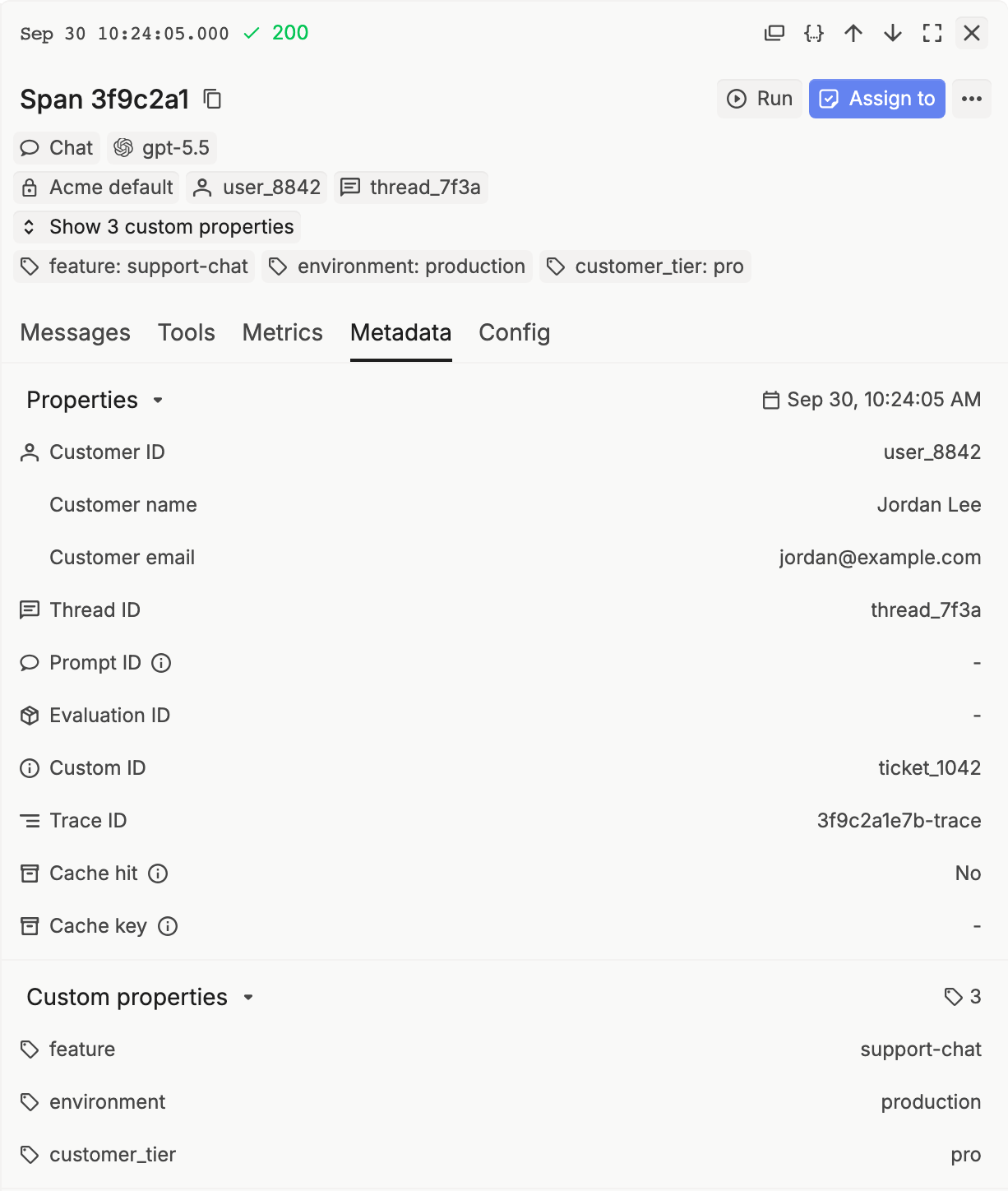
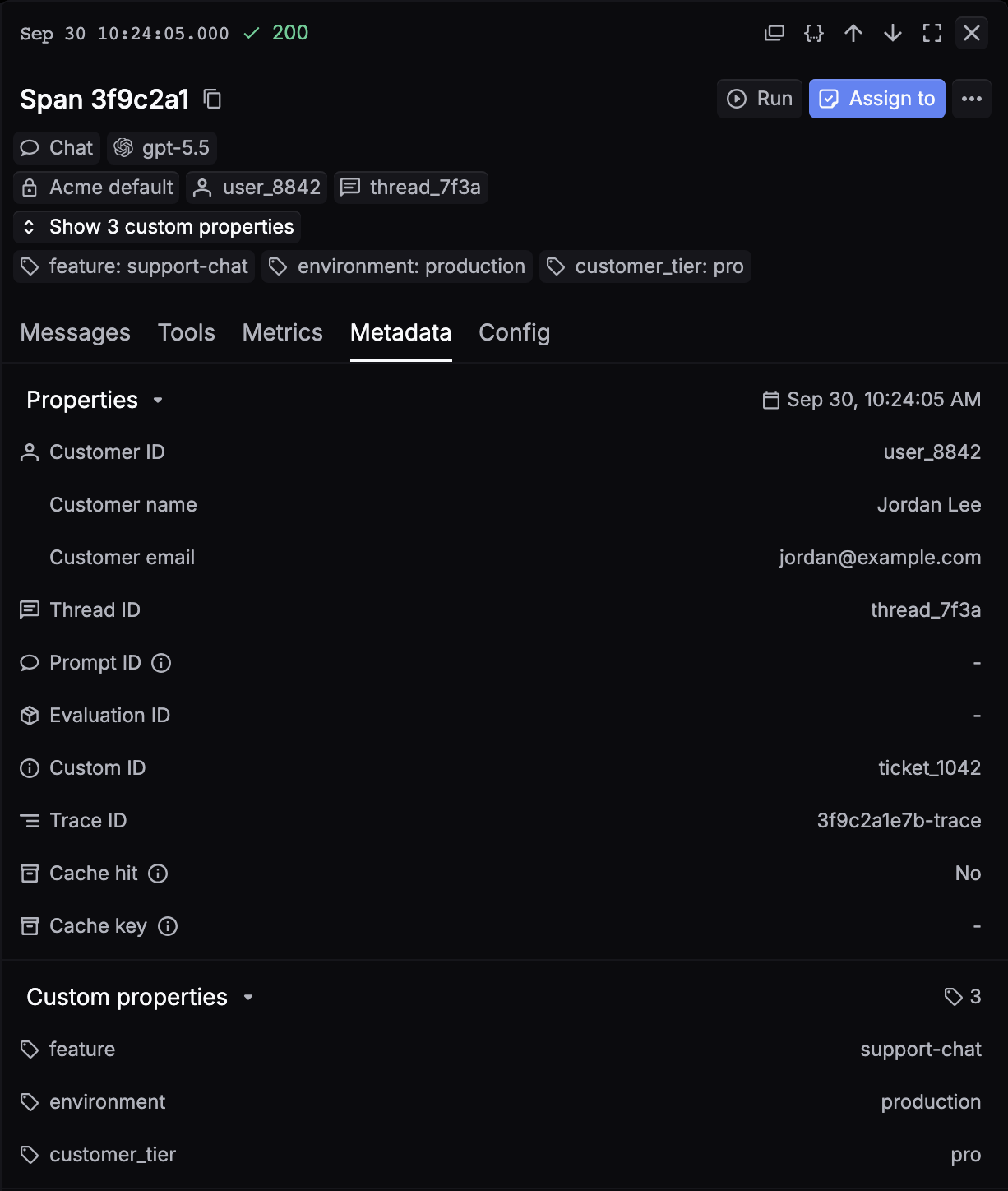
Hover Customer ID or Thread ID and click the filter icon to show only the requests with that value.
Environment scoping
Send X-Respan-Beta: env-scoped-integrations-2026-03-28 to scope a request to the provider keys saved for its API key’s environment. See Bring your own key.