Reports
Track requests, spend, tokens, and latency over time, in the dashboard or from code.
Every gateway call’s log carries its usage and cost, so totals need no extra setup. Read them in the Metrics dashboard, get a scheduled digest by email or Slack, or pull them with the reporting APIs.
curl -X POST "https://api.respan.ai/api/request-logs/summary/?start_time=2026-10-01T00:00:00Z&end_time=2026-10-26T00:00:00Z" \
  -H "Authorization: Bearer $RESPAN_API_KEY" \
  -H "Content-Type: application/json" \
  -d '{"filters": {}}'
Dashboard metrics
Open Observability › Metrics. Each graph shows its total for the time range, the previous period’s total, and the change between them.
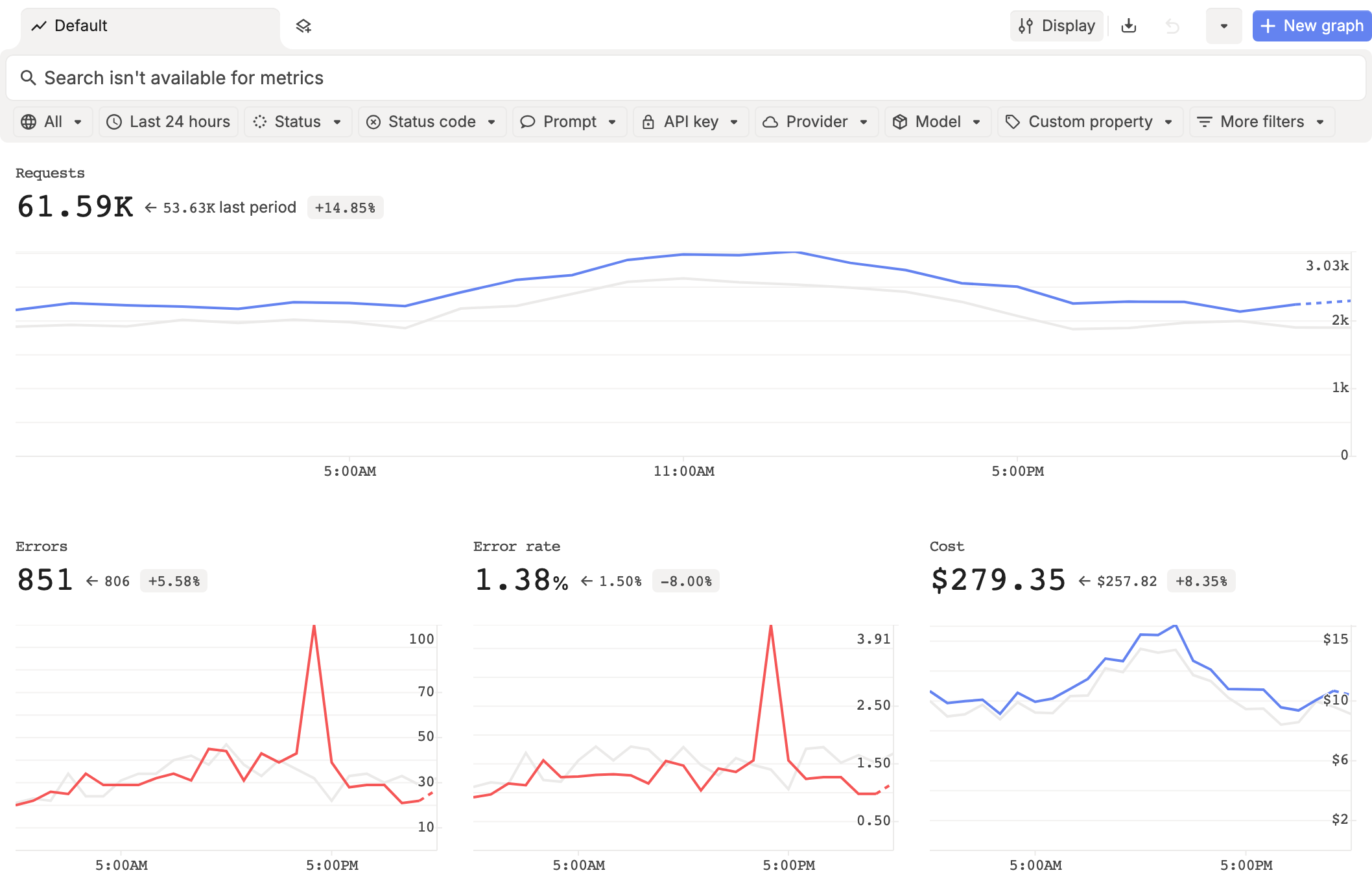
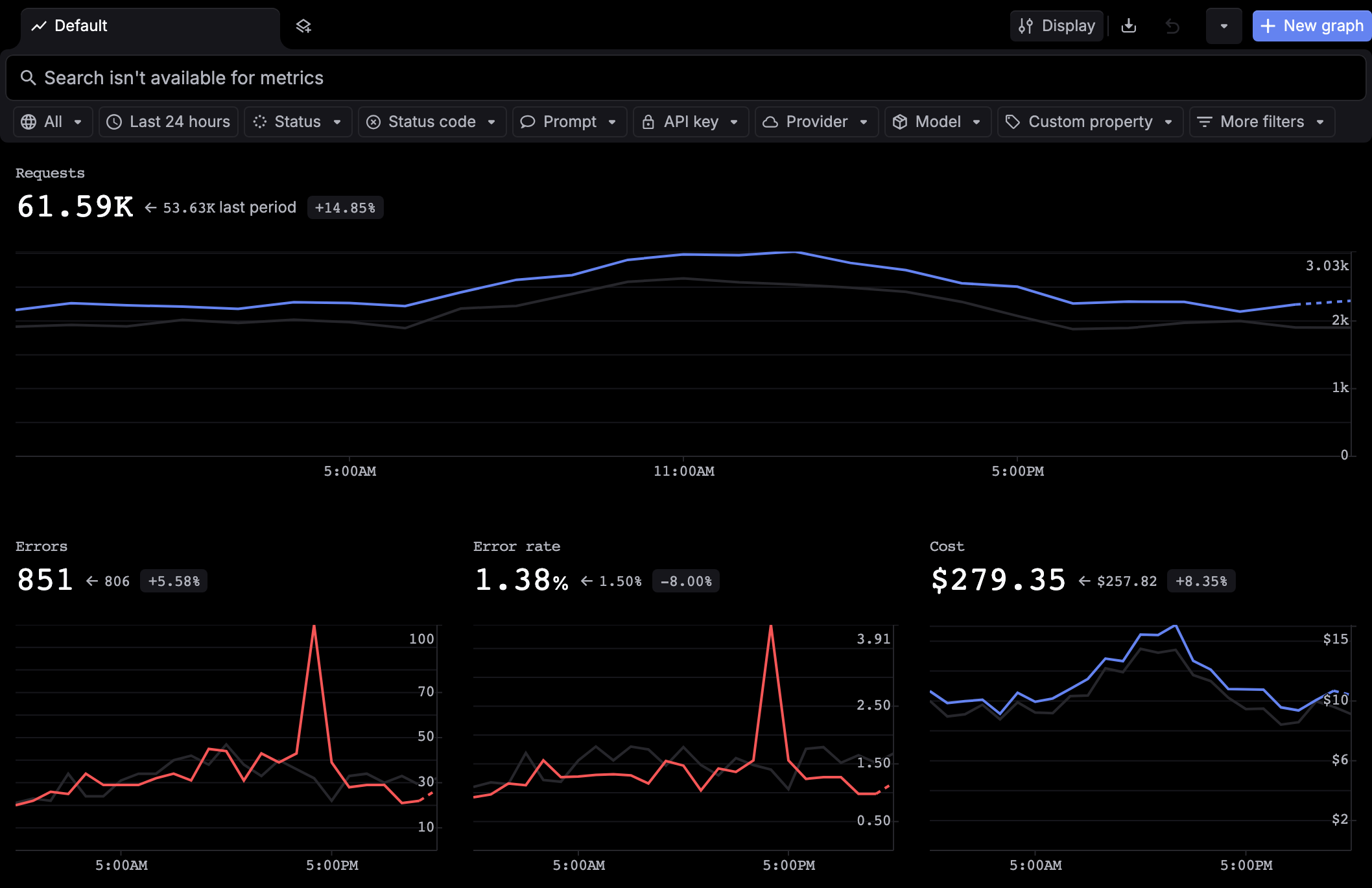
- Filter by Status, Status code, Prompt, API key, Provider, Model, or a Custom property (your
metadata). - Break down with graphs such as Requests by model and Cost by deployment, or top lists such as Top models by requests.
- Add graphs with New graph, from a template or a custom metric.
Metrics counts calls, not traces, so a request that ran tools counts once per call. See Metrics for every graph and filter.
Scheduled reports
A usage report sends a digest of spans, errors, users, cost, tokens, or latency, grouped by API key, Model, Customer, or Prompt, by email or Slack on the days you choose. Turn it on in Settings › Reports. See Schedule usage reports.
To be told the moment a metric crosses a threshold, use a monitor. To be told when a key or customer nears a cap, use limit alerts.
Reporting APIs
These run on https://api.respan.ai with the same Respan API key. Time ranges go in the query string; filters go in the body.
| Endpoint | What it returns |
|---|---|
POST /api/request-logs/summary/ | Totals for a time range (number_of_requests, total_cost, total_tokens, avg_latency, and more), with optional filters |
POST /api/request-logs/list/ | The logs themselves, filtered and paged |
POST /api/dashboard/llm-metrics/summary/ | One row of usage metrics for the range |
POST /api/dashboard/llm-metrics/ | The same metrics in buckets of minute, hour, or day (time_tick) |
POST /api/dashboard/time-series/breakdown/ | Metrics over time, grouped by breakdown_by: model, provider_id, customer_identifier, organization_key_id (API key), deployment_name, and more |
POST /api/dashboard/quantiles/summary/ | p50 to p99 latency, time to first token, and tokens per second |
GET /api/usage-breakdowns/list/ | Cost and requests grouped by breakdown_by (provider_id, model, deployment_name, or feature), for the current billing period by default. Takes sort_by, start_time, and end_time. Needs billing read permission. |
GET /api/credit-transactions/list/ | Changes to your credit balance |
Spend by customer
Filter the summary on customer_identifier:
curl -X POST "https://api.respan.ai/api/request-logs/summary/?start_time=2026-10-01T00:00:00Z&end_time=2026-10-26T00:00:00Z" \
  -H "Authorization: Bearer $RESPAN_API_KEY" \
  -H "Content-Type: application/json" \
  -d '{"filters": {"customer_identifier": {"operator": "", "value": ["user_8842"]}}}'
For a customer’s spend in their current budget period, read total_period_usage from Get user.
Spend by app
Give each app and environment its own API key, then break down by organization_key_id. The same key’s limits then cap that app alone. See Budgets and limits.
Next steps
- Usage accounting: usage and cost of a single call.
- Budgets and limits: stop spend at a cap.