Fallbacks
When a model fails, try other models in order, without changing your code.
A fallback gives a model a list of models to try when it fails. Your app keeps sending the same model; the gateway tries that model first, then each fallback model in order, and returns the first answer.
Even without a fallback, a request for gpt-5.5 already moves through every provider and key that serves the model, your own keys first. A fallback adds other models after those.
Create a fallback
Open the Routing tab of the Gateway page , click New route, and choose Fallback. Pick the model, add the models to try after it with Add fallback model, and save. Changes apply to the next request. Only project admins can change routes.
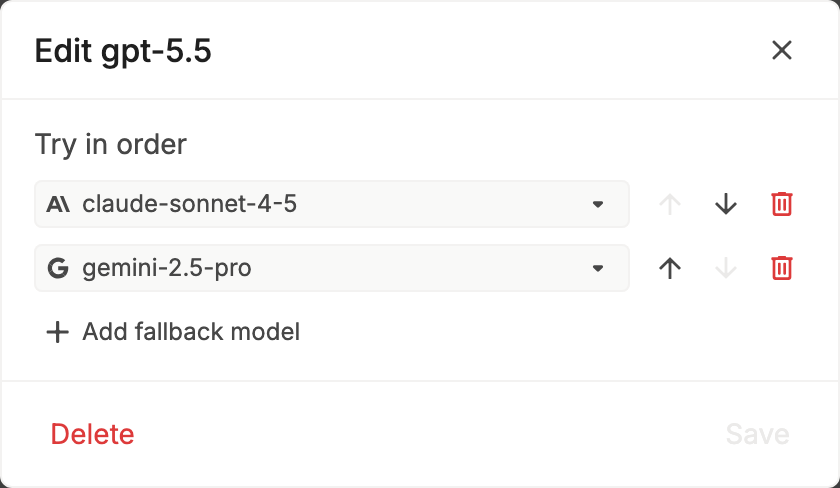
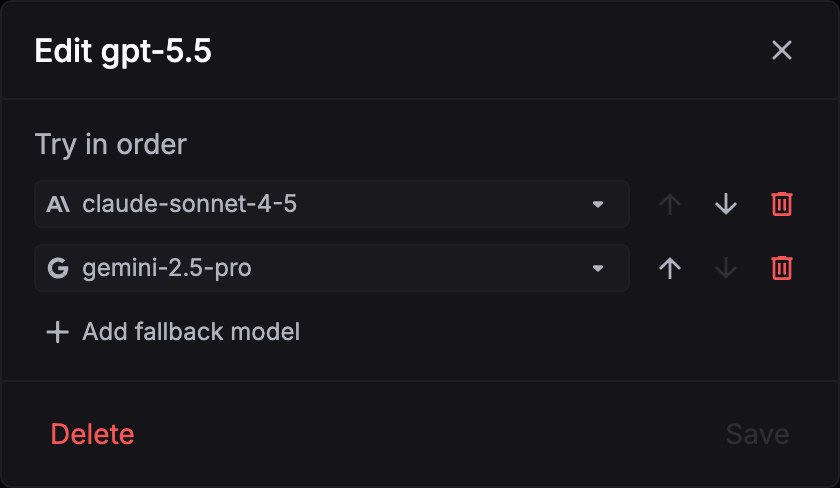
The Routes list shows each model, what it tries next, and its retries:
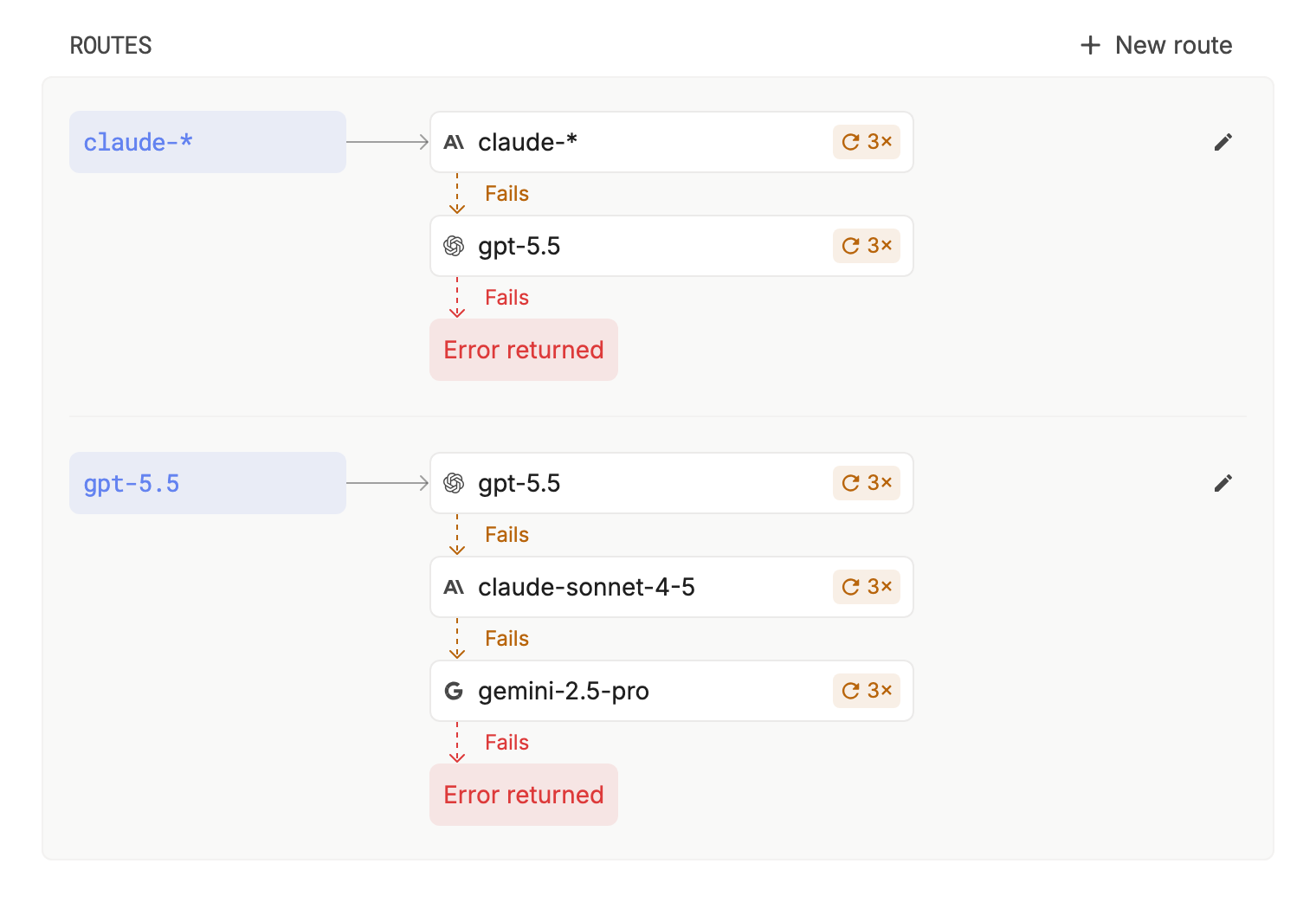
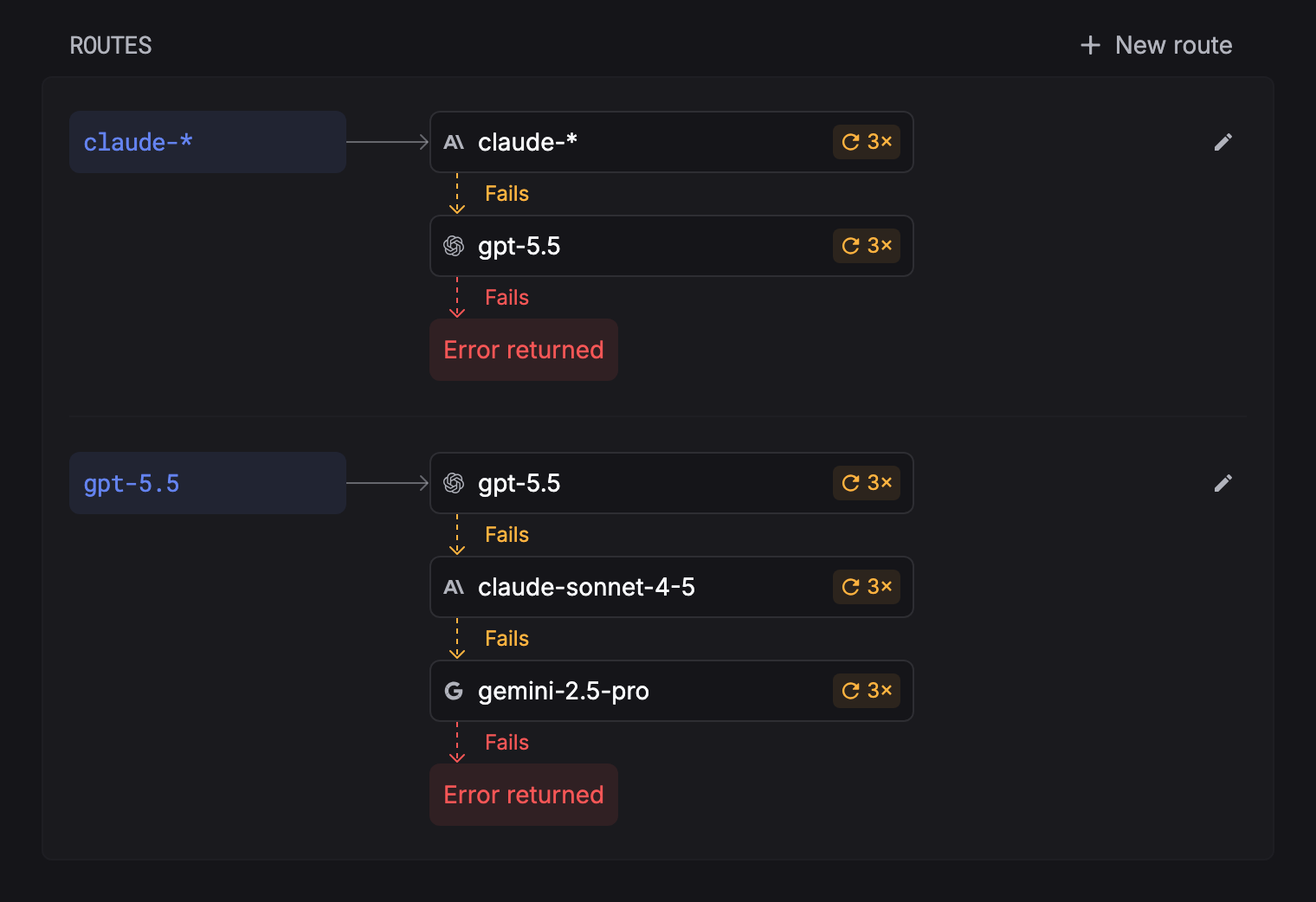
| Model | Covers |
|---|---|
gpt-5.5 | Requests for gpt-5.5 only. |
gpt-* | Every model whose name starts with gpt-. |
* | Every model. |
An exact name wins over an expression, and among expressions the longest prefix wins.
When it moves on
Any failed attempt moves to the next one, including 429, 5xx, 4xx, and timeouts, after its retries. These end the request at once, because another model can’t fix them:
- Input larger than the model’s context window.
401from one of your own provider keys.- The model’s own API rejecting the request as invalid.
- A request refused by your guardrails or limits.
Once an answer has started streaming, it isn’t switched to another model. If every model fails, you get the last error.
Billing and logs
You pay for the model that answered, on the key that served it. Each request is one trace: the log names the model and provider that answered, and every failed attempt before it is a row in the same trace.