

Metadata & tags
Metadata & tags
Set up Respan
- Sign up — Create an account at platform.respan.ai
- Create an API key — Generate one on the API keys page
- Add credits or a provider key — Add credits on the Credits page or connect your own provider key on the Integrations page
Use AI
Add the Docs MCP to your AI coding tool to get help building with Respan. No API key needed.
Every span is a log with hierarchical context. All fields available on log fields & parameters are also available on spans. This page covers the most important trace-specific fields. For the complete list, see the Span fields reference.
Span types
Every span has a log_type that determines how Respan processes it.
All types use universal input and output fields. For chat-type spans, prompt_messages and completion_message are also extracted for backward compatibility.
How to setup
Pass fields to spans using respan_span_attributes (Respan OTel), withTrace metadata (OpenAI Agents SDK), or experimental_telemetry (Vercel AI SDK). Here’s a quick example:
Respan (OTel)
OpenAI Agents SDK (JS)
Vercel AI SDK
Key fields
customer_identifier
string — Unique user or customer ID. Applies to all spans in the trace. Use this to track per-user metrics, set budgets, and apply rate limits.
Respan (OTel)
OpenAI Agents SDK (JS)
Vercel AI SDK
See Customer identifier for more.
metadata
object — Custom key-value pairs for tagging, analytics, and filtering. Metadata appears as custom properties on the trace and its spans.
Respan (OTel)
OpenAI Agents SDK (JS)
Vercel AI SDK
trace_group_identifier
string — Groups related traces together, even across different sessions or systems. Useful for complex workflows that span multiple traces.
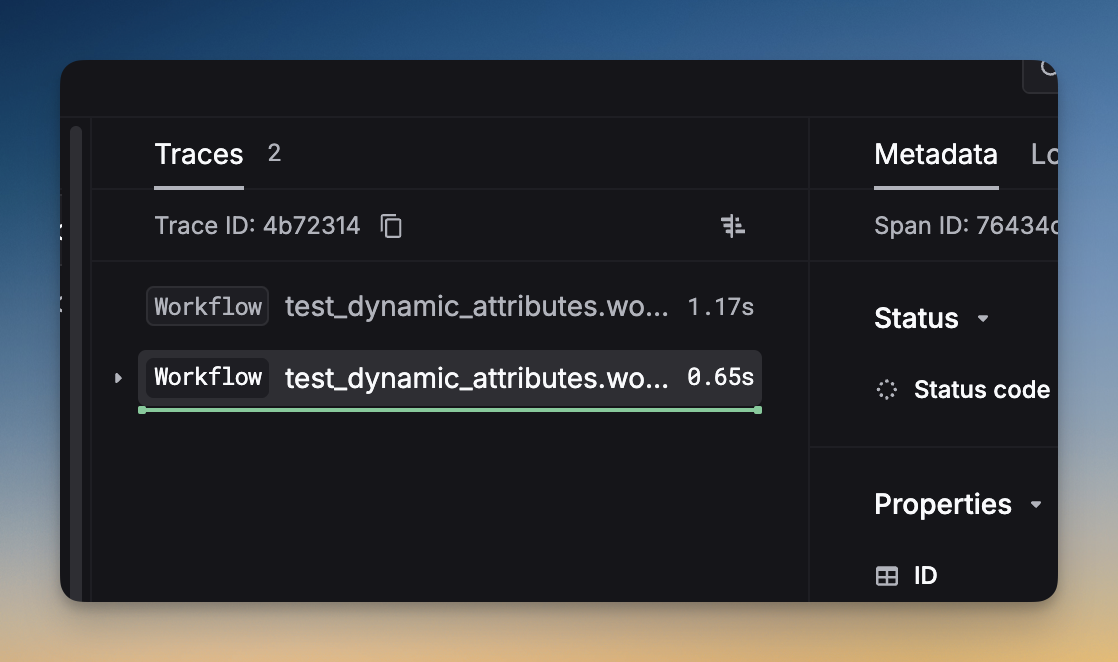
Add the same trace_group_identifier to multiple workflows:
thread_identifier
string — Conversation thread identifier. All spans with the same thread_identifier are grouped into the same thread.
group_identifier
string — Group identifier for related spans/logs. Use this to batch related requests together for analysis.
custom_identifier
string — An indexed string for fast querying. Use for your own internal IDs.
environment
Separate test and production data using different API keys. Create a test key and a production key in API Keys.
You can also set the environment field explicitly:
Token & cost tracking
Respan auto-calculates tokens and cost for gateway requests. For manual logging:
Override pricing for custom/fine-tuned models:
Feedback & annotations
User feedback
Notes
Attach free-text annotations to any span via the UI or API.
Evaluation scores
Evaluators automatically attach scores. Filter and sort by scores:
See Evaluators for setup.
Other fields
Beyond the key fields above, every span also supports all span fields:
See the full Span fields reference for descriptions of every field.
Complete example
A full tracing setup with all key parameters: