

Set up Respan
Set up Respan
- Sign up — Create an account at platform.respan.ai
- Create an API key — Generate one on the API keys page
- Add credits or a provider key — Add credits on the Credits page or connect your own provider key on the Integrations page
This integration supports LiteLLM callbacks (logging) and the Respan gateway.
Overview
LiteLLM provides a unified interface for calling many LLM providers. With Respan, you can either:- Export logs via LiteLLM callbacks
- Route requests through the Respan gateway
Quickstart
Step 1: Get a Respan API key
Create an API key in the Respan dashboard.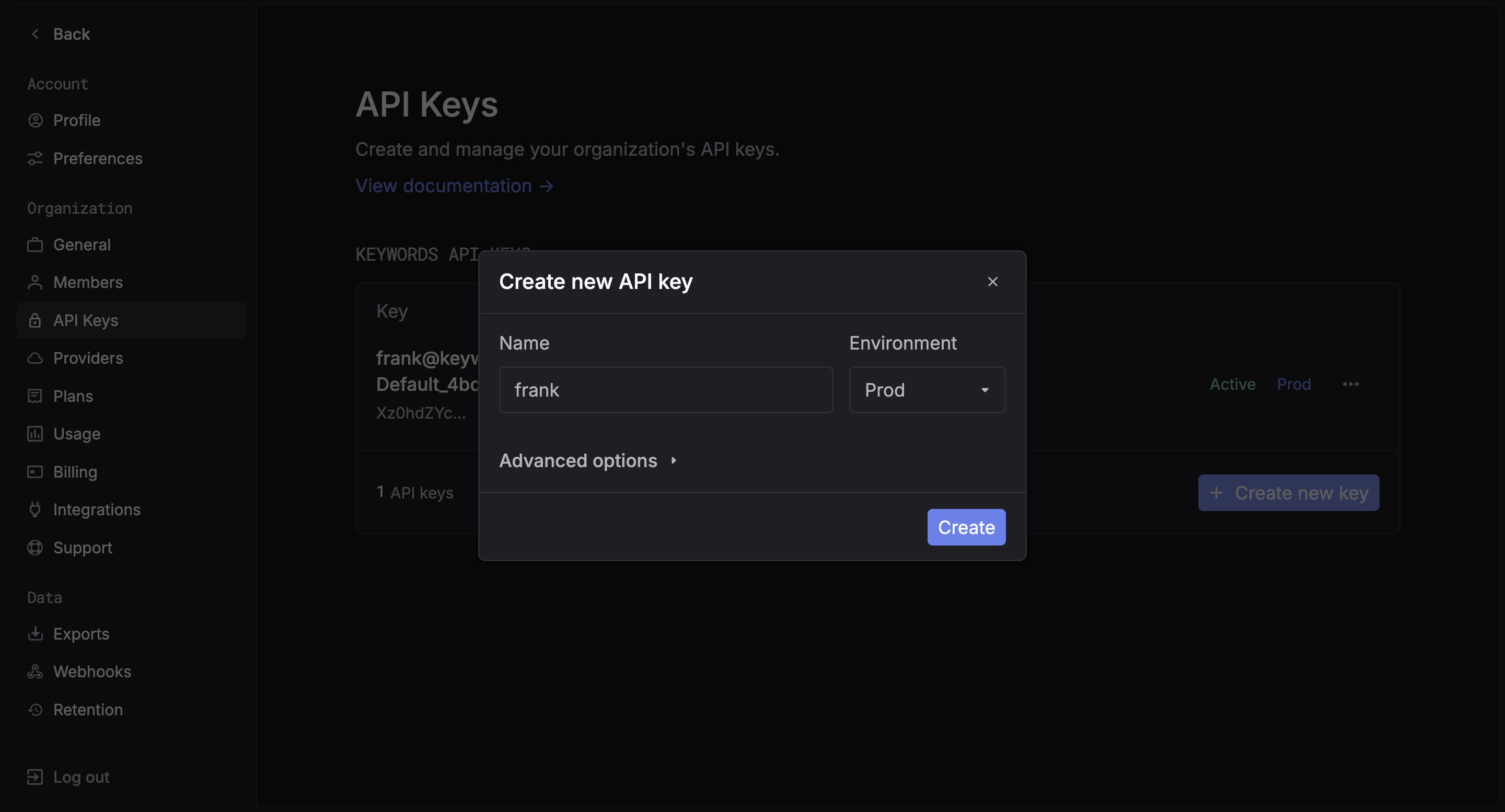
Step 2: Install packages
Examples
Choose one of the two ways to use the LiteLLM integration:Callback mode (logging)
Register the Respan callback to send logs automatically.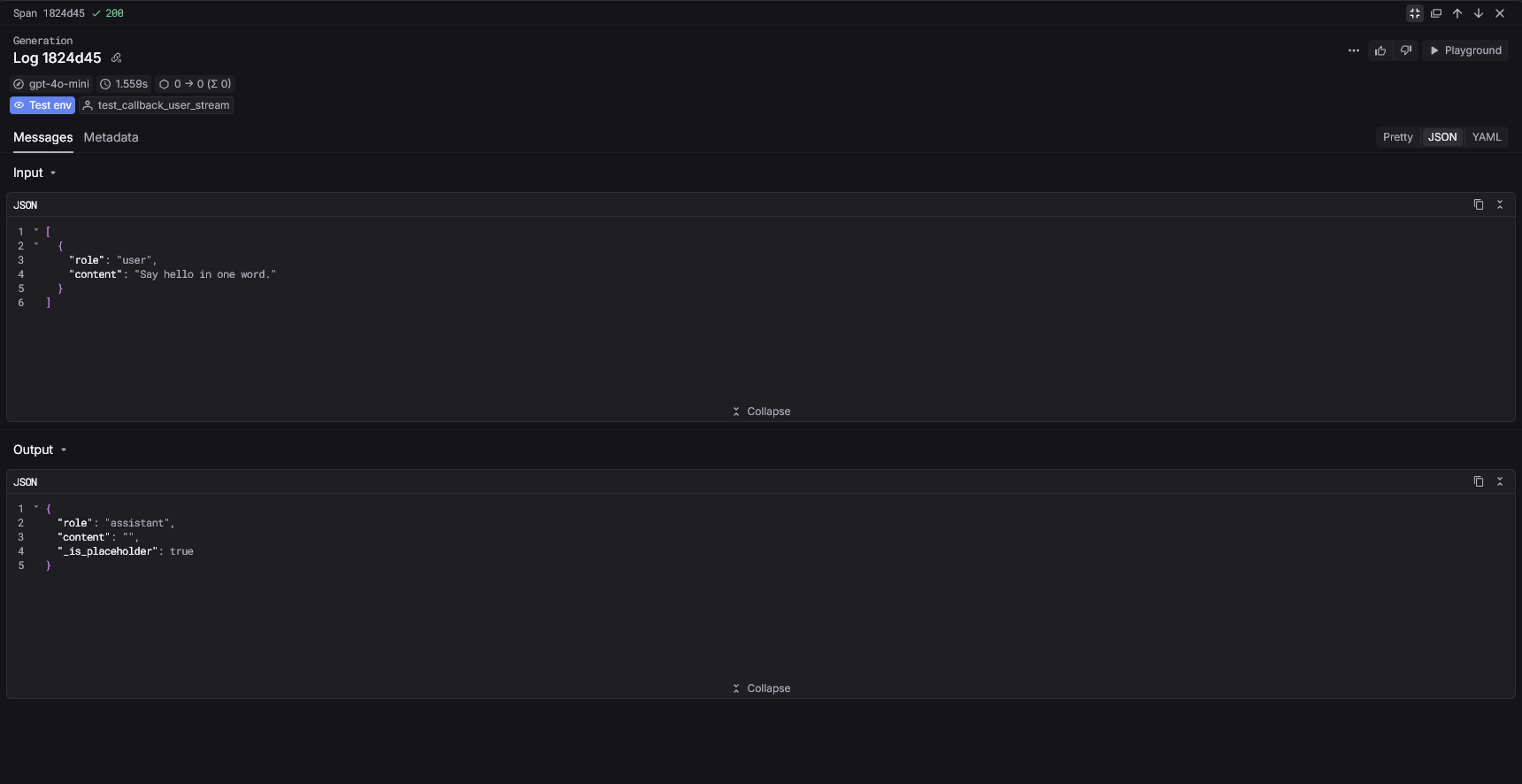
Gateway mode
Route LiteLLM requests through the Respan gateway.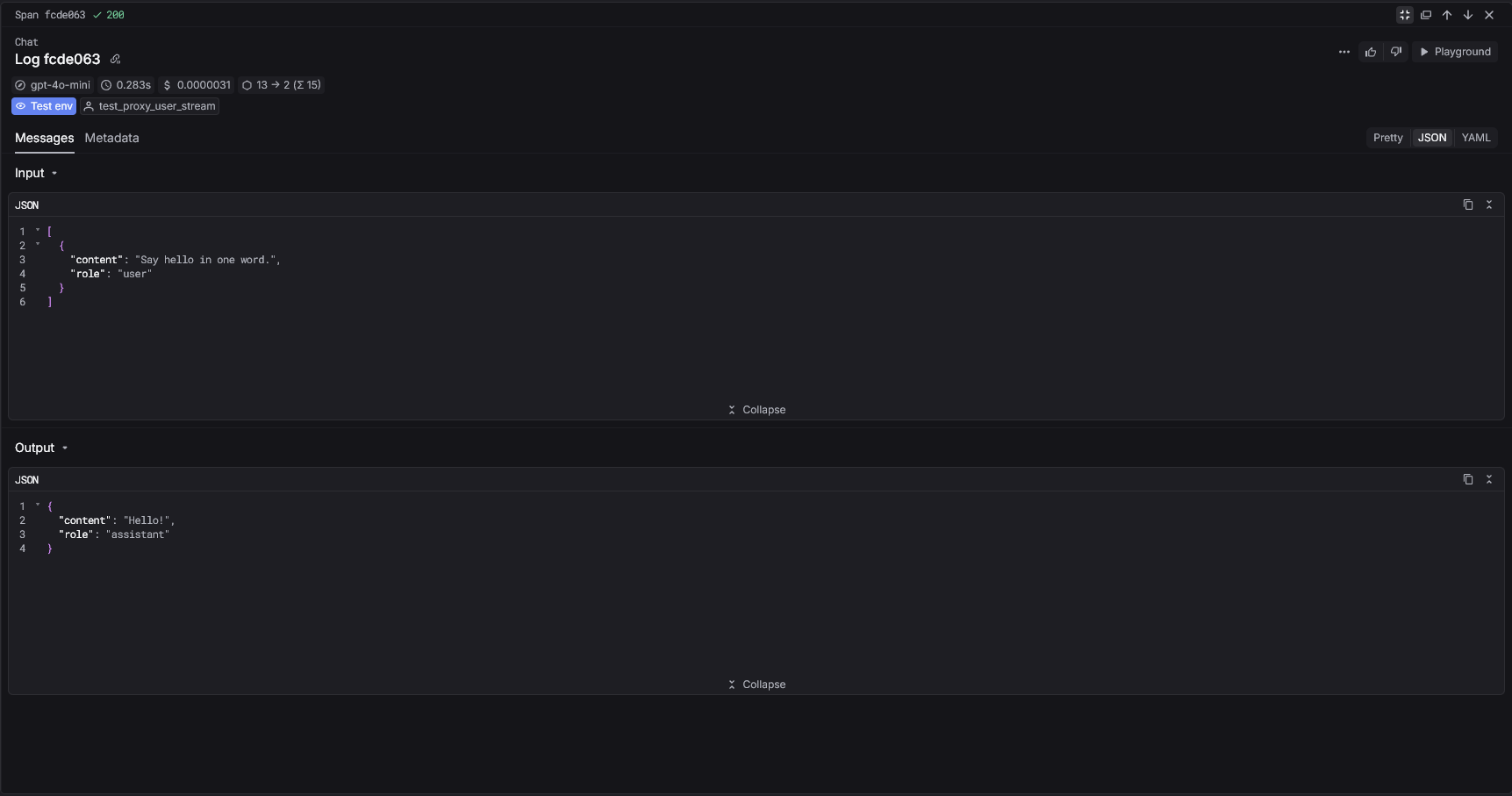
Respan parameters
Callback mode (metadata)
Pass Respan parameters insidemetadata.respan_params.
Gateway mode (extra_body)
Pass Respan parameters usingextra_body when routing through the gateway.
View your analytics
Access your Respan dashboard to see detailed analytics