

Set up Respan
Set up Respan
- Sign up — Create an account at platform.respan.ai
- Create an API key — Generate one on the API keys page
- Add credits or a provider key — Add credits on the Credits page or connect your own provider key on the Integrations page
Use AI
Use AI
Add the Docs MCP to your AI coding tool to get help building with Respan. No API key needed.
This integration is for the Respan gateway.
What is RubyLLM?
RubyLLM provides a unified Ruby interface for GPT, Claude, Gemini, and more. Since Respan is OpenAI-compatible, you can route all RubyLLM requests through the Respan gateway by pointing the OpenAI base URL to Respan.Quickstart
Step 1: Get a Respan API key
Create an API key in the Respan dashboard.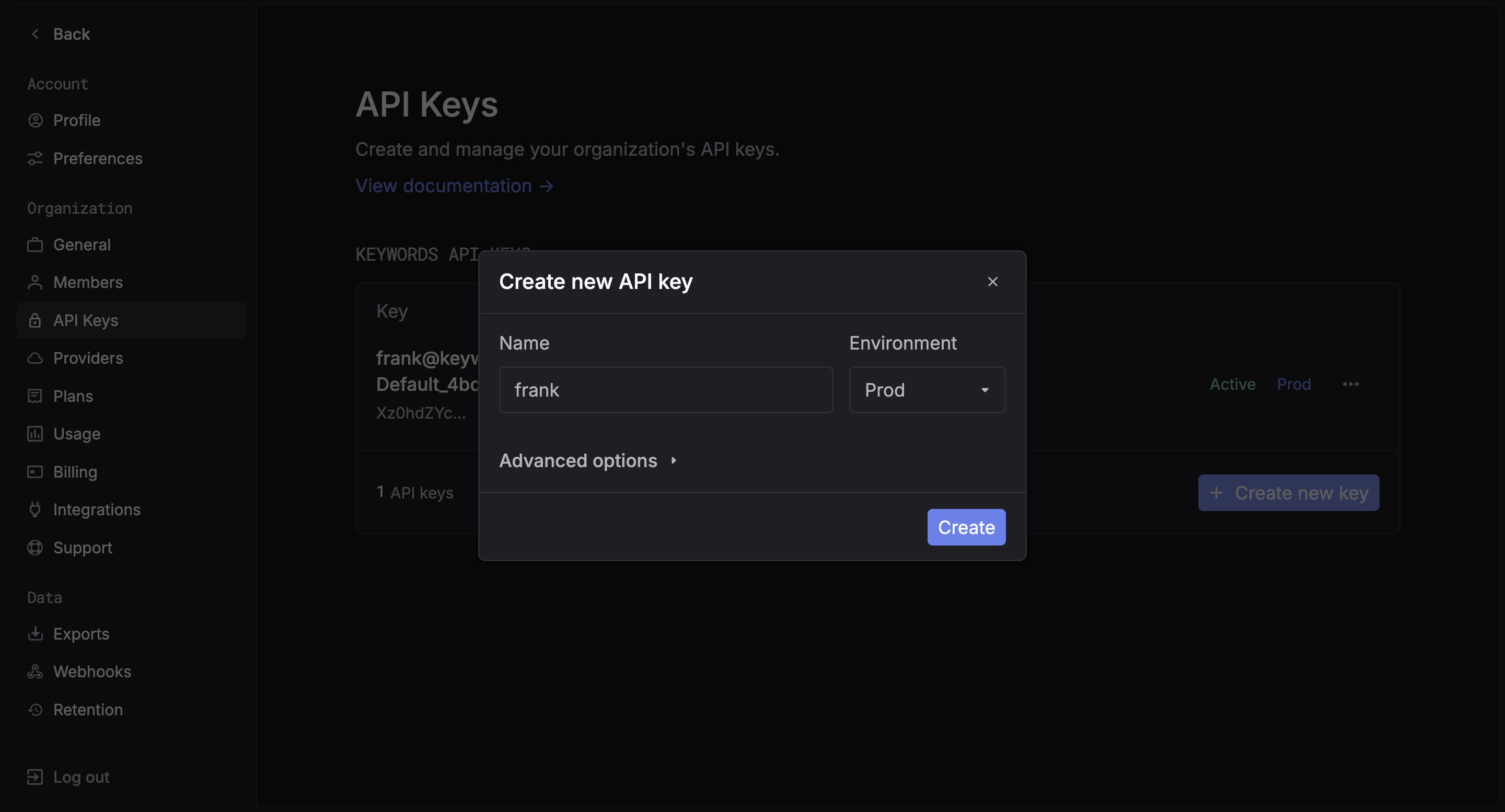
Step 2: Install RubyLLM
Step 3: Configure RubyLLM with Respan
Step 4: Make your first request
Switch models
Since Respan supports 250+ models from all major providers, you can switch models by changing the model name. For OpenAI models, it works out of the box. For non-OpenAI models (Claude, Gemini, etc.), addprovider: :openai and assume_model_exists: true to route them through the Respan gateway:
For non-OpenAI models,
provider: :openai doesn’t mean the model is from OpenAI — it tells RubyLLM to use the OpenAI API protocol to send the request. Without it, RubyLLM would try to call the provider (e.g. Anthropic) directly, bypassing Respan. assume_model_exists: true skips RubyLLM’s local model registry check.See the full model list for all available models.Streaming
Multi-tenancy with contexts
Use RubyLLM contexts to isolate per-tenant configuration:Rails integration
RubyLLM works with Rails viaacts_as_chat. Set your Respan config in an initializer:
acts_as_chat as normal — all LLM calls will be routed through Respan.
View your analytics
Access your Respan dashboard to see detailed analytics
Next Steps
User Management
Track user behavior and patterns
Prompt Management
Manage and version your prompts