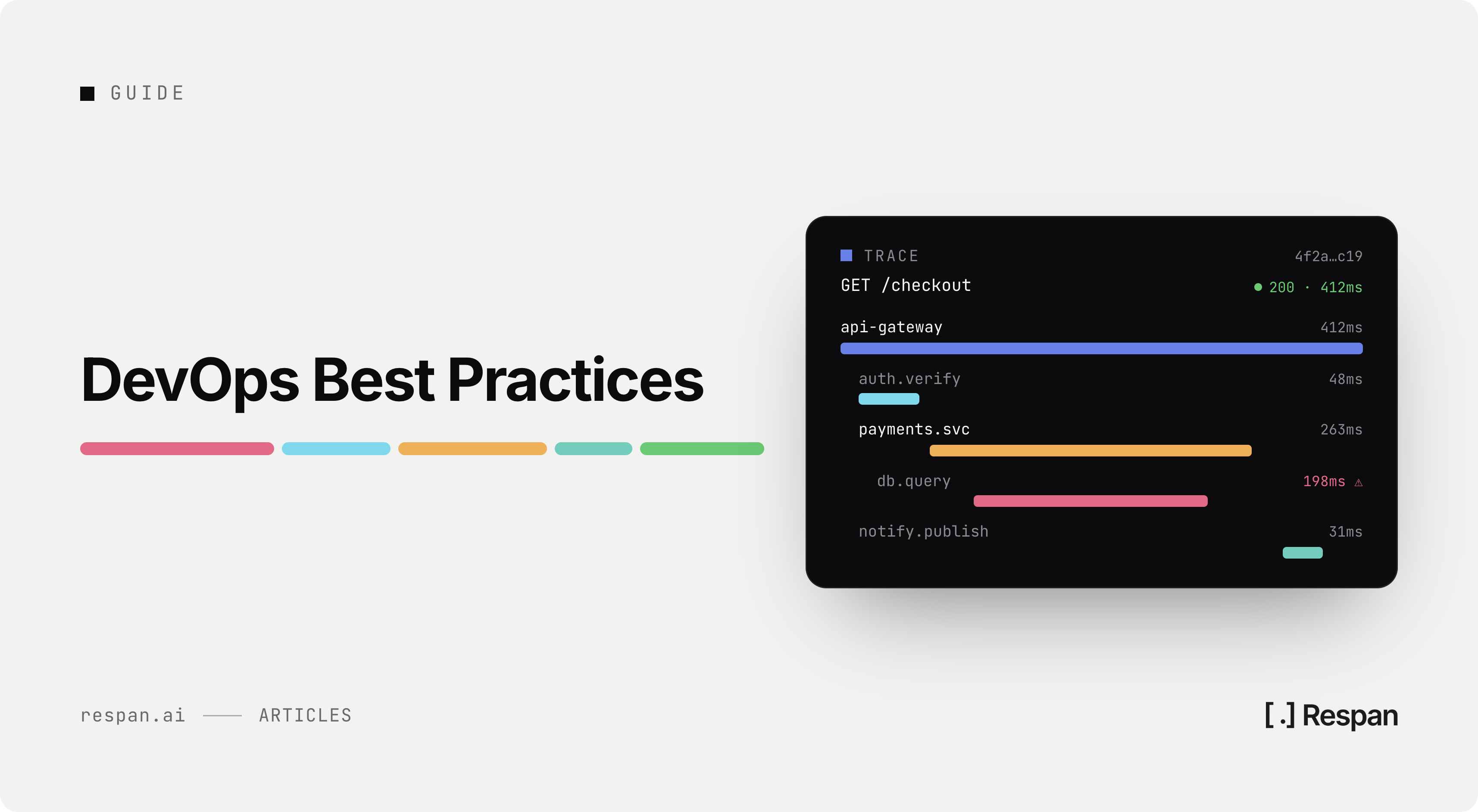
Agent Tools: The Patterns That Actually Work in Production
Frank ChenMay 23, 2026
Tool design is where most agent failures live. Here is the field guide to the seven patterns that work, the three anti-patterns to avoid, and the trace signals that surface bad tool design before users do.
The model is rarely the bottleneck on a production agent. Tool design is. The agent chose the wrong tool, called the right tool with bad arguments, ignored the structured error you returned and retried, or called a tool with side effects that should have required confirmation. Each of those failures shows up the same way to a user (the agent did the wrong thing) but each one has a different root cause and a different fix in your tool surface.
This piece is the field guide we use after watching thousands of agent loops trace through Respan in production. Seven patterns that work. Three anti-patterns that consistently burn teams. And for each one, the trace signal that surfaces a problem before users complain.
TL;DR
Tool descriptions are the most important prompt you don't think of as a prompt. Bad descriptions cause more agent failures than weak models.
Many small tools beat one swiss-army tool. A model can compose. It cannot reason about a 12-argument schema with conditional semantics.
Always return structured errors. Tools that throw ValueError("bad input") cause the model to retry blindly. Tools that return {"error": "...", "retry": false, "fix": "..."} let the model recover gracefully.
Cap recursion and side effects. An agent with an unguarded send_email tool is a production incident waiting for a prompt-injection attempt.
Trace every tool call as a child span. Without it, debugging is guessing. With it, the failure mode is usually obvious in the first 30 seconds of reading the trace.
Pattern 1: Tool descriptions written for the model, not for the human
The model reads your tool description before deciding whether to call it. Treat the description as a prompt fragment. The pattern:
@tooldef query_users(min_signups: int = 10) -> list[dict]: """Return users with at least min_signups completed signups. Use this when: - The user asks about specific user accounts or user populations. - You need to compute aggregate user statistics. Do not use this when: - The user wants to modify a user record (use update_user instead). - You just need a count (use count_users, which is cheaper). Args: min_signups: Minimum completed signups. Default 10. Returns: list of dicts with keys: id, name, signups, created_at. """
The shape that matters: what the tool does, when to use it, when NOT to use it (the "do not use this when" line catches more wrong-tool selections than any other single change we have seen), arg types with descriptions, return shape.
The bad version: """Get users from the database.""". The model has no idea when this is the right tool vs. a similar one. It guesses. It guesses wrong about 20% of the time in our customer data.
Pattern 2: Many small tools beat one swiss-army tool
A 12-argument tool with conditional semantics ("if mode='search', use query; if mode='create', use payload, ignore query") is the most common shape we see in struggling production agents. The model has to reason about which arguments are required given which mode, often gets it wrong, and your error handling has to be smart enough to recover.
The fix: split into named tools. search_documents(query), create_document(payload), update_document(id, payload). Each one has a small argument schema, a clear purpose, and a clear description. The model picks among 5 simple tools faster and more reliably than it reasons about one complex tool with conditional semantics.
Five tools, each with three arguments, beats one tool with 15.
Pattern 3: Structured errors, not exceptions
When a tool fails, return a structured result the model can reason about. Not an exception, not an opaque string.
@tooldef buy_credits(amount: int) -> dict: if amount > 1000: return { "error": "amount_too_large", "message": "Amount must be 1000 or less in a single call.", "max_allowed": 1000, "retry": False, } if amount < 1: return {"error": "invalid_amount", "retry": False} # ... happy path return {"ok"
The model reads retry: false and stops trying. It reads max_allowed: 1000 and can suggest a smaller value to the user. This single pattern is the highest-ROI reliability win we recommend. Most production-grade MCP servers (covered in our MCP server tutorial) ship this style of error.
The bad version raises a Python exception. The agent sees a generic protocol error, has no idea what went wrong, and either retries blindly or gives up. Neither is the right user experience.
Pattern 4: Argument types that fail fast
Strict argument schemas catch hallucinated arguments before they cause damage.
from enum import Enumclass Status(str, Enum): open = "open" closed = "closed" pending = "pending"@tooldef update_ticket(id: int, status: Status) -> dict: """Update a ticket's status."""
The enum makes it impossible for the model to call update_ticket(id=42, status="cancelled") even if it would like to. The schema rejects the call before it hits your tool body. Strict typing on tool arguments is a guardrail. Use it.
For free-form arguments where you cannot enumerate the valid values, at least validate against patterns. A user_id argument should match your user-id regex. A date should parse as a date. Strict validation at the boundary is the cheapest defense against hallucinated arguments.
Pattern 5: Latency budgets per tool
Tools that take seconds-to-minutes will stall the agent loop. The model is waiting on your tool response, then a model call, then the next tool. A 30-second tool turns into a 5-minute total agent run.
Set explicit timeouts on outbound calls in your tools. Set a budget on the tool runtime overall. If a tool is genuinely slow (research-style operations, external API that takes time), use the async-job pattern:
@tooldef start_long_search(query: str) -> dict: """Start a long-running search. Returns a job_id immediately.""" job_id = create_search_job(query) return {"job_id": job_id, "status": "started"}@tooldef check_job_status(job_id: str) -> dict: """Poll for the result of a long-running job.""" return get_job_status(job_id)
The agent starts the job, can do other things, and comes back to check. Better than blocking the entire loop on a 60-second tool. This is the pattern we recommend for any tool that might take more than a few seconds.
Pattern 6: Side-effect tools require confirmation
Tools that send emails, transfer money, delete records, or send messages need a guard. The model should propose the action, the application code (or the user) confirms, then the action runs. Three implementations work:
Application-level confirmation. The tool returns a "would do X" preview and a confirmation token. The user (or app logic) decides. A separate tool actually does the action.
Tool-level confirmation. The tool takes a confirmed: bool argument. The first call returns a preview. The agent re-calls with confirmed=true after explicit user approval.
External authorization. The tool checks user-session-level permissions outside the LLM call. The agent cannot decide who has authority to send an email; the auth layer can.
The wrong pattern: an unguarded send_email(to, subject, body) tool that the agent can call anytime. A prompt-injection attempt (covered in prompt injection detection) becomes a data-exfiltration tool. Always gate side effects.
Pattern 7: Trace every tool call as a child span
Without per-tool tracing, debugging an agent's tool choices is guessing. With it, the failure mode is usually visible in the trace tree.
# Conceptual: attach to your tracing systemspan.set_attribute("tool.name", "query_users")span.set_attribute("tool.args_json", json.dumps(tool_args))span.set_attribute("tool.result_json", json.dumps(tool_result)[:8192])span.set_attribute("tool.latency_ms", elapsed_ms)span.set_attribute("tool.error", error_code or "")
In Respan, tool calls auto-instrument as spans when you use the @workflow and @task decorators or call frameworks like OpenAI Agents SDK, LangGraph, or CrewAI. The span attaches under the parent LLM call that triggered it. See LLM tracing and the span attributes reference for the data model. For the debug workflow, agent debugging covers the trace-tree patterns.
Three anti-patterns we tell teams to stop
Anti-pattern 1: The unguarded eval() tool.
We have seen tools called execute_python, run_sql, shell_exec that the agent can invoke freely. With no sandbox, no confirmation, no allowlist. This is not a tool, it is a remote code execution surface. Either sandbox aggressively or remove the tool. Do not ship it as is.
Anti-pattern 2: The "do anything" tool.
A tool with arguments like action: str, args: dict where the agent picks the action at runtime. You have moved the tool-selection logic into the tool body, which is the wrong layer. Split into named tools, each with a clear purpose.
Anti-pattern 3: Tools that return prose instead of structured data.
A tool that returns "Found 14 users named Alice. Their signups are 12, 7, 3..." gives the model nothing to reason about programmatically. The model has to parse the prose to figure out what to do next. Return JSON. Always.
Common gotchas
Ranked by how often we see them.
Description that does not say when NOT to use the tool. Adds noise to tool selection.
Tools that share names with common Python builtins (open, filter, map). Confuses some models.
No retry guard on the application side. Even with structured errors, if the agent loop has no maximum-step cap, a bad tool that returns retry: true will loop forever.
Logging tool args but not tool results. Half the trace, half the debug power.
Side-effect tools without confirmation. The injection vector waiting to be exploited.
Tool that takes a free-form text input intended to be the LLM's instruction to the next call. The model treats it as another prompt and amplifies any drift.
FAQ
How many tools should an agent have access to at once?
For Claude and GPT-5-class models, up to 20 well-described tools work. Below that, the model selects reliably. Above 30, even strong models start mis-selecting on edge cases. If you have more than 30 tools, route by intent (a router decides which tool subset to expose, see agent workflow patterns).
Should tool descriptions include examples?
For ambiguous tools, yes. Two or three short examples of correct invocation help the model anchor. Keep them concise; long examples eat your context budget.
What's the right argument-validation library?
Pydantic for Python, Zod for TypeScript. Both integrate cleanly with most agent frameworks and produce schema the model can read.
Should I cache tool results?
Carefully. Only pure-read tools (lookups, searches) are safe to cache. A cached send_email is a bug. Put the cache inside the tool implementation, keyed on the args.
How do I prevent prompt injection via tool results?
Treat tool-returned content as untrusted. Strip suspicious formatting, tag the content as "data, not instructions" in your system prompt, and never let a tool result decide whether to call a high-side-effect tool. See prompt injection detection.
What's the highest-ROI single change for tool design?
Add "Do not use this tool when..." sentences to every tool description. Costs nothing, prevents a meaningful percentage of wrong-tool selections.
Should I version tool descriptions like prompts?
Yes. Tool descriptions are part of the prompt surface. Treat them like prompts. See prompt versioning for the schema.