This is Day 3 of Respan Launch Week.
Most observability platforms give you dashboards and query builders. That works until you need something specific. "Why was this trace slow?" "Set up a monitor for high-cost requests." "Create an evaluator that checks for hallucinations." At that point you're clicking through menus, reading docs, and stitching things together manually.
We wanted a different experience. Instead of navigating the platform yourself, just ask.
Respan Agent
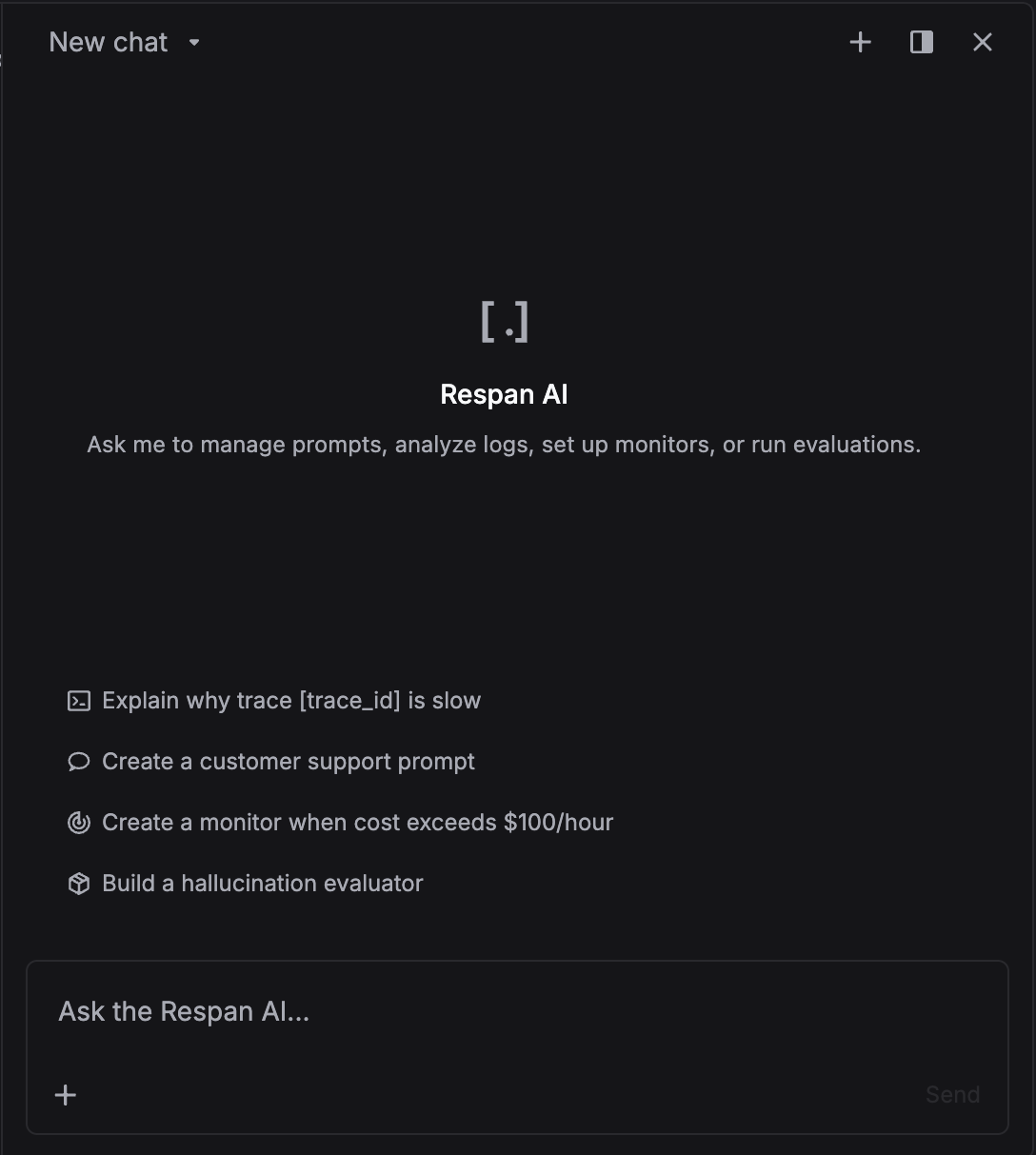
Respan Agent is an AI assistant built into the platform. Open it from any page and ask questions in natural language. It has full access to your traces, logs, prompts, datasets, evaluators, and experiments.
A few things you can do:
- "Explain why trace {trace_id} is slow" and it pulls the trace tree, finds the bottleneck spans, and tells you what happened.
- "Create a monitor when cost exceeds $100/hour" and it sets up the monitor with the right conditions and notifications.
- "Build a hallucination evaluator" and it creates an LLM-based evaluator workflow you can run on any dataset.
- "Create a customer support prompt" and it drafts a versioned prompt template ready for production.
It's not a chatbot sitting on top of docs. It can read and write. It searches your data, creates resources, and configures things directly. If you can do it in the UI, the agent can do it for you.
CLI
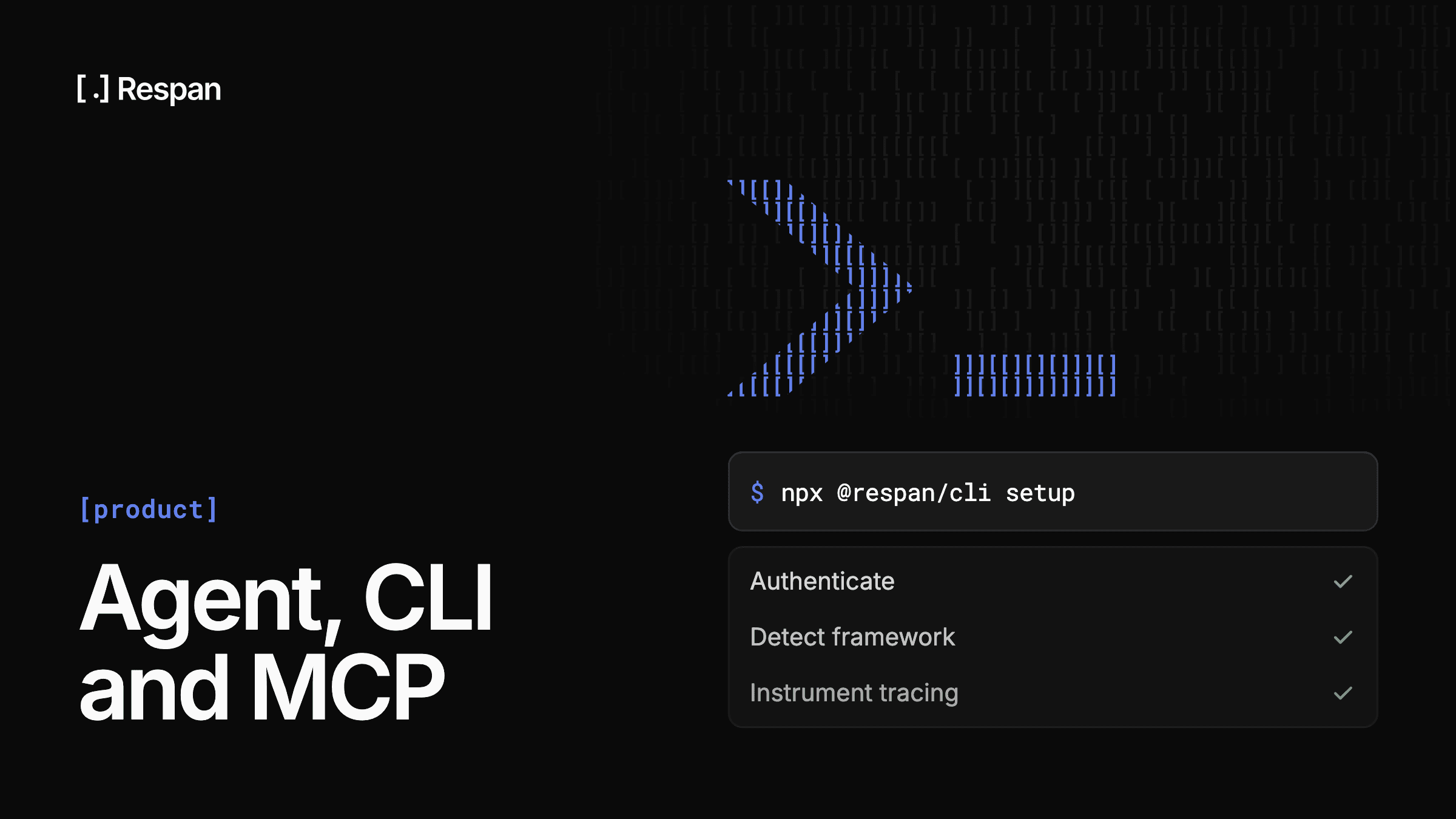
The CLI is the fastest way to get Respan into your codebase. One command handles authentication, detects your framework, and instruments your code with tracing:
npx @respan/cli setupFrom there you also get full access to the platform from your terminal. Query logs and traces with filters, manage prompts with version control, run evaluators against datasets, and compare experiments.
# Create a prompt template
respan prompts create --name "customer-support" --template prompt.txt

# Create an evaluator
respan evaluators create --name "hallucination-check" --type llm

# Run an experiment against a dataset
respan experiments create --evaluator hallucination-check --dataset ds_123MCP
The MCP server connects Respan to any tool that supports the Model Context Protocol. Claude Code, Cursor, Codex, or anything else that speaks MCP.
One command to add it to Claude Code:
claude mcp add --transport http \
  --header "Authorization: Bearer YOUR_RESPAN_API_KEY" \
  respan https://mcp.respan.ai/mcp
Once connected, your coding agent gets 40+ tools including:
- Traces:
list_traces,get_trace_tree,get_traces_summary - Prompts:
create_prompt,update_prompt,list_prompt_versions - Evaluators:
create_evaluator,run_evaluator,list_evaluators - Experiments:
create_experiment,list_experiment_spans,get_experiment_spans_summary - Datasets:
create_dataset,add_spans_to_dataset,list_datasets
All accessible through natural language in whatever environment you already work in.
The MCP server is also open source.
Three interfaces, one platform
The pattern is simple. Whether you're in the Respan dashboard, a terminal, or a coding agent, you get the same access to the same data with the same capabilities. Pick whatever fits the moment.
Not on Respan yet? Get started in under 5 minutes:
npx @respan/cli setupTo stay updated for the rest of Launch Week, follow us on X or join our Discord community!