This is Day 4 of Respan Launch Week.
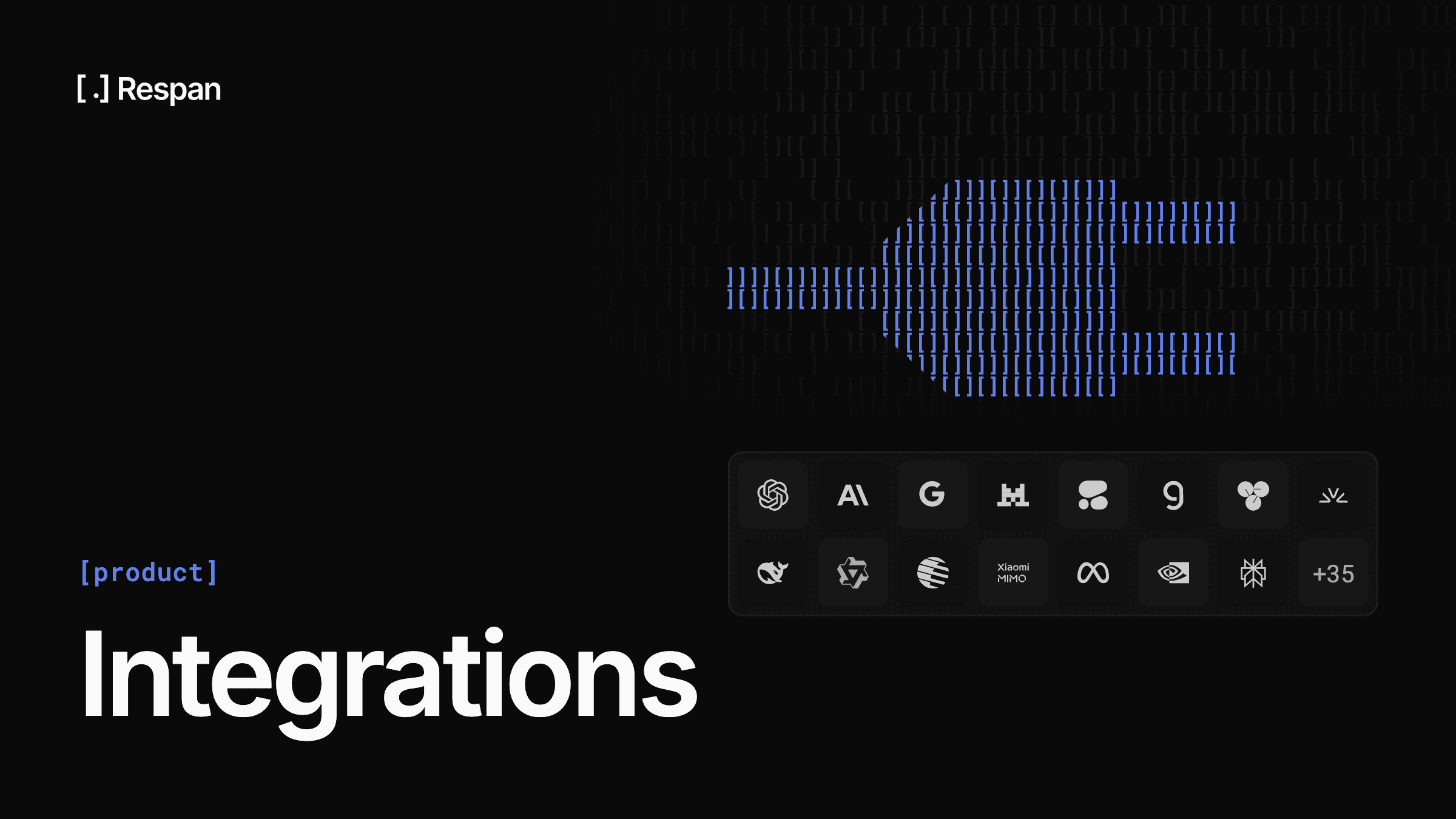
When we started Respan, we supported a handful of integrations. Today we support over 50, and every one of them can be set up with a single command:
npx @respan/cli setupThe CLI detects your framework, installs the right SDK, and instruments your code. No manual configuration, no copy-pasting boilerplate.
What's supported
We cover the full spectrum of AI development:
LLM Providers - OpenAI, Anthropic, Google Gemini, Mistral, Cohere, Groq, Together AI, Fireworks, Cerebras, Hyperbolic, and more. Trace every API call with token counts, costs, and latency automatically captured.
Agent Frameworks - LangChain, LangGraph, CrewAI, AutoGen, Mastra, Agno, Atomic Agents, Swarm Agents, OpenAI Agents, Claude Agents, and Smolagents. See every agent step, tool call, and reasoning trace in a single timeline.
RAG & Retrieval - LlamaIndex, Chroma, Pinecone, and Weaviate. Track your retrieval pipeline from query to generation, including embedding calls and chunk retrieval.
Orchestration - DSPy, Instructor, Vercel AI SDK, Pydantic AI, and Haystack. Whatever abstraction layer you use, Respan traces through it.
Development Tools - Cursor, Claude Code, Codex CLI, and any MCP-compatible tool. Monitor your AI-assisted development workflows too.
How it works
Every integration follows the same pattern. The Respan SDK wraps your provider's client and automatically captures:
- Input/output pairs for every LLM call
- Token usage and cost calculated per model
- Latency at every level of your call stack
- Tool calls and function invocations with arguments and results
- Error traces with full context when things fail
For most frameworks, it's just adding an instrumentor:
from openai import OpenAI
from respan import Respan
from respan_instrumentation_openai import OpenAIInstrumentor

respan = Respan(instrumentations=[OpenAIInstrumentor()])

client = OpenAI()
response = client.chat.completions.create(
    model="gpt-4.1-nano",
    messages=[{"role": "user", "content": "Say hello in three languages."}],
)
print(response.choices[0].message.content)
respan.flush()
It works the same way for agent frameworks like OpenAI Agents SDK:
from respan import Respan
from respan_instrumentation_openai_agents import OpenAIAgentsInstrumentor
from agents import Agent, Runner, trace

respan = Respan(instrumentations=[OpenAIAgentsInstrumentor()])

agent = Agent(
    name="Assistant",
    instructions="You only respond in haikus.",
)

async def main():
    with trace("Hello world"):
        result = await Runner.run(agent, "Tell me about recursion.")
        print(result.final_output)
    respan.flush()
Zero-config for popular stacks
The CLI handles the most common setups automatically:
$ npx @respan/cli setup

Detected: Python 3.12, OpenAI SDK, LangChain
Installing: respan-sdk
Instrumenting: openai, langchain
Writing: .env (RESPAN_API_KEY)

Done. Run your app and traces will appear at platform.respan.ai
It works the same way for TypeScript, with support for the Vercel AI SDK, OpenAI Node SDK, Anthropic SDK, and more.
Open source and extensible
All instrumentations are open source at github.com/respanai/respan. If your framework isn't supported yet, you can add a custom integration using our SDK primitives, or open a PR.
Check out the full list of supported integrations in the docs.
Not on Respan yet? Get started in under 5 minutes:
npx @respan/cli setupTo stay updated for the rest of Launch Week, follow us on X or join our Discord community!