

Tracing quickstart
Tracing records each step of your AI app, such as LLM calls, tool runs, and agent steps, as a tree of spans, so you can debug failures and see where time and cost go. The Respan SDK traces the major LLM SDKs automatically once you initialize it.
Set up with your coding agent
Paste this prompt into Claude Code, Cursor, Codex, or any coding agent:
To set it up yourself, follow the steps below.
Step by step
Create an API key
In the platform, go to Gateway › API keys and click New key. Pick Production or Test, keep the default permissions, and click Create.
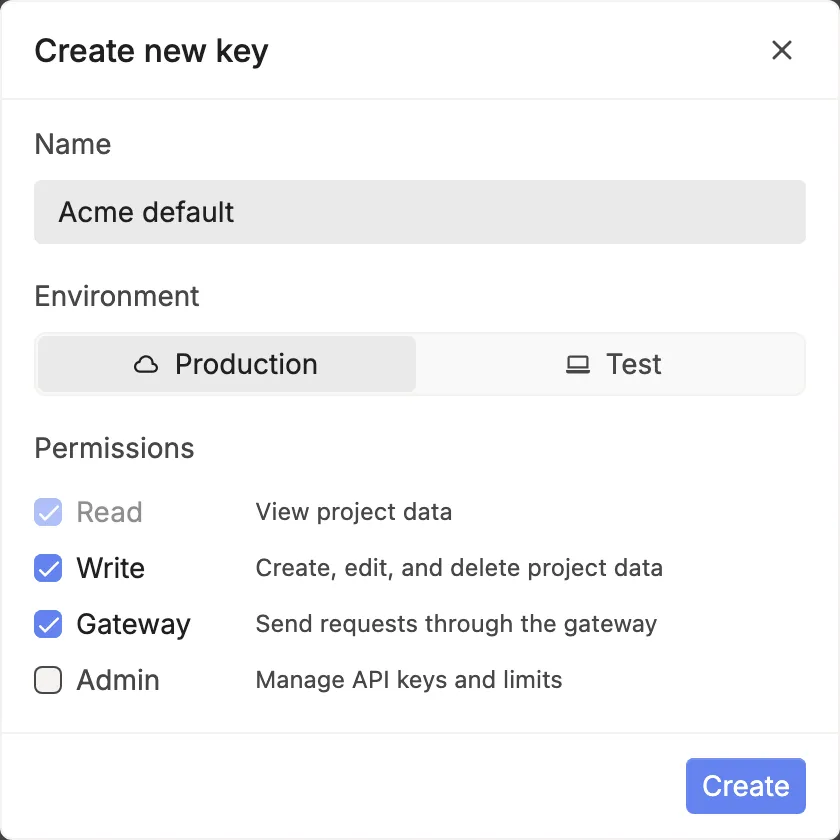
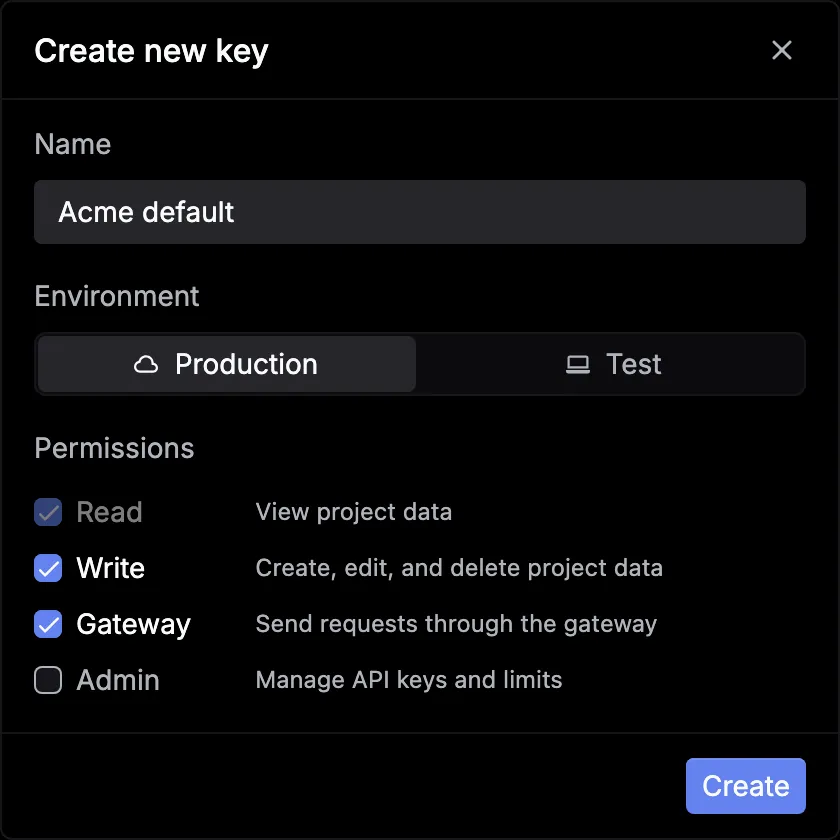
Click Copy, then Done. You won’t see the key again, so save it now:
Install and initialize the SDK
Install the Respan SDK alongside your LLM SDK. Initialize Respan once, before your first model call.
Python
TypeScript
Requires Python 3.11 to 3.13.
Calls made with the OpenAI, Anthropic, AWS Bedrock, Vertex AI, and Together AI SDKs are traced automatically, plus Google GenAI and Ollama in Python, and Cohere, OpenRouter, and Writer in TypeScript. The workflow wrapper groups the calls inside it into one trace.
Using an agent framework such as OpenAI Agents, LangChain, or the Vercel AI SDK? Find its guide in Integrations.
Run your app
The SDK sends spans in the background and flushes them when the process exits. In serverless functions, call respan.flush() (await respan.flush() in TypeScript) before you return.
See the trace in Logs
Go to Observability › Logs. Open the grouping menu, which shows Spans by default, and pick Traces. Click your support_agent trace.
The side panel shows the span tree with each span’s duration, tokens, and cost. Click a span to see its input and output.
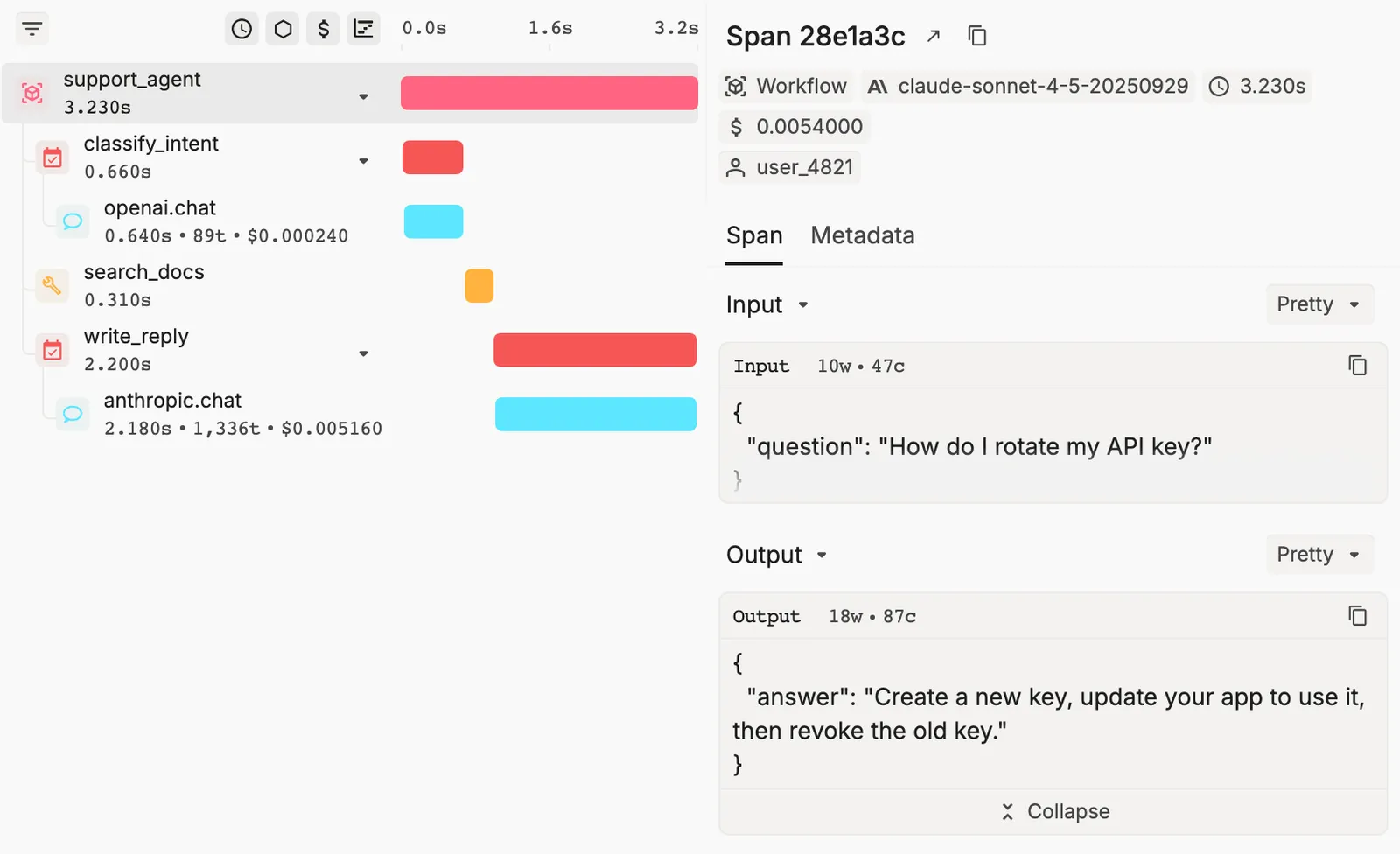
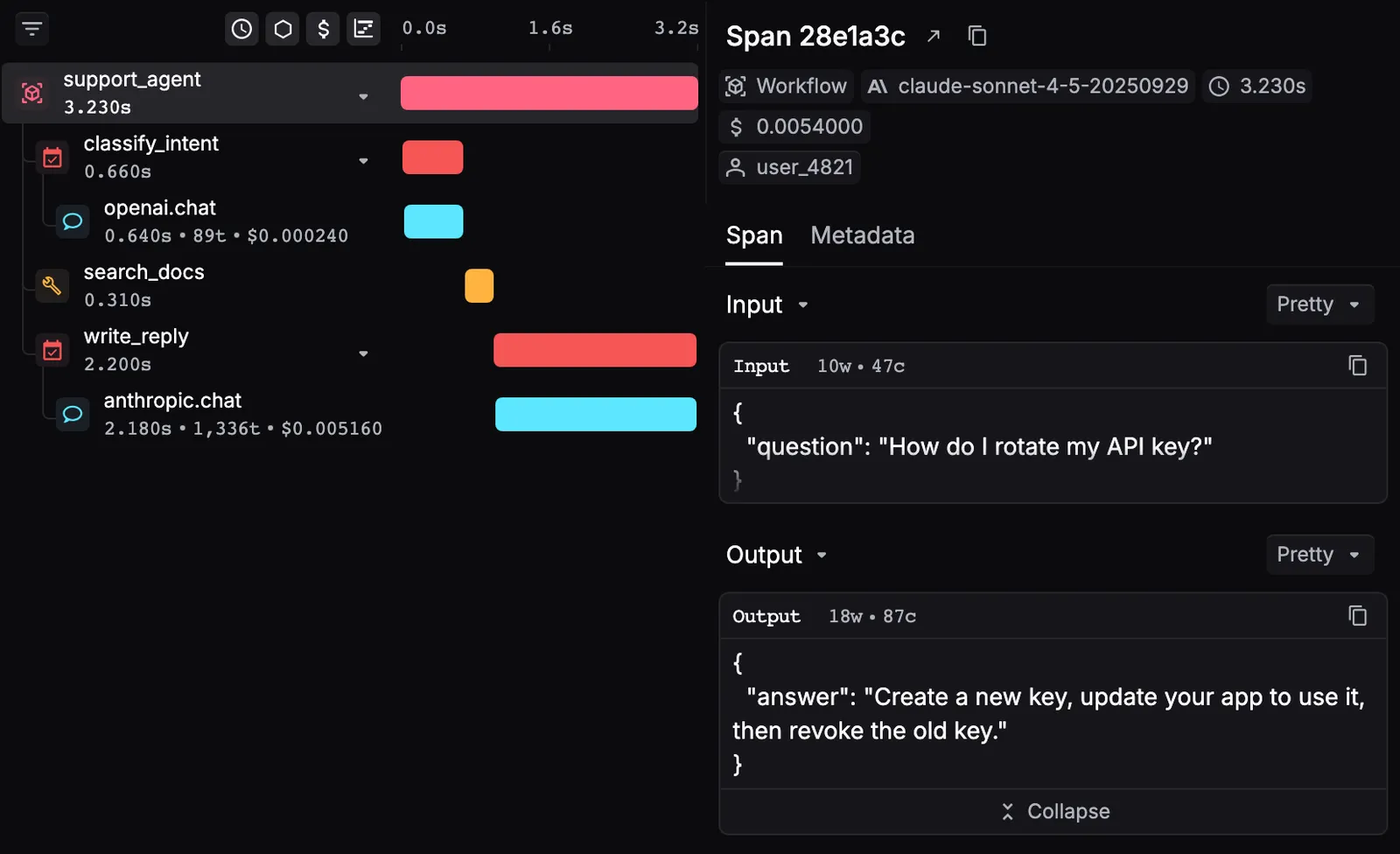
Don’t see it? Widen the time range. Traces sent with a Test key show under Test, so set the environment switch to Test or All environments. See Inspect spans and traces.
Key terms
The grouping menu in Logs switches between these views.