Every few months a new model release makes the one in your stack look slow or expensive, and switching means finding out which of your prompts were tuned to the old model's quirks. For a team running agents with a dozen prompts spread across tool calls and handoffs, that retesting can eat into most of what the upgrade was supposed to buy.
DSPy moves that work out of hand-edited prompt strings. You declare what each step takes in and returns, and an optimizer writes the instructions and examples against a metric you define, so a model change means re-running the optimizer instead of rewriting prompts.
The optimizer hands back a prompt and a score, and that score comes from the examples you collected. It's a useful number, though live traffic is what decides whether the improvement holds.
Below is how DSPy prompt optimization works, with examples you can run and a path from the compiled program to production traffic.
What Is DSPy?
DSPy is an open-source Python framework for building LLM programs out of declared inputs and outputs instead of hand-written prompt strings. Each step names its fields and their types, and DSPy generates the prompt from that declaration every time the step runs.
The difference from a hand-written prompt is where the wording lives. In a hand-written prompt, the instructions, the examples, and the output format sit in one string, and changing any of them means editing text and rereading outputs. In DSPy the program is Python and the prompt is generated from it, so optimization can change the prompt text the model sees without any change to your code.
How Does DSPy Prompt Engineering Work?
Writing a DSPy program means describing each step as a signature, choosing a module to run it, and giving an optimizer a metric to improve it against.
Signatures
A signature declares what a step takes in and what it returns. The short form is a string like "question -> answer". The longer form is a class, where each field carries a type and an optional description.
In the class form, the docstring becomes the task description in the prompt, and the field names, types, and descriptions become the field list the model sees. DSPy's adapter layer turns all of that into chat messages, then parses the response back into typed values. A field typed as Literal["bug", "docs"] therefore comes back validated against that type rather than as free text.
Modules
A module decides how the model works through a signature. dspy.Predict sends the signature as-is.
dspy.ChainOfThought adds a reasoning field ahead of the outputs, which is DSPy's built-in version of chain-of-thought prompting. For steps that need outside information, dspy.ReAct runs a loop in which the model calls the tools you pass it until it can fill the output fields, the same pattern behind ReAct agents.
Larger programs are built by subclassing dspy.Module, declaring sub-modules in __init__, and calling them in forward. An optimizer walks every predictor inside that program and tunes each one, so a multi-step program gets optimized as a whole instead of one prompt at a time.
Metrics and Optimizers
A metric is a Python function that takes a labeled example and the program's prediction and returns a score. It can be an exact-match check, a rule, or a call to a second model acting as a judge. Whatever it rewards is what the optimizer will chase, which is why prompt evaluation is the part of a DSPy project worth the most care.
An optimizer takes the program, the metric, and a training set, and its compile() method returns a new copy of the program with higher-scoring instructions, few-shot demos, or both. Some optimizers can fine-tune model weights instead. Prompt-only optimizers change nothing but what the model reads, so they work with closed models behind an API.
DSPy Examples
Start with a single step that labels a GitHub issue and assigns it a priority:
from typing import Literal

import dspy

dspy.configure(lm=dspy.LM("openai/gpt-4o-mini"))


class TriageIssue(dspy.Signature):
    """Label a GitHub issue and assign a priority."""

    title: str = dspy.InputField()
    body: str = dspy.InputField()
    label: Literal["bug", "feature_request", "question", "docs"] = dspy.OutputField()
    priority: Literal["p0", "p1", "p2"] = dspy.OutputField(
        desc="p0 means production is broken for users"
    )


triage = dspy.Predict(TriageIssue)
result = triage(
    title="Streaming responses cut off after 30 seconds",
    body="Since upgrading to 2.4, long completions stop mid-sentence with no error.",
)
print(result.label, result.priority)

dspy.inspect_history(n=1)
dspy.inspect_history prints the last prompt DSPy sent. The docstring shows up as the task instructions, each field is listed with its type, and the model is told to answer inside [[ ## label ## ]] and [[ ## priority ## ]] markers. Those markers are how the default ChatAdapter finds each value in the response.
A second example turns that step into a program. Before labeling an issue, it checks whether the issue duplicates one that's already open:
def search_open_issues(query: str) -> list[str]:
    """Return titles of open issues that match the query."""
    return issue_search.query(query, limit=5)  # your search backend


class TriageWithDuplicates(dspy.Module):
    def __init__(self):
        super().__init__()
        self.find_duplicate = dspy.ReAct(
            "title, body -> is_duplicate: bool, duplicate_title: str",
            tools=[search_open_issues],
            max_iters=4,
        )
        self.triage = dspy.ChainOfThought(TriageIssue)

    def forward(self, title: str, body: str):
        duplicate = self.find_duplicate(title=title, body=body)
        triaged = self.triage(title=title, body=body)
        return dspy.Prediction(
            is_duplicate=duplicate.is_duplicate,
            duplicate_title=duplicate.duplicate_title,
            label=triaged.label,
            priority=triaged.priority,
        )
The ReAct step decides for itself when to call the search tool, and max_iters caps how many rounds it gets. The triage step now reasons before it labels. Because both are predictors inside one module, an optimizer run tunes them together.
Pros and Cons of DSPy Prompting
Many of DSPy's advantages only show up after the first version ships, when the prompt has to keep working through changes. Its costs arrive earlier, before the first optimization run.
Pros
- Prompts live in code - Signatures and modules are Python, so they go through code review and version control with the rest of the codebase. The optimized state saves as readable JSON you can commit next to the code that loads it.
- A model swap means re-running the optimizer - A prompt tuned by hand for one model can need rework on another. With DSPy, you point the program at the new model and run the optimizer again against the same metric and data, which turns a rewrite into a job you can schedule.
- Every change gets a number - Once the metric and dev set exist, any change to a signature, module, or model is scored before it ships, which gives a review something firmer to go on than a handful of sample outputs.
- Steps compose - A two-step program is two modules in a
forwardmethod, and the optimizer tunes both. Adding a step doesn't require growing one prompt that already does too much.
Taken together, the benefits favor programs that will change over time. A single prompt that will stay on one model may never pay back the setup.
Cons
- Data and a metric come first - Without labeled examples there is nothing to optimize against. For open-ended outputs, writing a metric that captures quality can take longer than writing the prompt did.
- Optimization runs cost money every time - Each candidate prompt runs across the training set, and settings like MIPROv2's
auto="light","medium", or"heavy"trade budget for search depth. A model change or a new step means paying for another run. - Gains can come from the wrong place - DSPy notes that tuning demos tends to overfit to the training set, while tuning instructions tends to generalize. Judge-based metrics carry their own risk, since the optimizer rewards whatever the judge scores highly, and that can be length or tone rather than accuracy.
- The output is a winner, not a reason - An optimizer returns the prompt that scored highest. It doesn't explain why that wording won, and two runs can land on different prompts with similar scores.
- The API still moves - DSPy 3.3 changed how image, audio, and file inputs are constructed, and it deprecated
CodeActandProgramOfThoughtfor removal in 3.5, according to the release notes. Pinning the version and reading release notes before an upgrade is part of the maintenance.
In practice, the tradeoffs favor tasks with an answer you can check, like classification and extraction, where a metric is cheap to write and easy to trust. Open-ended generation can still work, but the metric becomes a judge model, and the judge becomes one more thing to validate.
How to Do DSPy Prompt Optimization
Before any optimizer touches the triage program, it needs labeled data and a metric to score against. The steps below use the single-step program with ChainOfThought, and the same calls work on the two-step module.
1. Build a Trainset From Real Inputs
The examples should come from inputs the program will actually see. For issue triage, that means issues your team has already labeled, since the label and priority each one ended up with is the ground truth the metric checks.
import json
import random

with open("triaged_issues.jsonl") as f:
    rows = [json.loads(line) for line in f]

examples = [
    dspy.Example(
        title=r["title"], body=r["body"], label=r["label"], priority=r["priority"]
    ).with_inputs("title", "body")
    for r in rows
]
random.Random(0).shuffle(examples)

trainset = examples[:200]
devset = examples[200:300]
testset = examples[300:]
with_inputs tells DSPy which fields the program receives, and the rest become labels. Keep the splits separate from the start. The optimizer learns from trainset, devset compares the baseline against compiled versions, and testset stays untouched until the final check.
2. Write the Metric
For triage, partial credit makes sense, because getting the label right with the wrong priority is better than getting both wrong:
def triage_metric(example, pred, trace=None):
    label_match = example.label == pred.label
    priority_match = example.priority == pred.priority
    return (label_match + priority_match) / 2
The function returns 0, 0.5, or 1. If you plan to use GEPA later, the metric has to return written feedback alongside the score, because GEPA reads that feedback to decide how to rewrite the instructions.
3. Measure a Baseline
triage = dspy.ChainOfThought(TriageIssue)

evaluate = dspy.Evaluate(
    devset=devset, metric=triage_metric, num_threads=8, display_progress=True
)
baseline = evaluate(triage)
print(baseline)
The unoptimized program's score is the number every optimization run has to beat. If it already sits close to your target, a lighter optimizer, or none at all, may be the better use of the budget.
4. Compile With an Optimizer
BootstrapFewShot runs the program on the training set, keeps the runs that pass the metric, and attaches them to the prompt as demos:
optimizer = dspy.BootstrapFewShot(
    metric=triage_metric,
    metric_threshold=1.0,
    max_bootstrapped_demos=4,
)
compiled = optimizer.compile(triage, trainset=trainset)
Setting metric_threshold=1.0 means only fully correct runs become demos, so a half-right triage never gets shown to the model as an example to copy.
When demos alone don't move the score, dspy.MIPROv2 searches instructions and demos together, using Bayesian optimization to pick which combinations to try. It needs the optuna extra (pip install "dspy[optuna]") since DSPy 3.2, and its auto setting controls how much of the budget the search is allowed to spend.
5. Evaluate on a Held-Out Set
print(evaluate(compiled))

final_check = dspy.Evaluate(devset=testset, metric=triage_metric, num_threads=8)
print(final_check(compiled))
If the compiled program beats the baseline on devset but not on testset, it fit the examples rather than the task. With a judge-based metric, run the evaluation more than once before trusting a small gain, since the judge's own variance can account for a few points.
6. Save the Compiled Program and Extract the Prompt
If the program keeps running inside DSPy, the saved JSON is the artifact you deploy. It holds the optimized instructions, the demos, and the model config, and it never includes API keys.
compiled.save("triage_v1.json")

# In the service that runs it
triage = dspy.ChainOfThought(TriageIssue)
triage.load("triage_v1.json")
If the prompt needs to run outside DSPy, for example in one of the prompt versioning tools that deploy and roll back templates without a code change, the adapter can render it with placeholders where the inputs go:
predictor = compiled.predictors()[0]
messages = dspy.ChatAdapter().format(
    predictor.signature,
    demos=predictor.demos,
    inputs={"title": "{{title}}", "body": "{{body}}"},
)
messages is a list of chat messages holding the optimized instructions, the demos as user and assistant turns, and {{title}} and {{body}} where each issue's text will go. The tradeoff is parsing. The model will still answer inside [[ ## label ## ]] markers, and without DSPy in the loop, turning that into typed values is your code's job.
Either way, the prompt now handles inputs your testset never contained, so the next job is tracking which version is live and scoring it against production traffic (read more below).
Running Optimized DSPy Programs in Production
A compiled DSPy program carries a score from the day you ran the optimizer, measured on examples collected before that. In production, inputs drift and model updates land without a code change, so a prompt that won on the test set can start losing. None of that shows up in the JSON file you saved.
Respan keeps measuring a DSPy program after the optimizer is done with it. Instead of reading logs after the fact, use Respan to run observability in production, know when production shifts, and act before it spreads.
- Native DSPy tracing - Install
respan-instrumentation-dspy, passDSPyInstrumentor()toRespan(), and every module call, model call, tool call, anddspy.Evaluaterun becomes a span with its inputs, outputs, and token usage. Adapter spans record the exact prompt DSPy rendered, so a bad label traces back to the text the model received. See the Respan DSPy integration. - Filters that match your traffic - Tag traces with a customer ID, conversation thread, environment, or custom metadata, then slice production behavior by any of them. One flag turns off prompt and completion capture when you need the structure and metrics without the text.
- Gateway routing - Point
dspy.LMat the Respan Gateway with a single Respan API key and no separate provider keys, then switch between OpenAI models by changing the model name. - Versioned prompts outside the codebase - Store the prompt extracted in step 6 as a template with
{{title}}and{{body}}variables, commit each optimization run as a new version, and deploy it without a code change. Code can pin a specific version, and rolling back means deploying an earlier one. - Scores on live traffic - Port your DSPy metric into a Python evaluator and run it on sampled production spans, filtered by status, customer, or thread, with an alert when the score drops. Evaluations on production traffic close the gap between the compiled score and the one users actually see.
- One platform around it - 1,000+ models behind one endpoint, automatic failover, spend limits that block, and SOC 2, HIPAA, GDPR, and ISO 27001 compliance.
FAQ
What Is the Difference Between DSPy and LangChain?
DSPy and LangChain solve different problems. LangChain is one of the LLM orchestration frameworks built for wiring model calls, retrievers, and tools into an application, and the prompts in it are templates you write and maintain. DSPy treats the prompt as something to generate and optimize: you declare a signature, and an optimizer tunes the instructions and examples against a metric.
LangChain's platform, LangSmith, offers an AI assistant in its Playground for optimizing prompts. In DSPy, optimization is part of the framework itself and runs from code. The two can live in the same codebase, and Respan traces both through its LangChain and DSPy integrations.
What Are DSPy Optimizers?
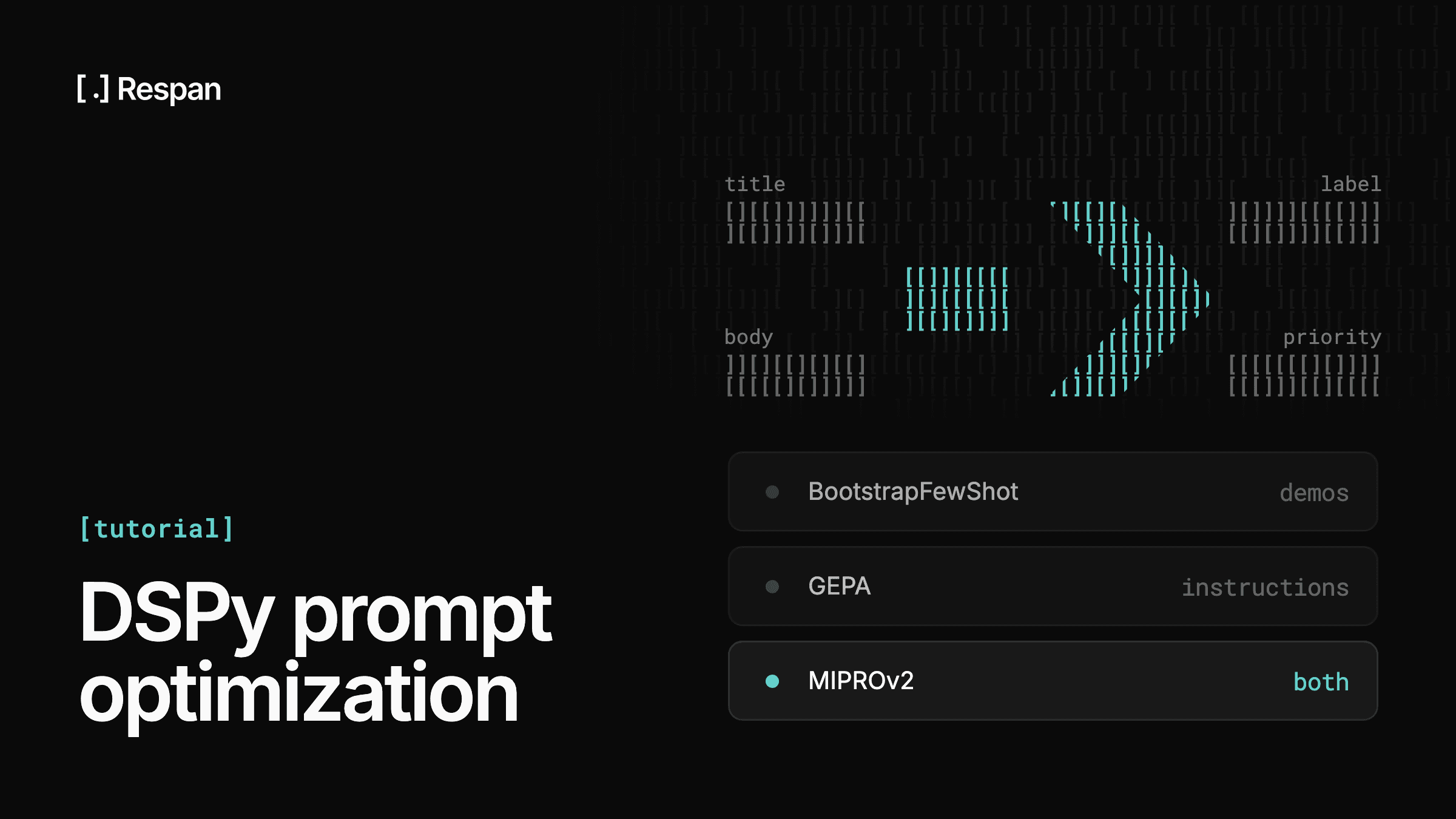
DSPy optimizers are algorithms that tune a program's prompts, or its model weights, against a metric. DSPy's optimizer guide groups them by what they change.
The lightest options attach few-shot demos: LabeledFewShot samples them from your labeled data, BootstrapFewShot keeps the program's own passing runs, and BootstrapFewShotWithRandomSearch compares several demo sets. For instruction rewrites there's COPRO, and GEPA, which reads written feedback from the metric to propose each edit. MIPROv2 and SIMBA tune instructions and demos together, while BootstrapFinetune changes model weights, and BetterTogether chains prompt and weight optimization in sequence.
What Does DSPy Stand For?
DSPy stands for Declarative Self-improving Python, according to the project's GitHub README. The name describes the approach: you declare what each step should do, and optimization improves the prompts for you.