
Advanced
Span types
Every span has a log_type that determines how Respan processes it.
All types use universal input and output fields. For chat-type spans, prompt_messages and completion_message are also extracted for backward compatibility.
Custom properties
customer_identifier
string (max 254 characters, auto-truncated) — Track per-user metrics, budgets, and rate limits. View analytics at Users.
metadata
Key-value pairs for filtering and analytics. All values are coerced to strings.
custom_identifier
An indexed string for fast querying. Use for your own internal IDs.
thread_identifier
Group related spans into a conversation. All spans sharing the same thread ID appear together in the Threads view.
Environments
Separate test and production data using different API keys. Create a test key and a production key in API Keys.
You can also set the environment field explicitly:
Token & cost tracking
Respan auto-calculates tokens and cost for gateway requests. For manual logging:
Override pricing for custom/fine-tuned models:
Feedback & annotations
User feedback
Notes
Attach free-text annotations to any span via the UI or API.
Evaluation scores
Evaluators automatically attach scores. Filter and sort by scores:
See Evaluators for setup.
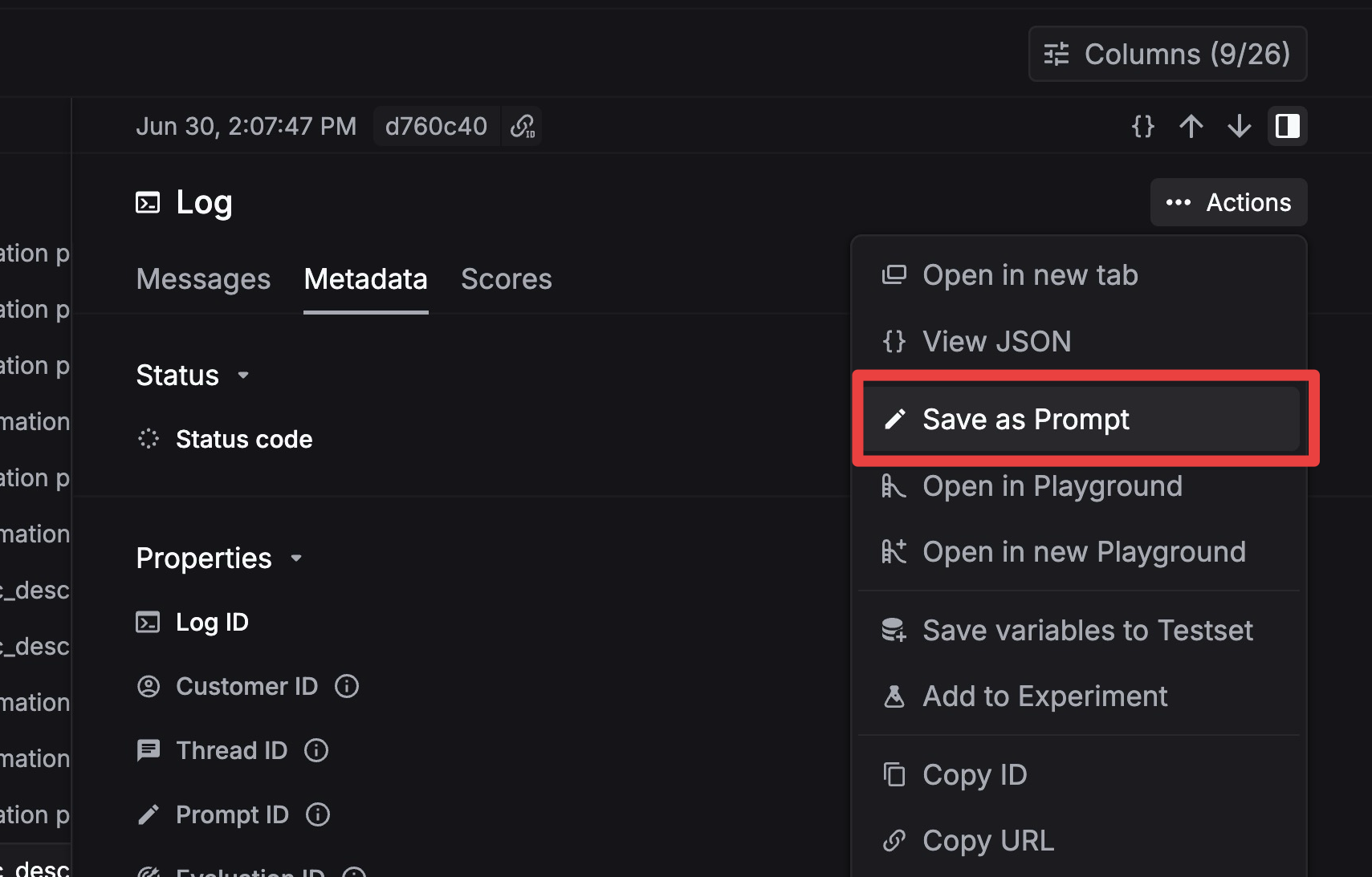
Save span as prompt
Turn any span into a reusable prompt template with one click in the Logs view.
Export spans
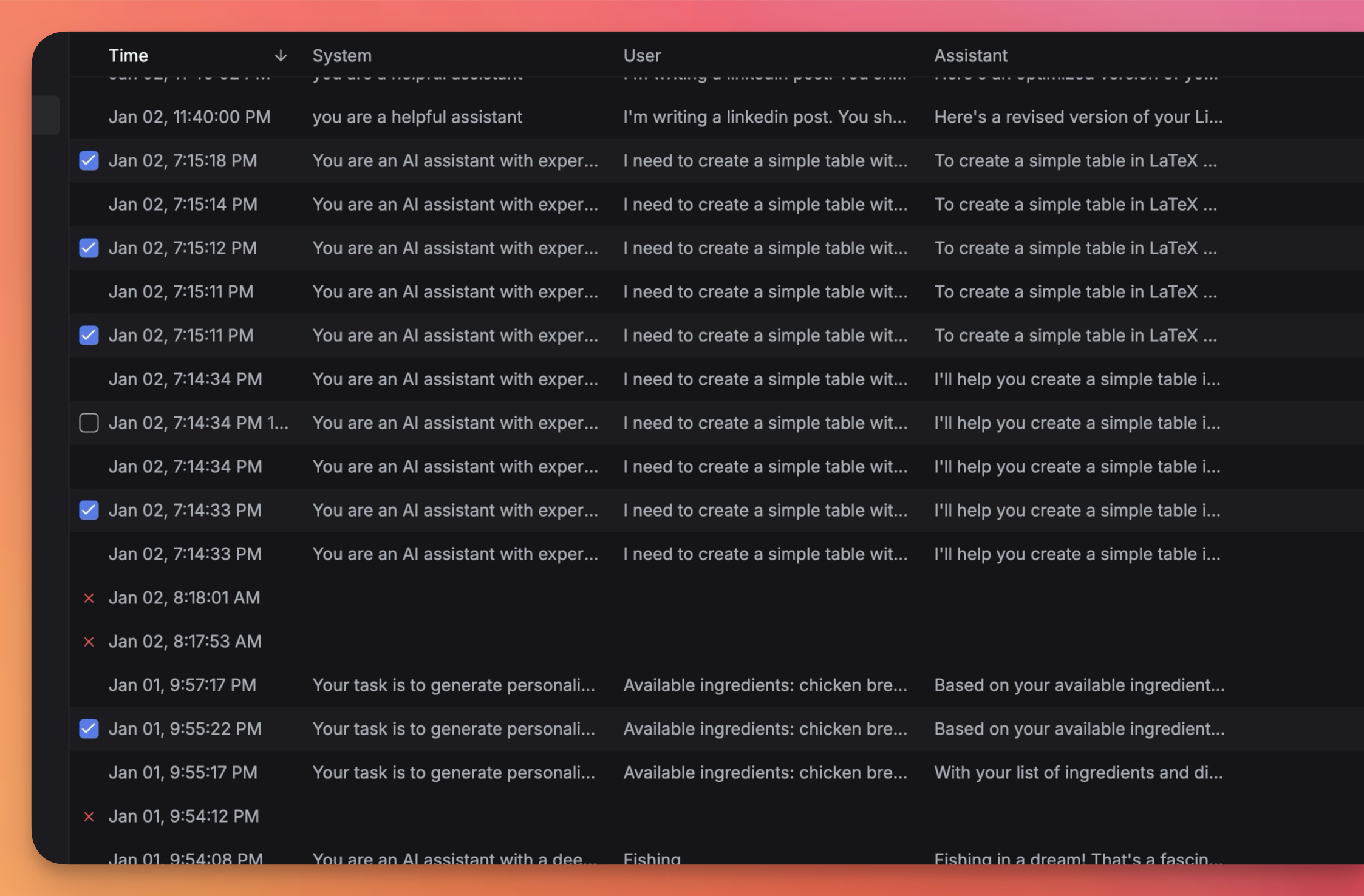
Export spans in CSV or JSON from the Logs view.
- Select spans via checkboxes or filters
- Choose format (CSV / JSON)
- Optionally set a sampling percentage
Pinning
Pin important spans to exempt them from retention TTL deletion:
Privacy
Content blurring is applied automatically based on your plan’s retention limits. The blurred field indicates whether a span’s content is hidden.
Logging controls
For the complete field list, see Span Attributes.