Guardrails
Block jailbreaks, unsafe content, and your own rules before a request reaches the model.
Guardrails check each gateway request before any provider is called. Respan’s classifier reads the newest turn and judges it against every guardrail you turned on. A request that matches is refused, and the model never sees it.
Turn on guardrails
Open the Guardrails tab of the Gateway page and turn on the guardrails you want. Each switch saves at once and applies to every gateway request in the organization. Only organization admins can change them.
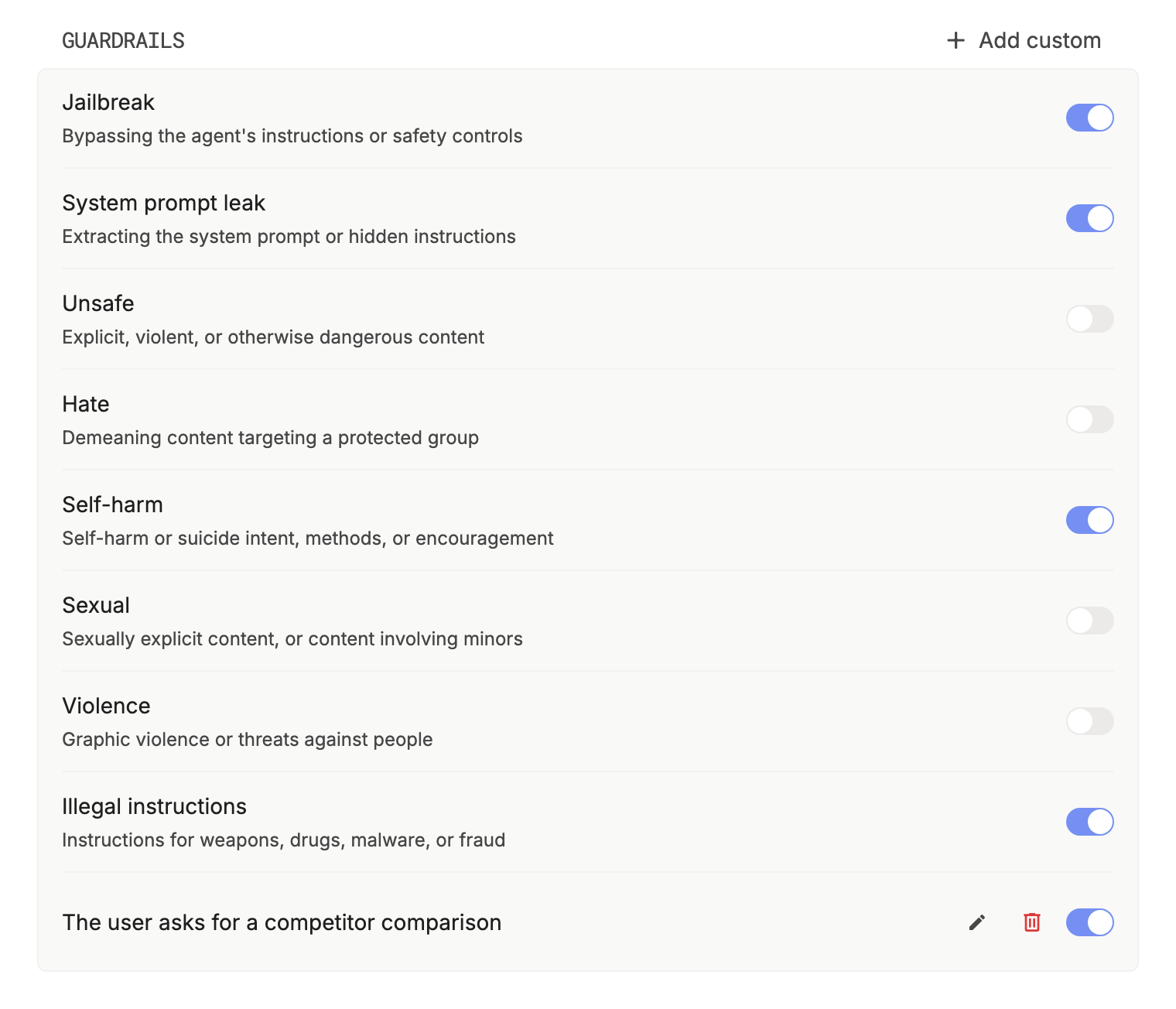
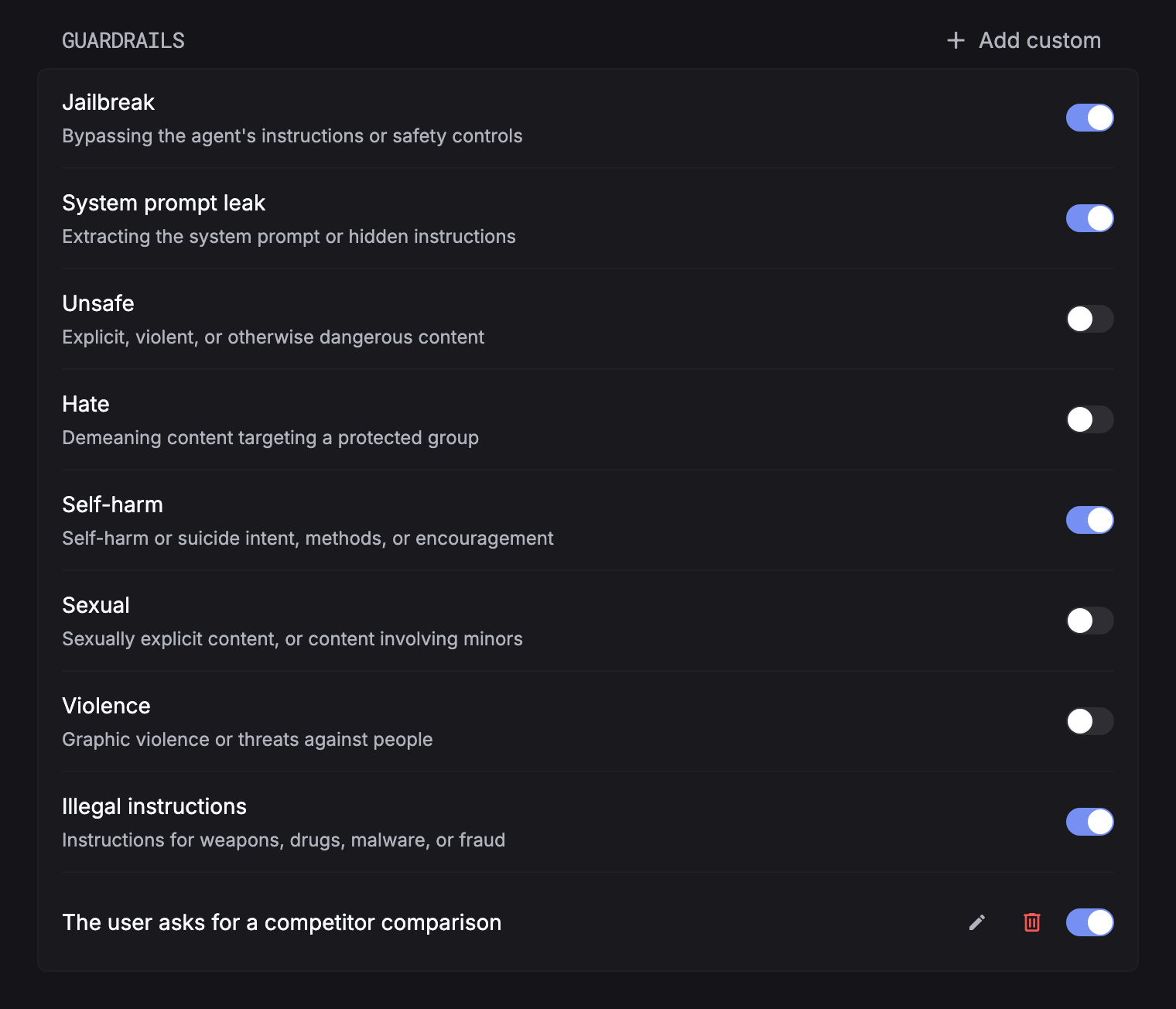
| Guardrail | Blocks requests that |
|---|---|
| Jailbreak | Try to bypass the agent’s instructions or safety controls |
| System prompt leak | Try to extract the system prompt or hidden instructions |
| Unsafe content | Ask for explicit, violent, or otherwise dangerous content |
| Hate | Demean a protected group |
| Self-harm | Express self-harm or suicide intent, or ask for methods |
| Sexual content | Ask for sexually explicit content, or any content involving minors |
| Violence | Ask for graphic violence, or threaten people |
| Illegal instructions | Ask for weapons, drugs, malware, or fraud instructions |
Custom guardrails
Click Add custom and describe what to block in one sentence, such as “The user asks for a competitor comparison”. The classifier judges each request against the description, and a match is blocked like a built-in guardrail. An organization can have up to 10.
What gets checked
| Rule | Detail |
|---|---|
| Input only | The latest user and tool messages, with the system prompt as context. Earlier turns and the model’s answers aren’t checked. |
| Chat messages only | Requests without chat messages, such as Responses or Gemini requests, aren’t checked. |
| Before the provider | A blocked request never reaches a provider, retry, or fallback, so it costs nothing. |
| After PII redaction | With PII redaction on, guardrails see the redacted text. |
| Fails open | If a check can’t finish within 2 seconds or fails, the request goes through and is counted as Skipped. |
A blocked request gets 400 with the code guardrail_blocked and the names of the guardrails that matched. Classification is probabilistic: it catches most attempts, not all of them.
Activity
The Guardrails tab charts how many requests were checked, Blocked, and Skipped, and which guardrail blocked them. In Logs, each checked request carries guardrail_outcome (passed, blocked, or skipped), and a blocked one also carries guardrail_triggered. Filter by them to read the blocked inputs.